
Recruiting videos: turn employee interviews into short clips
Try ShortClip for free.
Upload a video and ShortClip finds the key scenes, makes them vertical, and adds captions and a title.
Make short videos for free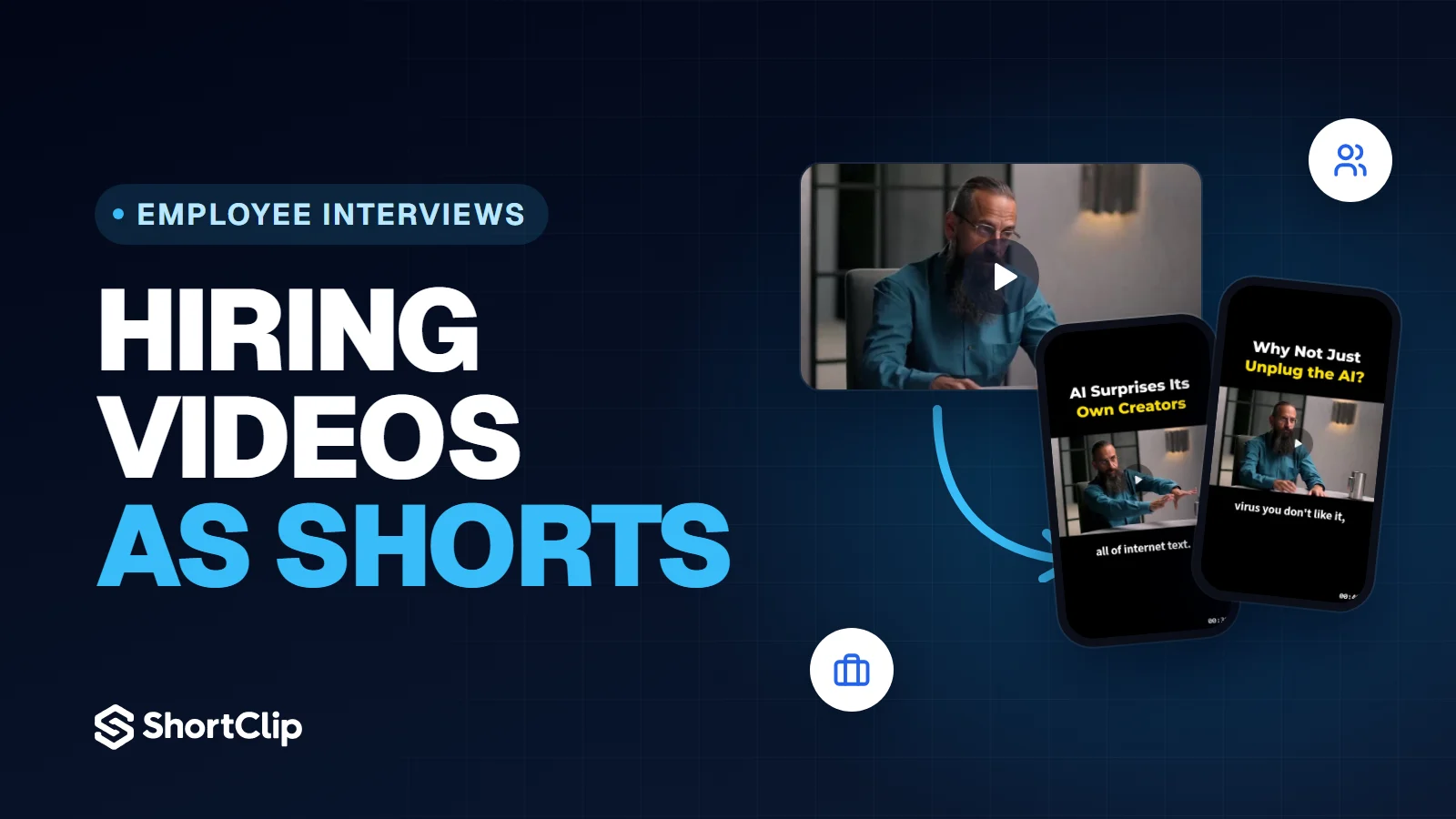
Make recruiting shorts from the employee interviews and info-session recordings you already have: angles that work, what to clear before posting, and how to measure applications.
Recruiting content that works as shorts
In a short, "who does what here and how it feels" lands better than a list of benefits. Each kind of existing footage suggests its own angles:
| Footage you have | Short-form angle | Watch out for |
|---|---|---|
| Employee interviews | One answer per clip: why they joined, what they enjoy, what is hard | Consent and a check of what they said |
| Info sessions and career fairs | What the job involves, answers to common candidate questions | Attendees' faces and names |
| Team roundtables | Different views, new hire versus veteran | Many speakers; make it clear who is talking |
| Workplace tours | One place, one tool, one routine | Customers, internal documents and screens in shot |
| Leadership messages | One idea about how the company works | Balance it with people doing the actual jobs |
Honest moments, such as what is hard or what was different from expectations, often build more trust than polished ones. Decide with the employee and your team how much to share.
What to clear before you post
Employees appear with their names and faces, and the footage reveals company information. Even with consent for the long video, a short clip can change how a remark comes across, so check again before posting.
About the employees on camera
- They agreed to short clips on social media, and to paid ads if you plan to run them
- They know taking part is voluntary
- You have decided what happens to the clips if they leave or change roles
- You agreed how much to show: full name, first name only, face or no face
- The clip on its own does not change what they meant
About what else is in the shot
- No coworkers or customers appear who have not agreed to it
- No confidential information on screens, whiteboards or papers
- Client names and logos may be shown
- Music and stock footage are licensed for social media and ads
When the clip talks about the job
Job advertising rules depend on where you hire. In the United States, for example, recruiting content should not express a preference based on protected characteristics, and several states and cities require a pay range in job postings. If a clip or its caption mentions duties, pay or schedules, check:
- What is said and captioned matches the current job posting
- If the post works as a job ad, any required details are in the caption or the linked posting
- Someone owns updating or removing old clips when terms change
How to clip an employee interview
Find question-and-answer pairs in the transcript
Transcribe the interview and mark where each answer starts and ends. Concrete answers that make sense on their own are your candidates.
Take each clip from question to answer
Starting mid-answer leaves viewers lost, so start at the question (or show it as the title). Trim hesitations and tangents.
Go vertical
With interviewer and employee both on camera, keep the wide shot and add space above and below; with one person, crop to them.
Add name, role and captions
Show who is speaking at the start, within what the employee agreed to. Reread team names and internal terms in the captions.
Review with the employee before posting
Show them the finished clip and publish only after they approve.
For cutting conversations and fitting two people in 9:16, see how to turn an interview into short clips. For info-session recordings, how to turn webinar recordings into short videos applies too.
Where to post and how to get to applications
Shorts introduce the company; the careers page and job post are where people decide to apply. Plan where each clip is seen and where it sends people:
| Where | Role | Send viewers to |
|---|---|---|
| YouTube Shorts, Instagram Reels, TikTok, LinkedIn | Reach people who do not know you yet | Careers page in your profile, the full employee interview |
| Careers page | Show candidates what working there is like | Open roles, the application form |
| Event invites and pre-interview emails | Give a feel for the team before people meet it | Event sign-up page |
- Add "Where did you hear about us?" to the application form to count applications from shorts
- Add tracking parameters to careers-page links so you can tell which post sent the visitor
- Judge angles by visits to the careers page and applications, not views alone
Clipping recruiting videos with ShortClip
Upload the recording with "Upload a file", or paste a public YouTube URL into "YouTube link", and click "Make shorts". ShortClip transcribes the speech, picks highlights from what is said, and returns vertical 9:16 shorts with a two-line title and captions, about one short for every 2 minutes of source (up to 10). Each conversion covers up to 180 minutes; for longer recordings, choose the range you want.
ShortClip detects the spoken language automatically and works with videos in any language. By default (Auto-detect) captions and titles come out in the spoken language; on every plan you can have them translated into another language. If a translation fails, the short keeps the original-language captions and the editor tells you.
In the editor you can change the title, captions, and start and end points. In the "Layout" tab, set the video frame to 16:9 to keep both the interviewer and the employee on screen with the title and captions above and below.
Should we shoot new videos for recruiting shorts?
What do we do with clips when an employee leaves?
Can a clip mention salary or working hours?
Which platforms should we post on?
See plans and pricing|Free plan: up to 60 minutes a month, no credit card required
Related guides
How to turn an interview into short clips (step by step)
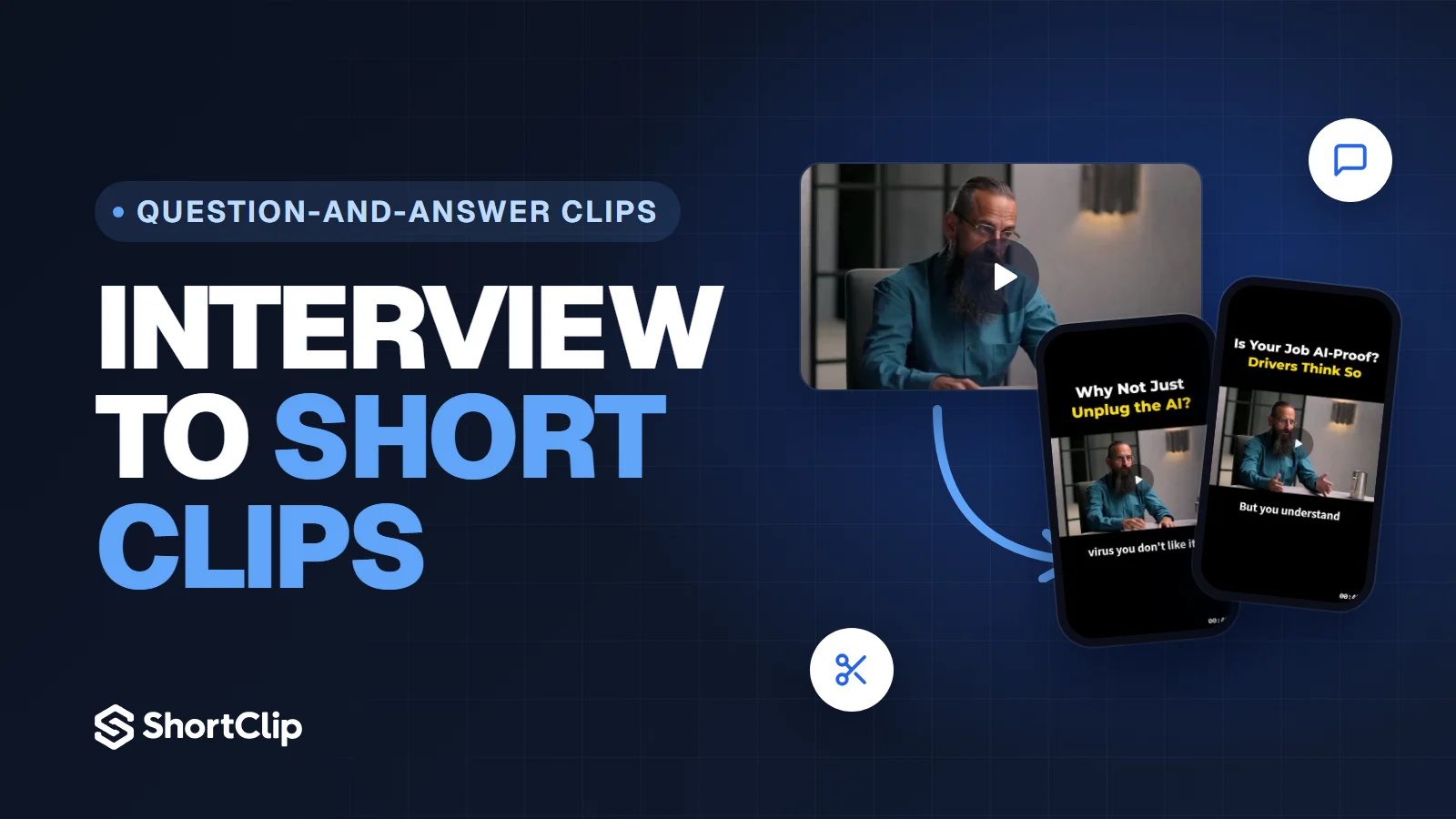
Find the moments that work as shorts, cut each one as a question-and-answer pair, fit two people into a vertical frame, and use the title and captions to add context.
Short-form video marketing: benefits, platforms, and how to start
What short-form video marketing can do for your business, which platform fits which goal, and how to start, including turning long videos into short ones.
How to turn webinar and seminar recordings into short videos
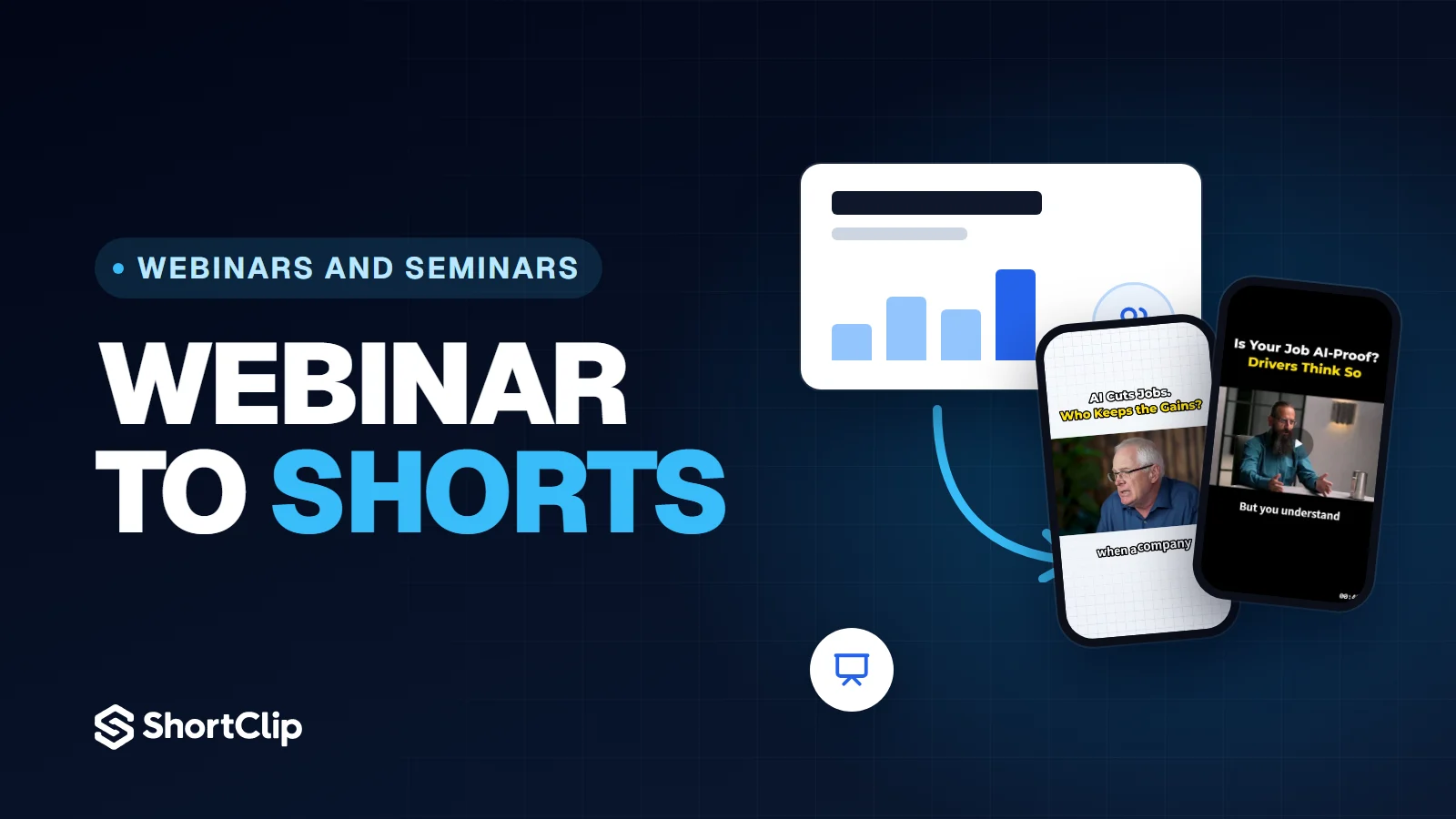
What to clear before you clip a webinar, which parts work as shorts, how to show wide slides in a vertical frame, and how to link each clip to a sign-up or recording.