
ShortClip Guides
Official guides to ShortClip: add a YouTube link or a video file, let the AI cut it into short videos, then edit the captions, title, and cut in your browser.
ShortClip guides
New to ShortClip? Read these in order and you will know the whole workflow.
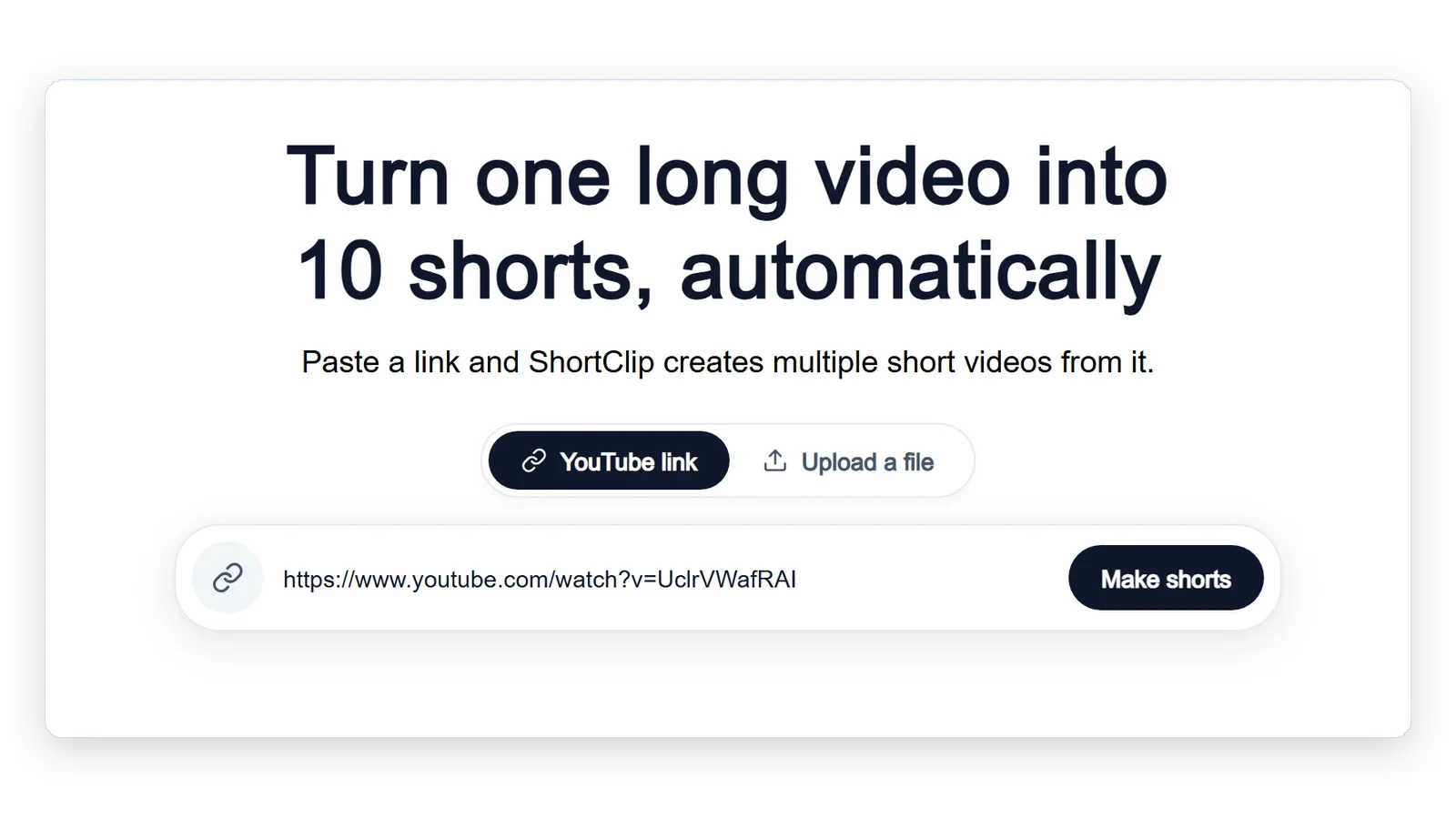
Create
From adding a video to getting your shorts.
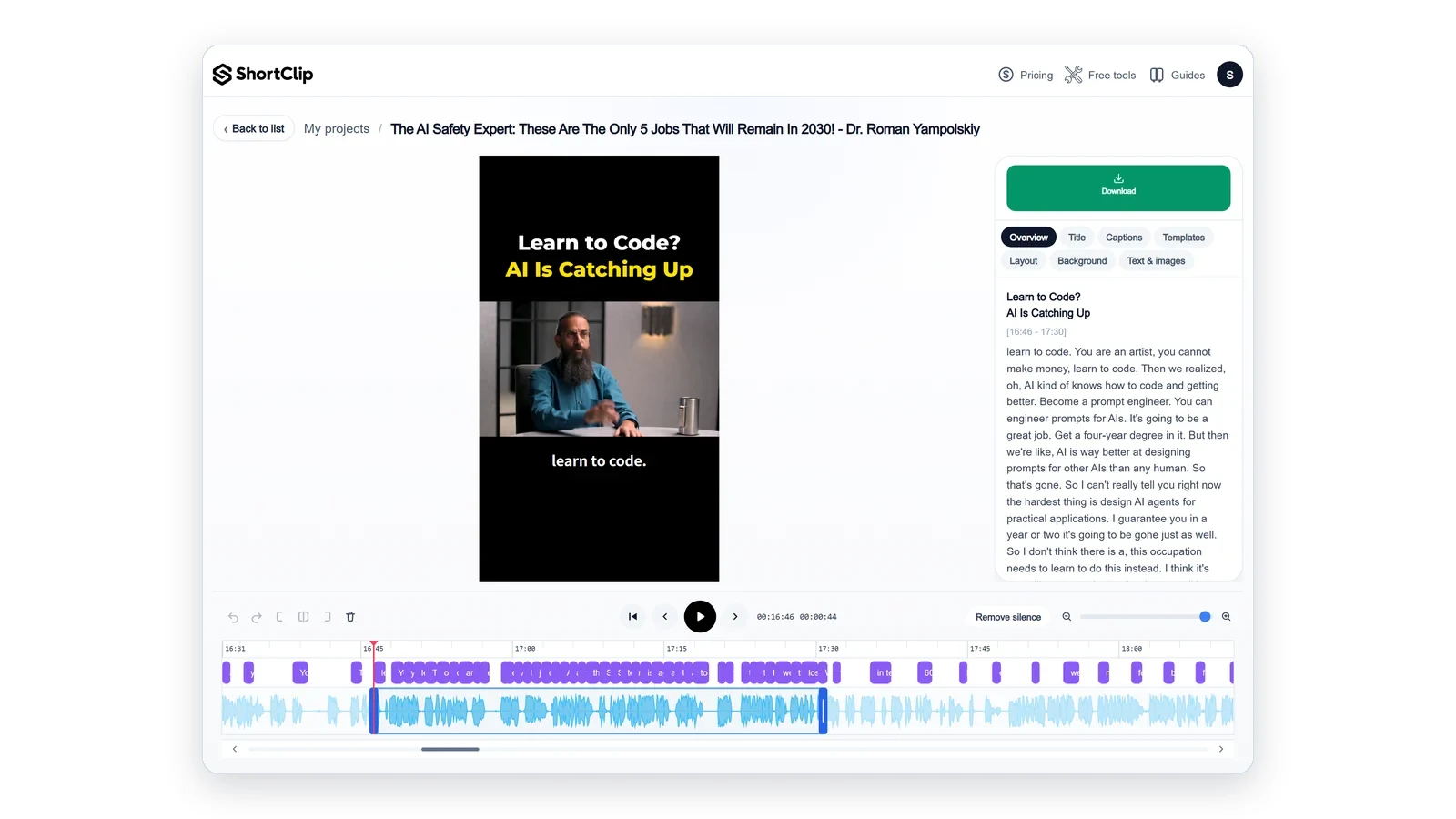
Edit
Finish the captions, title, and cut yourself.
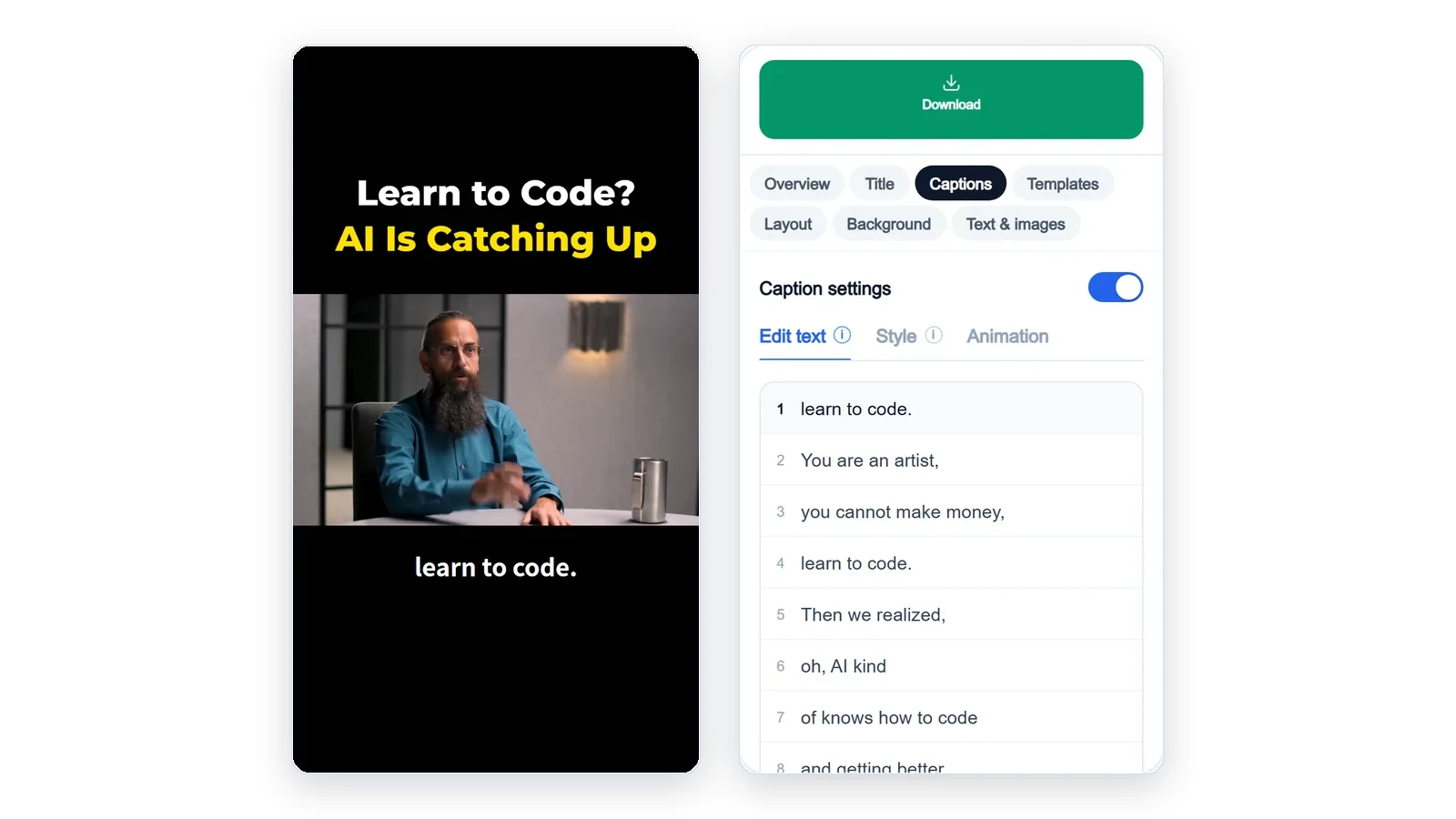
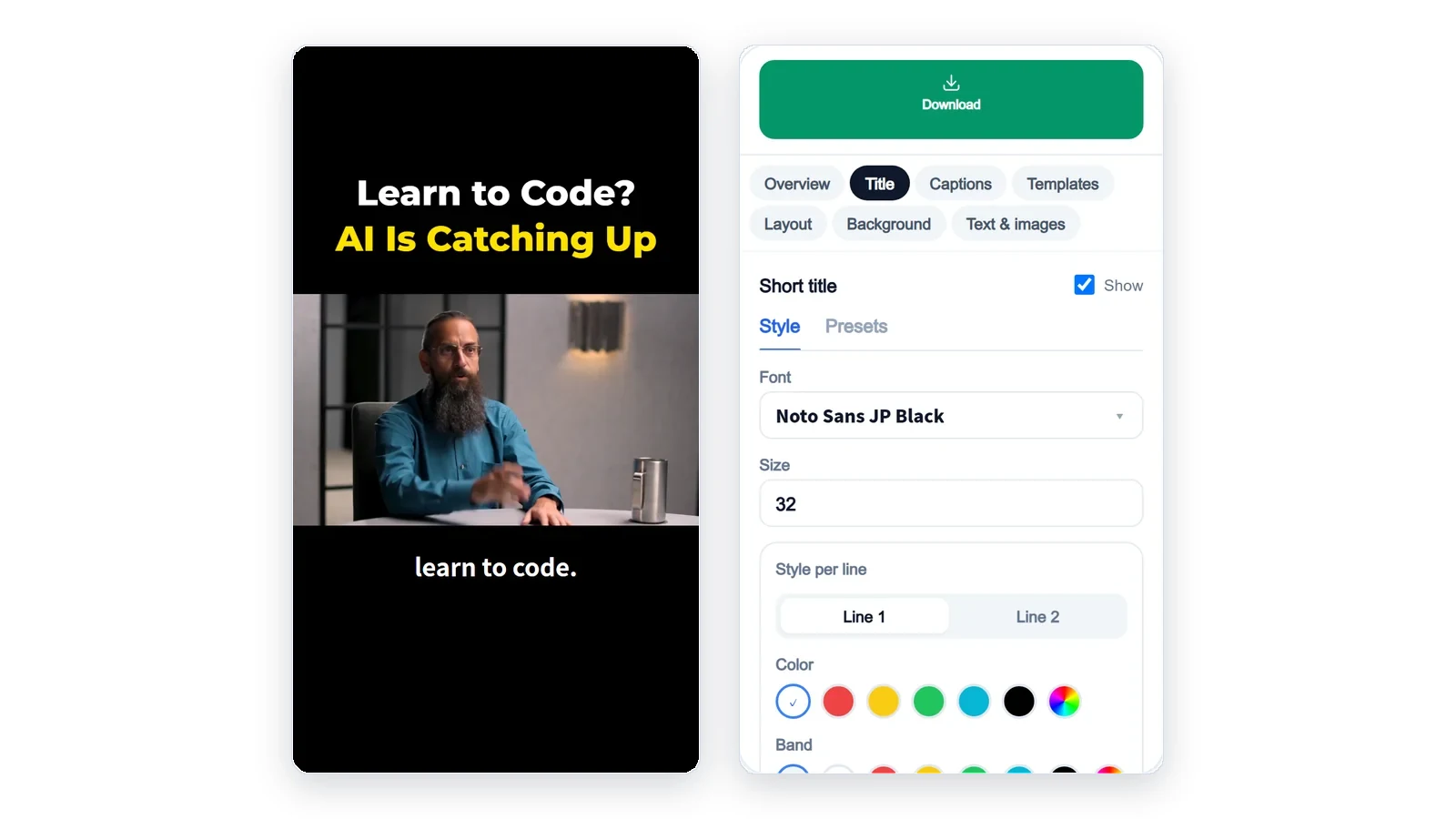
Download
Exporting, and choosing a plan.
Popular guides
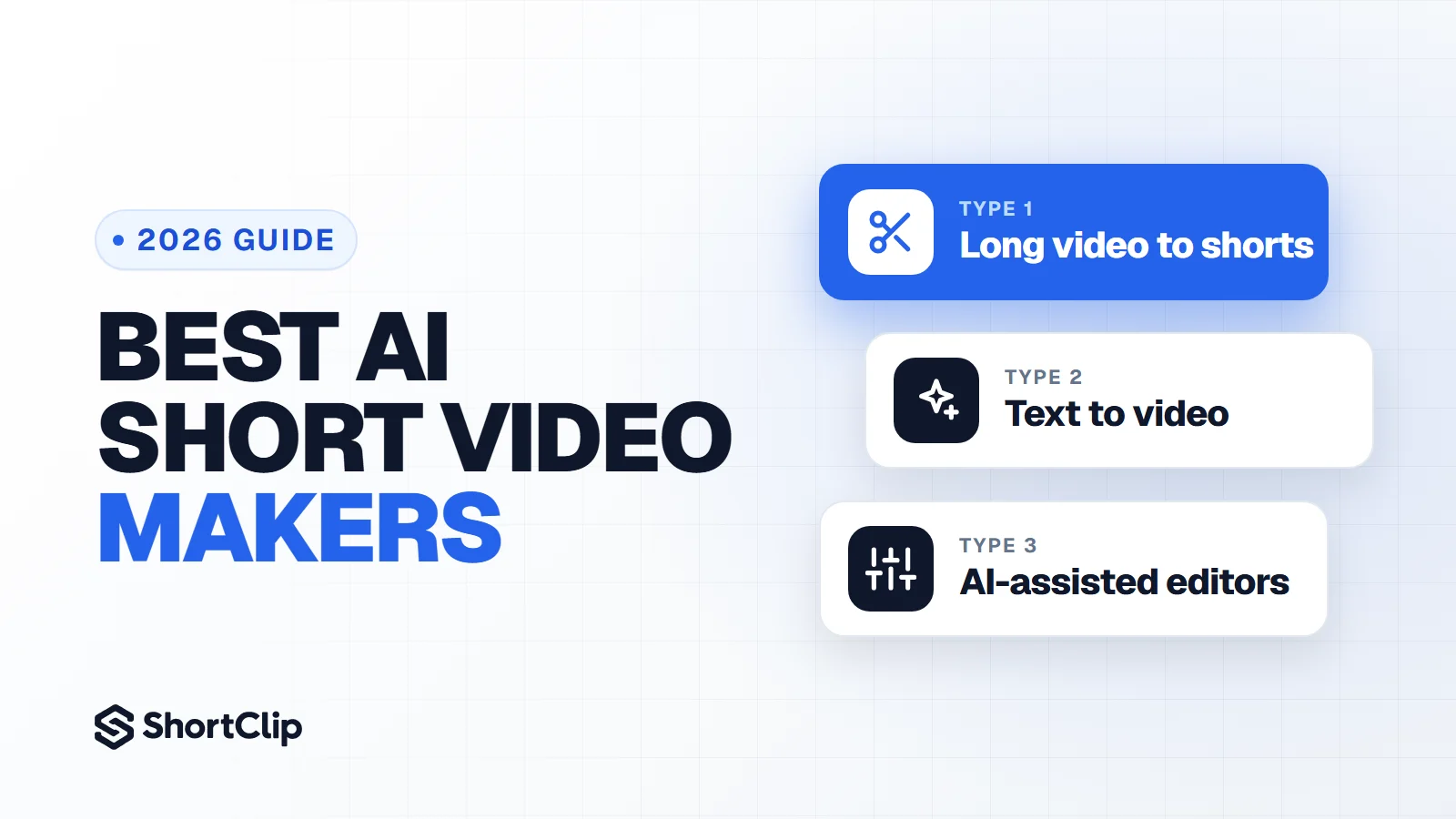
7 best AI short video makers in 2026, and how to use them
Clip makers, text-to-video, and AI editors compared, with a simple workflow for making shorts with AI.
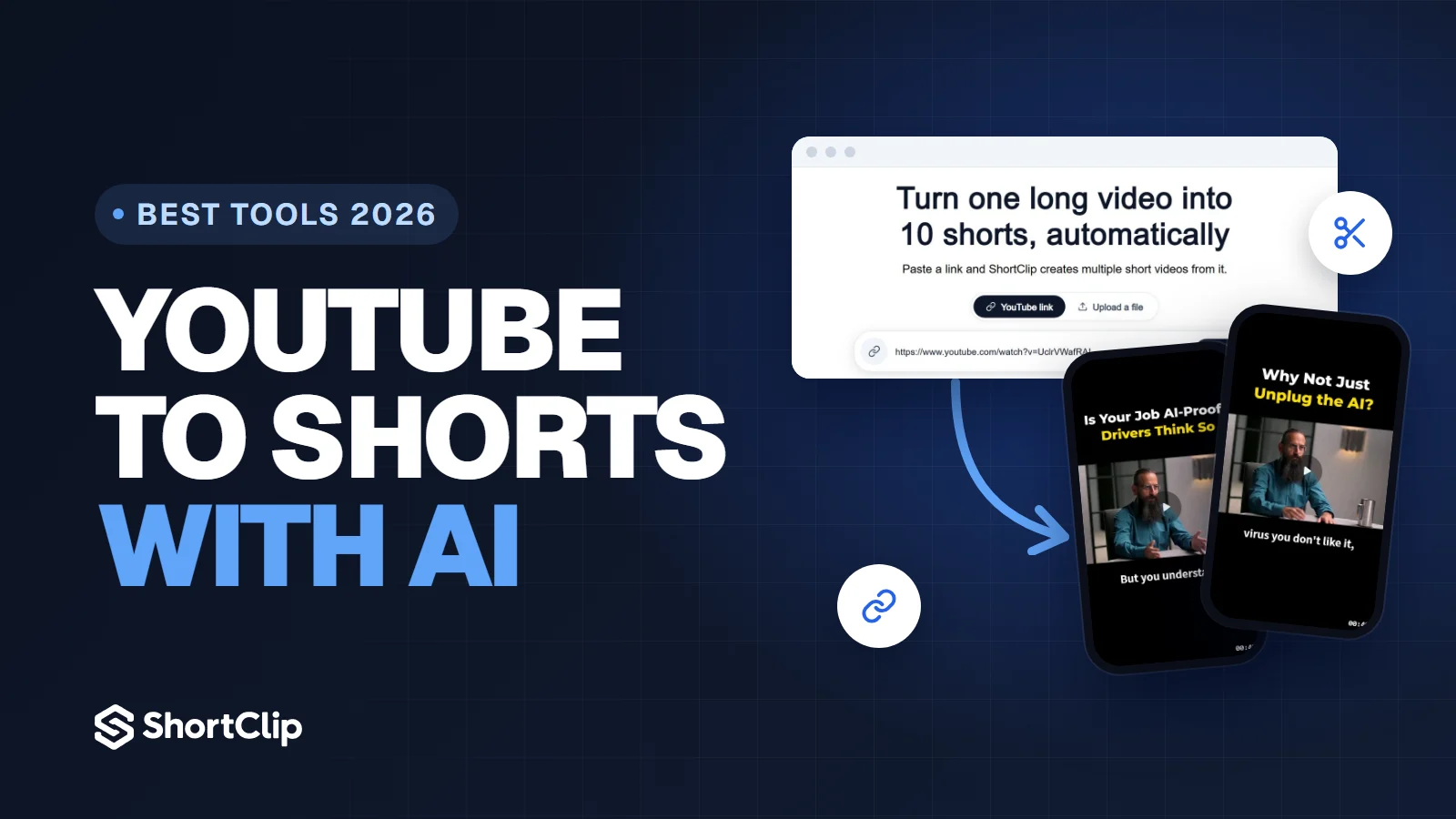
How to clip YouTube videos with AI: best tools compared (2026)
The main AI YouTube clipping tools compared, a 5-step workflow, and three rules for clips that get watched.
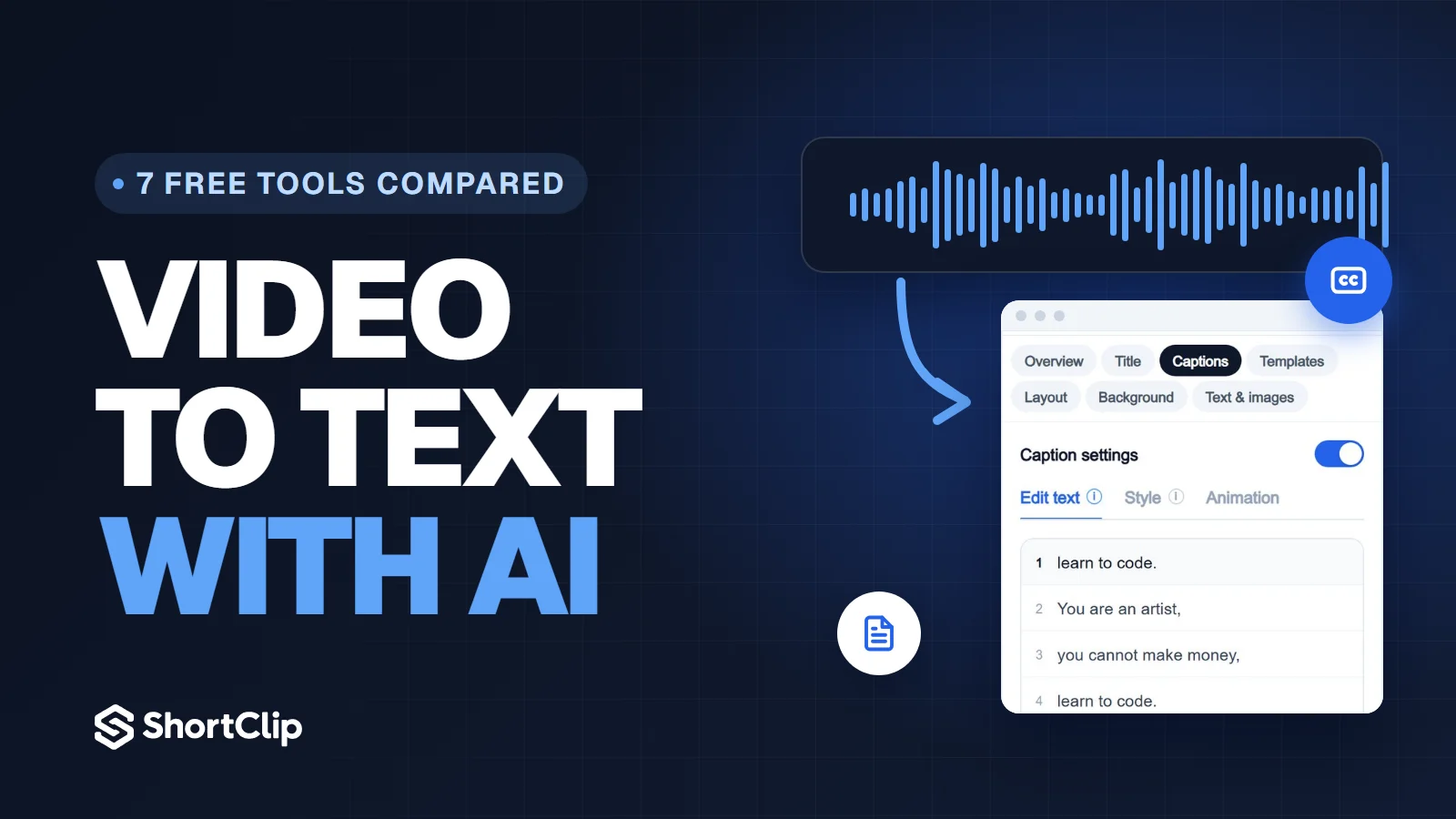
How to transcribe a video automatically: 7 free AI tools compared (2026)
How automatic transcription works, the free tools worth trying, and how to turn a transcript into short videos.
All articles
How-to
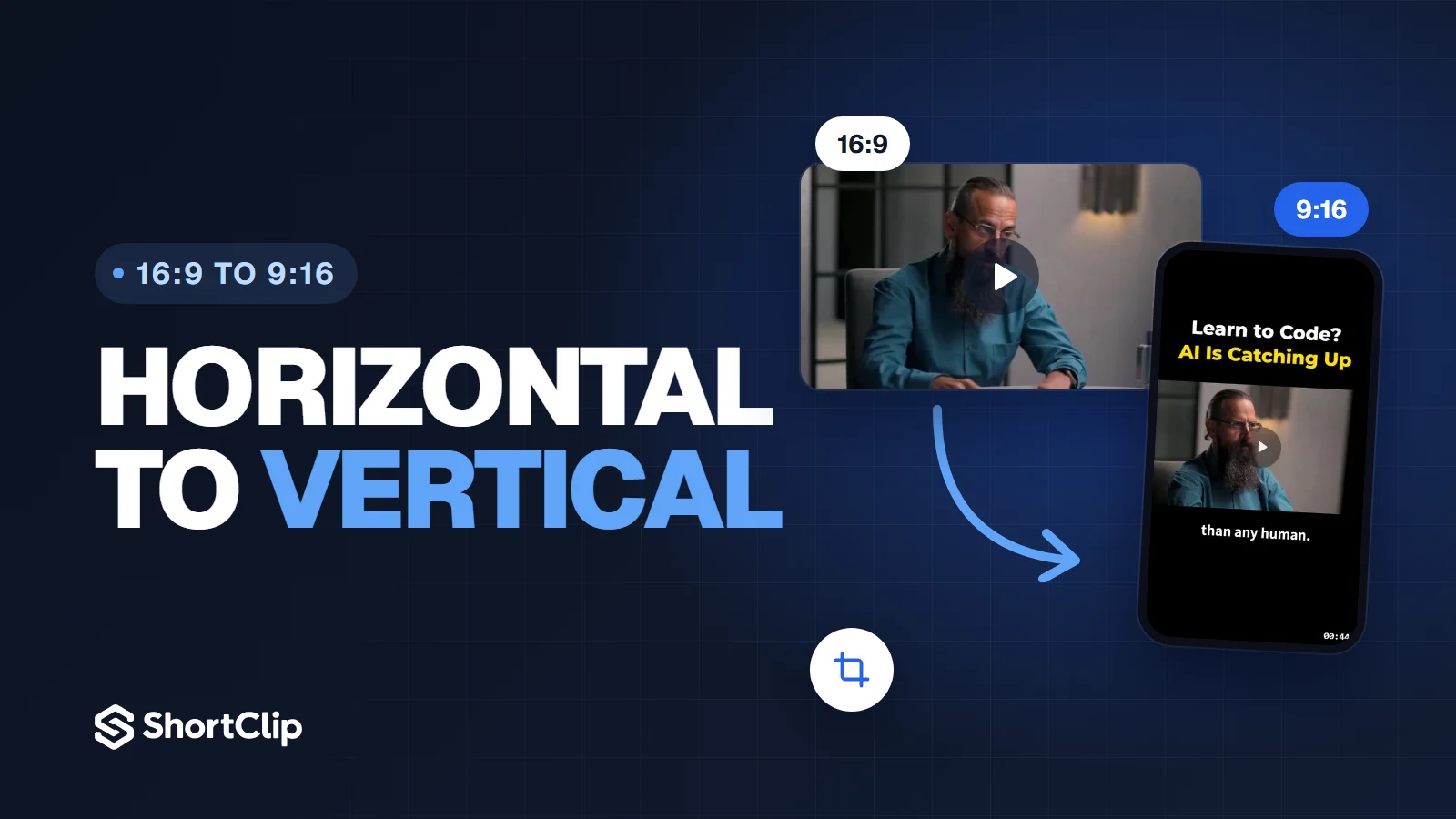
How to convert a horizontal video to vertical (9:16): crop, pad, or blur
Three ways to turn 16:9 into 9:16, what each one keeps on screen, and which to use for your video.
How to transcribe a video automatically: 7 free AI tools compared (2026)
How automatic transcription works, the free tools worth trying, and how to turn a transcript into short videos.
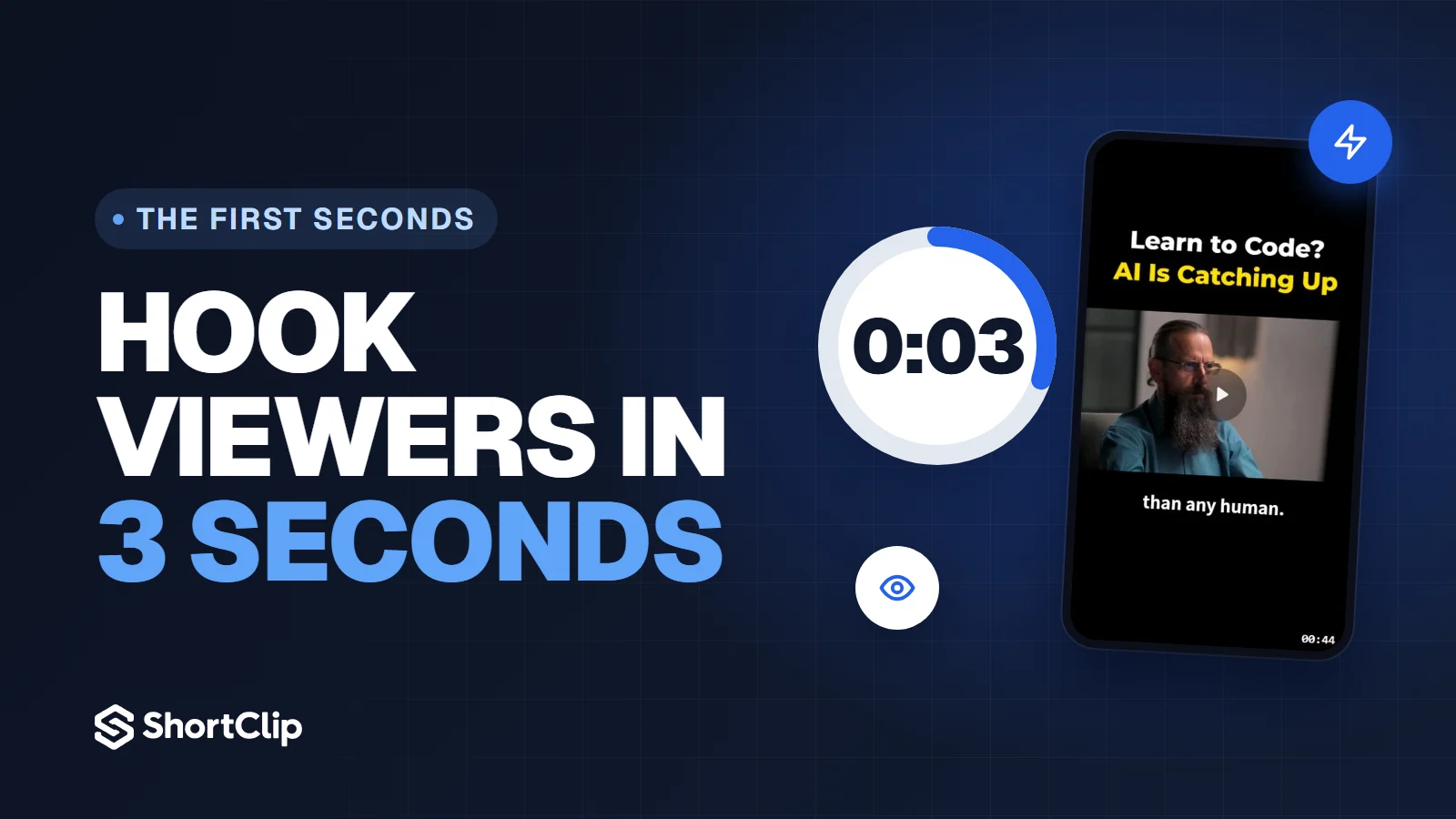
How to write a hook for the first 3 seconds of a short video
Viewers decide in the first seconds. Opening patterns that work, how to pair on-screen text with what you say, and the openings that make people swipe.
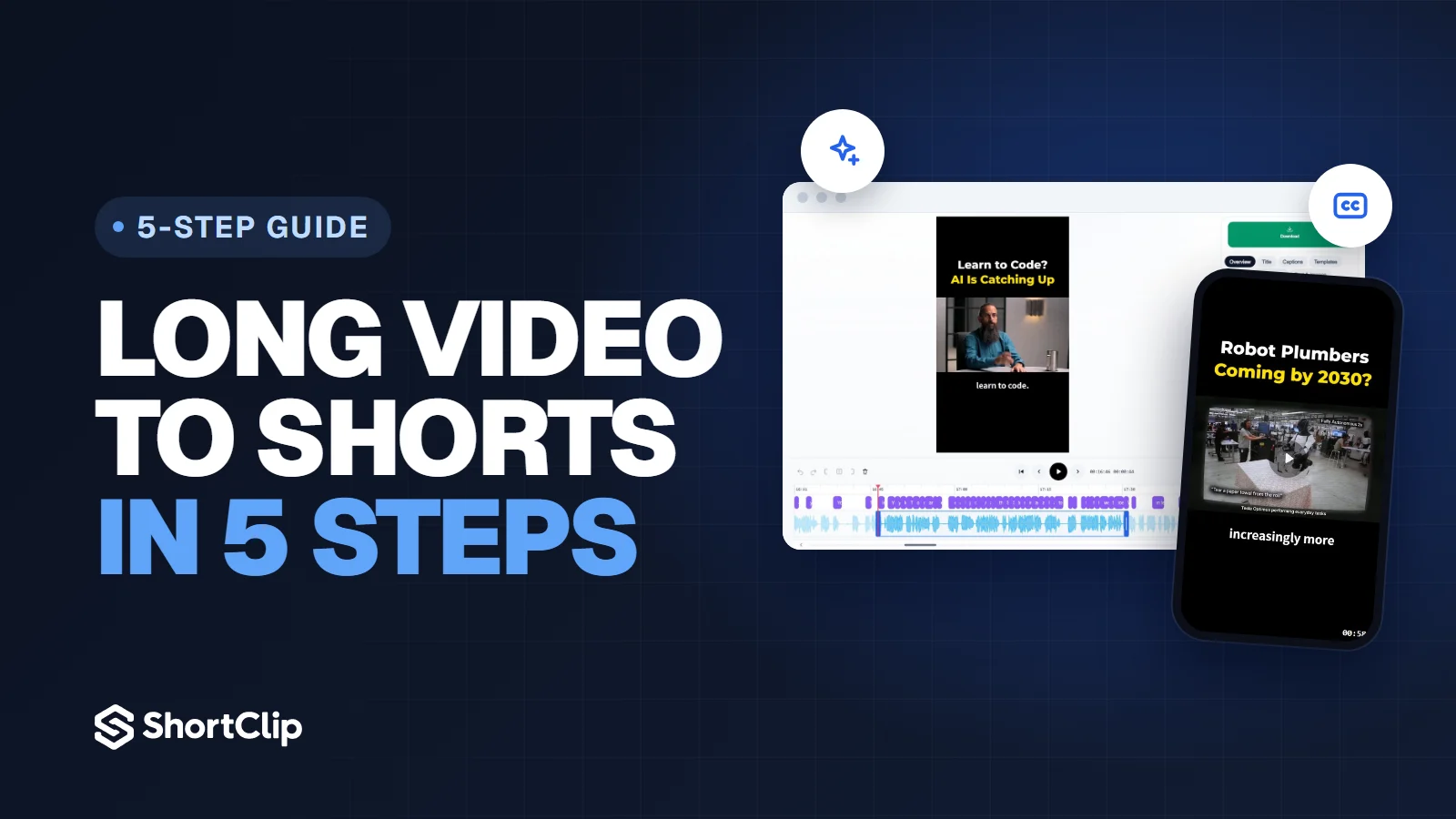
How to make Shorts from long videos with AI: 5 steps
How to make Shorts from long videos with AI: automatic highlights, vertical 9:16, and captions in five steps, plus a layout that keeps people watching.
How to clip YouTube videos with AI: best tools compared (2026)
The main AI YouTube clipping tools compared, a 5-step workflow, and three rules for clips that get watched.
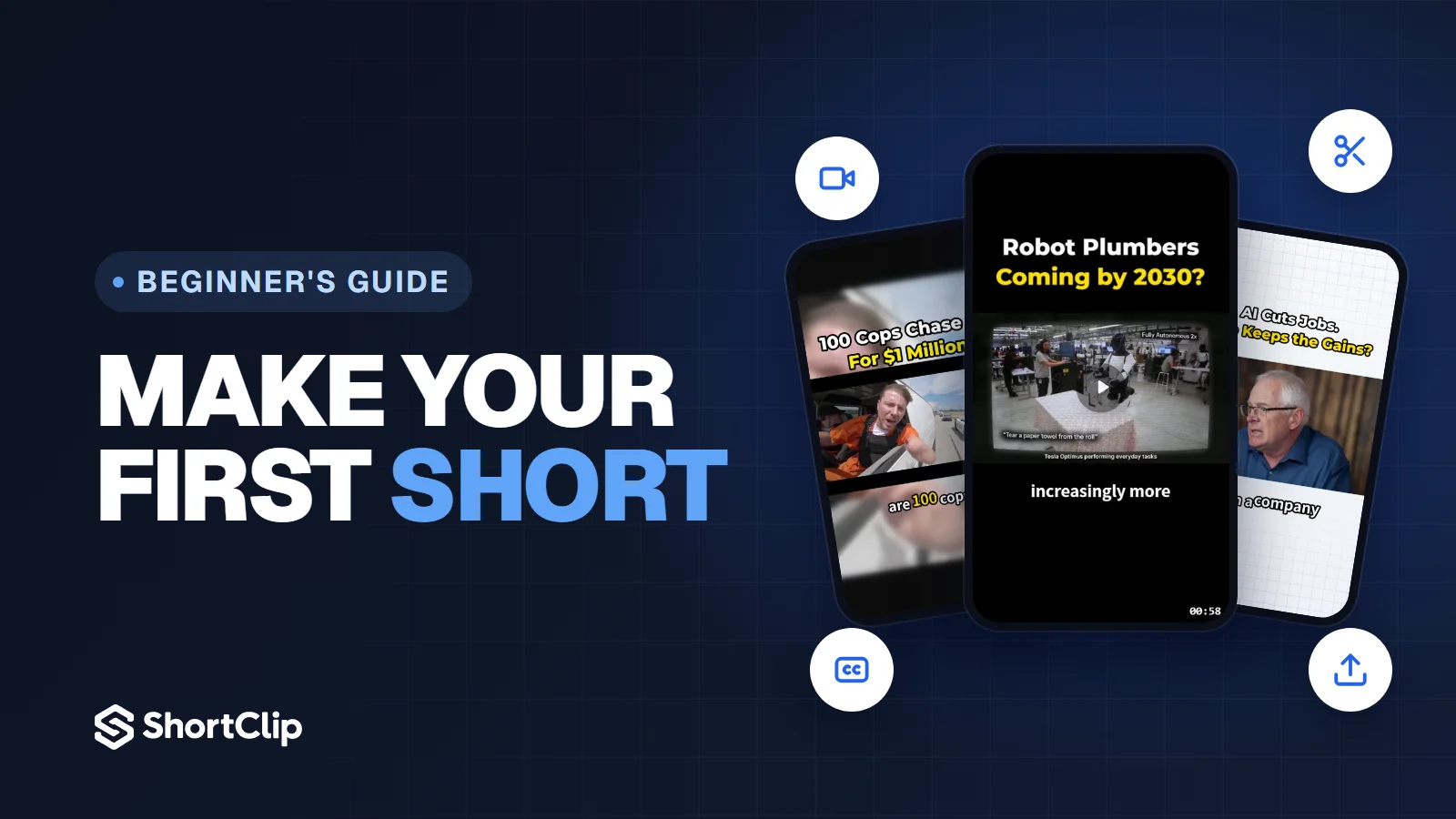
How to make short videos: a complete beginner's guide
Order matters more than gear. Plan, film, edit, caption, and post: five steps to publish your first short video today.
How to add captions to short videos: phone, computer, and AI
Three ways to caption short videos, and the styling rules that keep captions readable on a phone.
How to turn a podcast into shorts, Reels and TikToks
Which moments to clip, how to make an audio-only episode work as a vertical video, why captions matter, and how to send viewers back to the full episode.
How to turn an interview into short clips (step by step)
Find the moments that work as shorts, cut each one as a question-and-answer pair, fit two people into a vertical frame, and use the title and captions to add context.
How to make Instagram Reels: step-by-step guide
Make a Reel in the Instagram app, learn the length rules and editing tools, avoid music pitfalls, and turn videos you already have into Reels.
How to make TikTok videos: a beginner's guide
Three ways to make a TikTok: film in the app, upload an edited video, or cut clips from a long video. Plus captions, business sounds, and tips that get videos watched.
Short video templates: 5 script structures and reusable layouts
Script structures and vertical layouts you can reuse for every short, so you never start from a blank screen.
Tool comparisons
Vrew vs ShortClip: transcript editor or AI shorts maker?
Both add captions automatically. One is a desktop editor, the other clips long videos into shorts. Here is how to choose.
Best AI subtitle generators: 3 types of tools and how to choose
AI subtitle tools come in three types. Here is what each does well and how to pick one for your videos.
CapCut vs ShortClip: which one should you use for shorts?
A full editor or a focused AI shorts maker? How CapCut and ShortClip differ, and when to use each.
OpusClip vs ShortClip: which AI clipper is better for interviews and podcasts?
Volume or context? How OpusClip and ShortClip compare on real interviews, and which to pick.
Does OpusClip work for non-English videos? What we found
OpusClip is built around English. Here is how it handled long non-English interviews in our tests.

7 best AI clip makers in 2026: turn long videos into shorts
Seven tools for clipping long videos into shorts, how automatic and manual clipping differ, and what to check before you download.
7 best AI short video makers in 2026, and how to use them
Clip makers, text-to-video, and AI editors compared, with a simple workflow for making shorts with AI.
Marketing
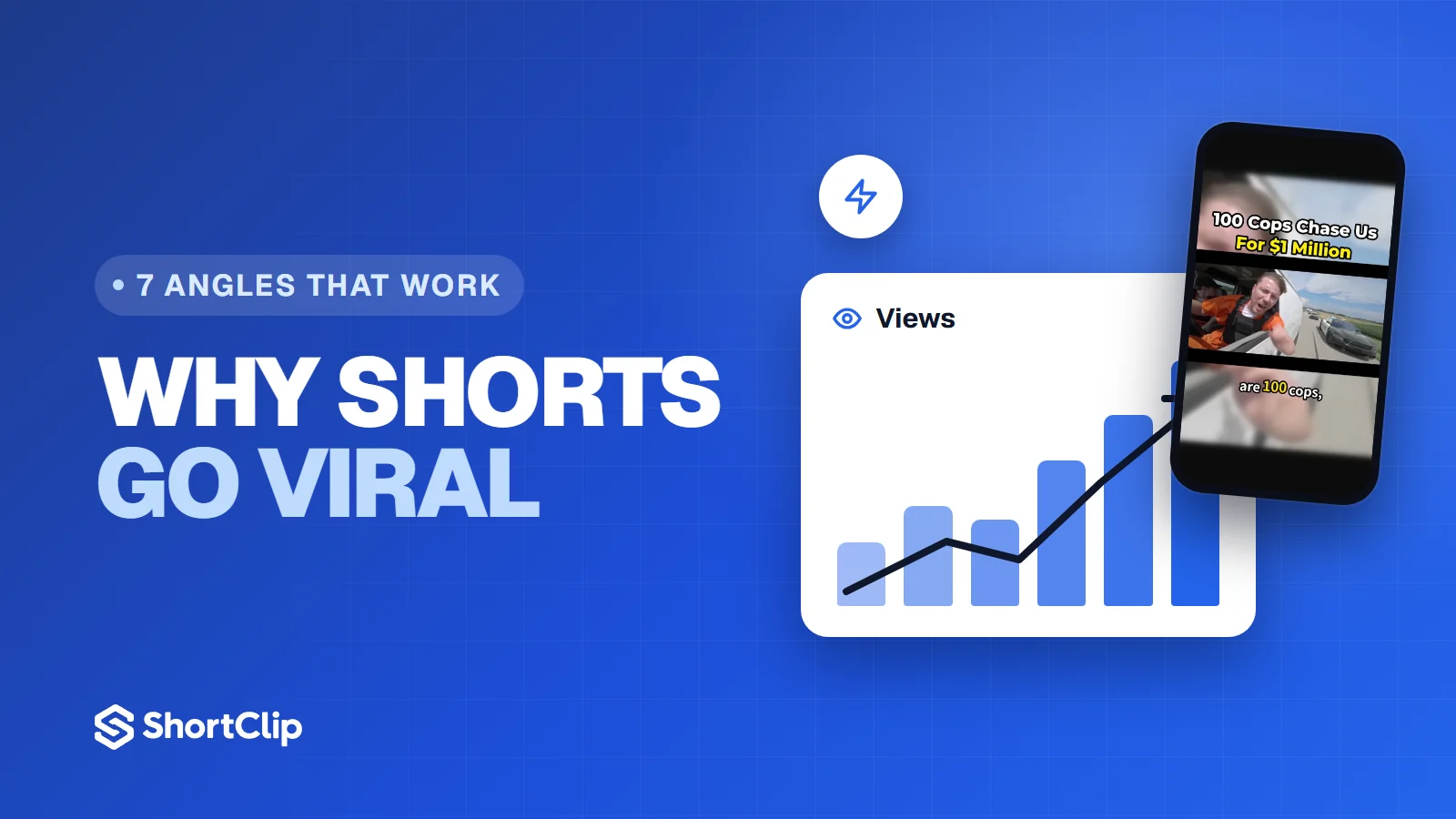
How to make short videos go viral: angles and structure that work
The four hurdles between a short and a big audience, seven angles that stop the scroll, three script templates, and how to check what worked.
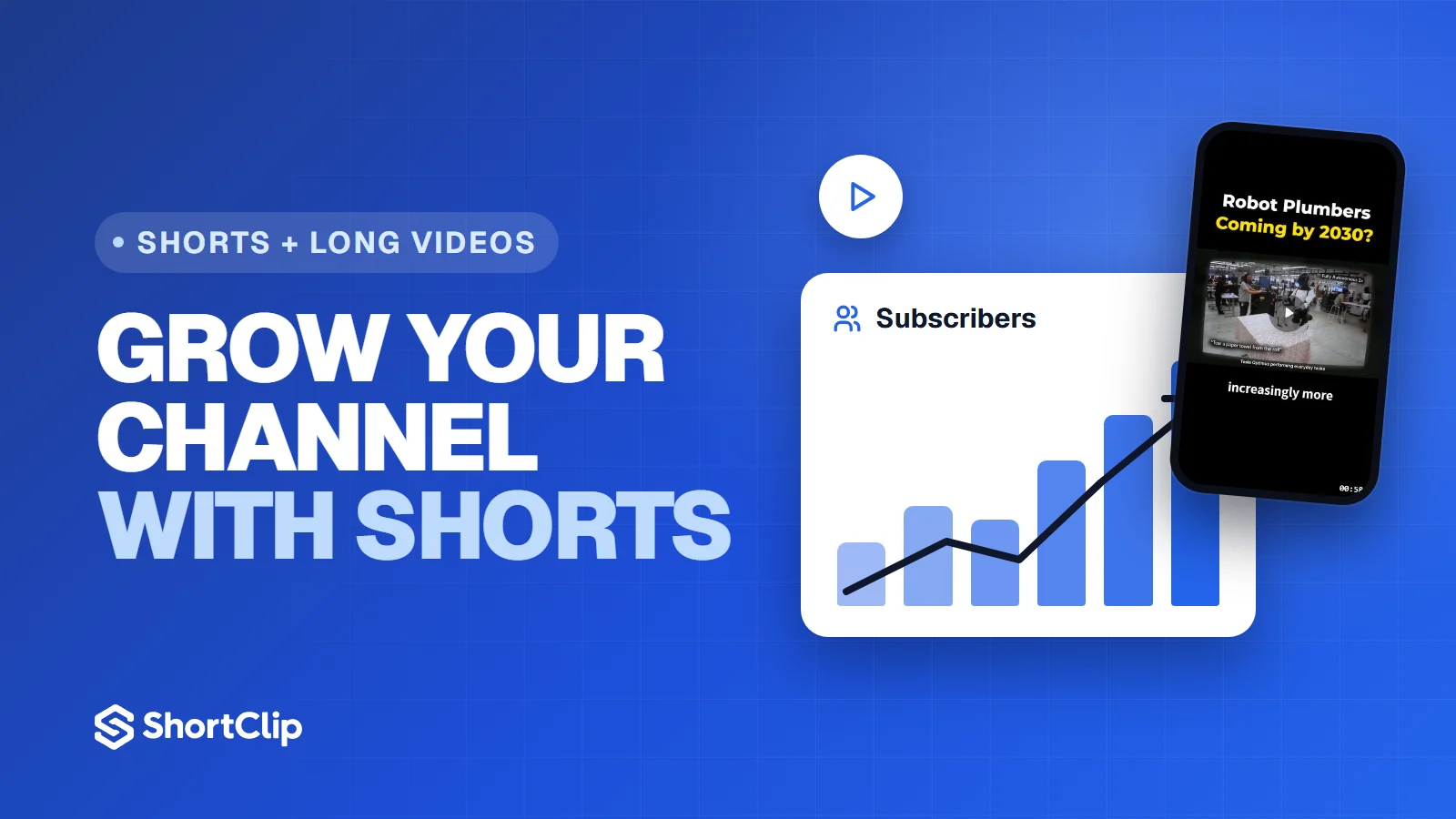
How to grow your YouTube channel with Shorts
Shorts bring new viewers in; long videos turn them into fans. How to diagnose Shorts that stall, link them to your long videos, and read the right metrics.
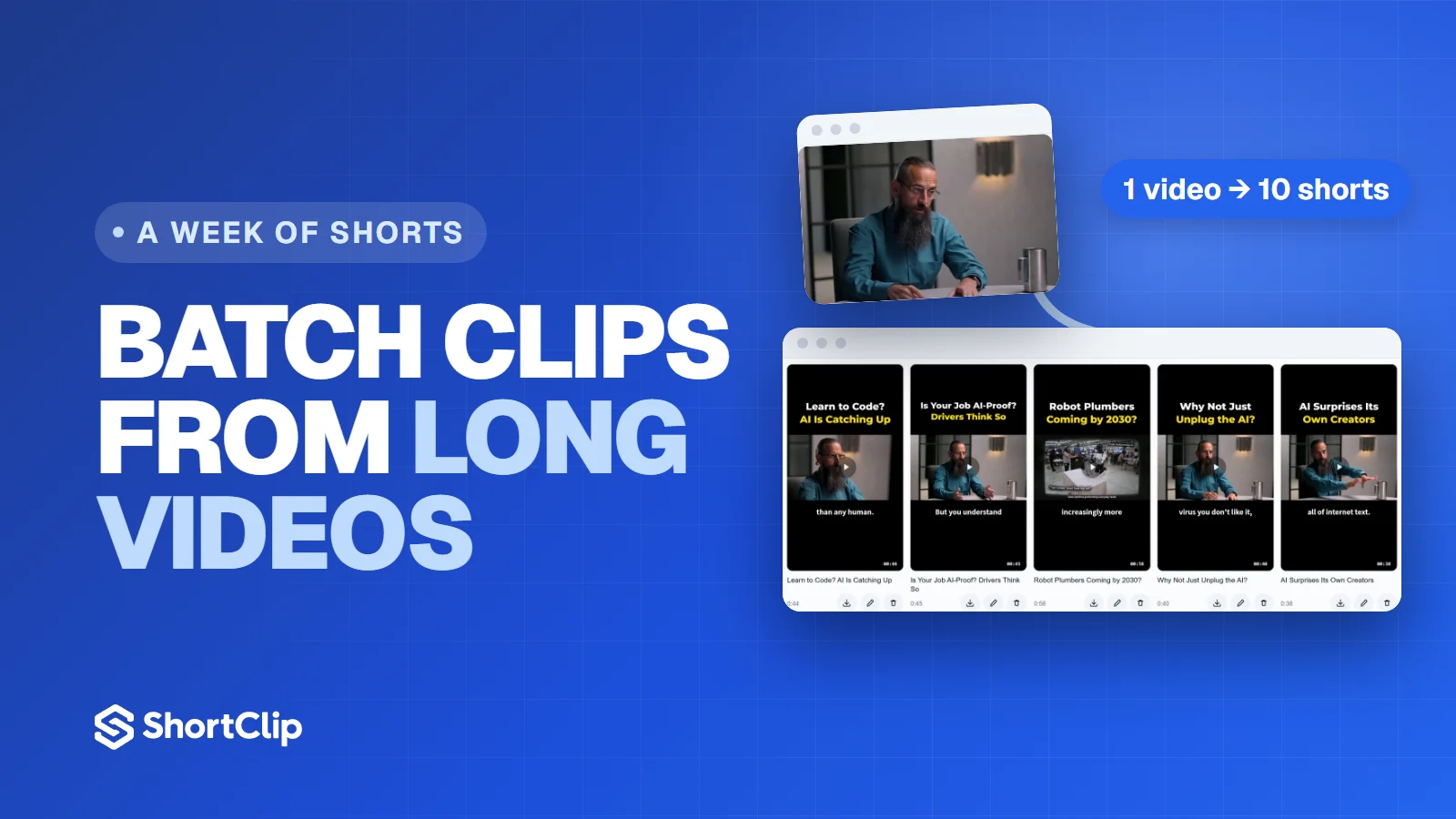
How to batch-produce clips from long YouTube videos
From one long video to a week of shorts: pick the source, generate candidates, choose, finish, and schedule.
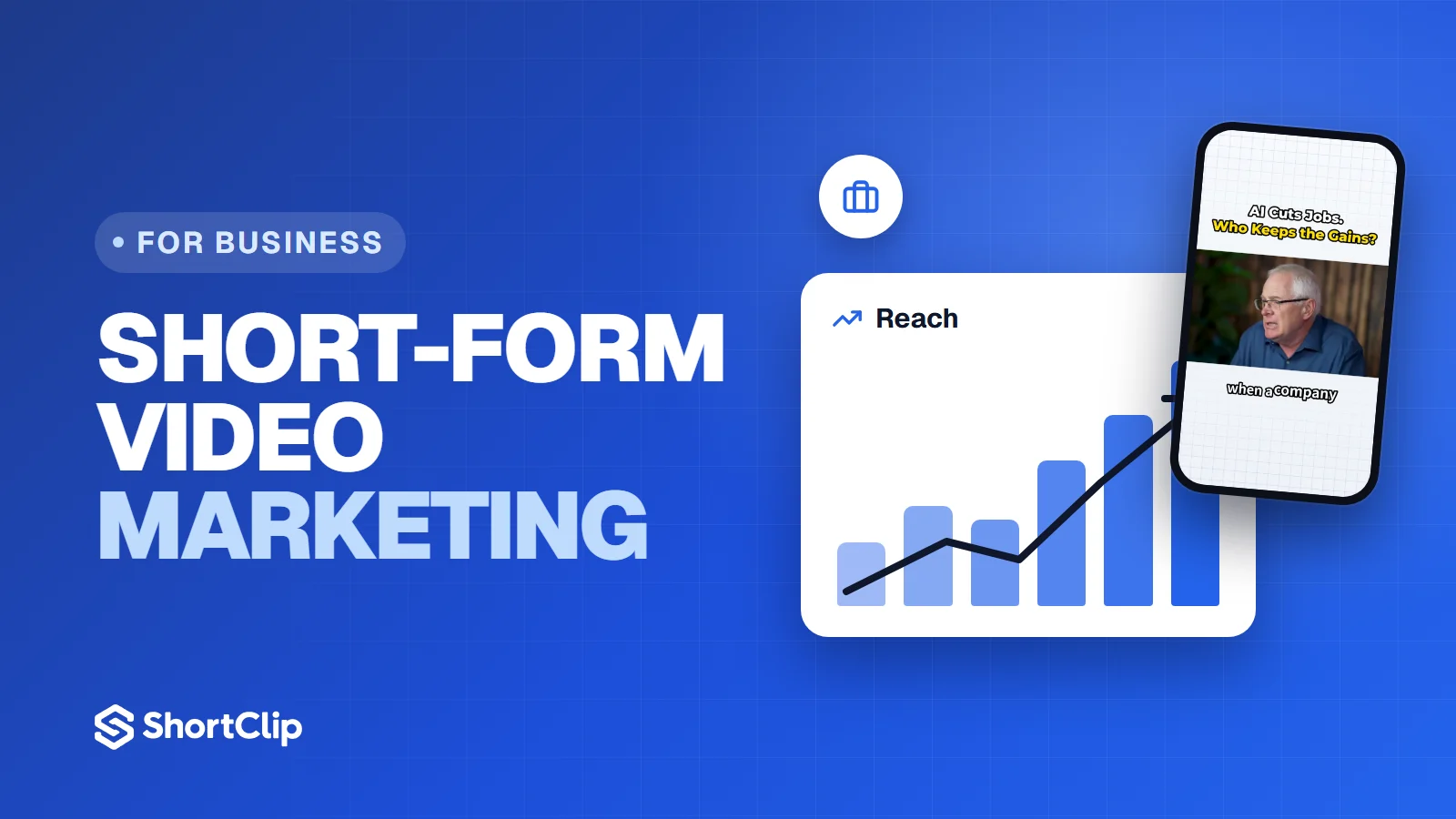
Short-form video marketing: benefits, platforms, and how to start
What short-form video marketing can do for your business, which platform fits which goal, and how to start, including turning long videos into short ones.
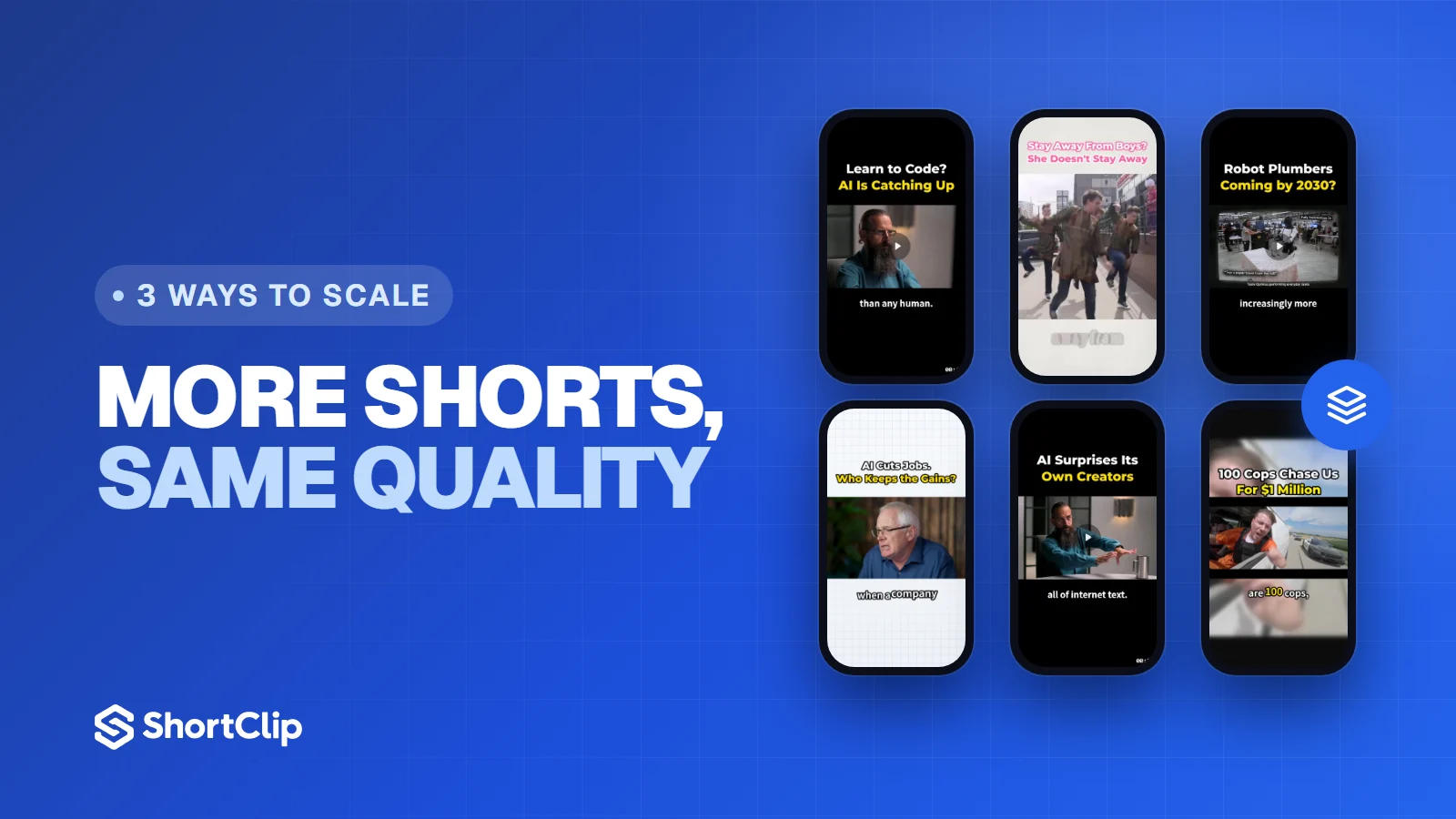
How to batch-produce short videos without losing quality
Batch-record, clip from long videos, or use templates. How to produce shorts at volume and keep quality up.
For business
How to clip livestream highlights into short videos
Five steps from stream to short: get the recording, note the highlights, cut tight, go vertical with captions, and link back to the stream. Plus what to check before clipping someone else's stream.
How to turn webinar and seminar recordings into short videos
What to clear before you clip a webinar, which parts work as shorts, how to show wide slides in a vertical frame, and how to link each clip to a sign-up or recording.
Recruiting videos: turn employee interviews into short clips
Make recruiting shorts from the employee interviews and info-session recordings you already have: angles that work, what to clear before posting, and how to measure applications.
Basics
YouTube Shorts monetization: requirements and how revenue sharing works
The YPP thresholds for Shorts, how the 45% revenue share and the Creator Pool work, what changes in February 2027, and when clip channels can or cannot monetize.
Music copyright for short videos: safe background music for Shorts, Reels, and TikTok
Which background music is safe in short videos: the composition and recording rights, YouTube, TikTok, and Instagram music rules, brand accounts, and common myths.
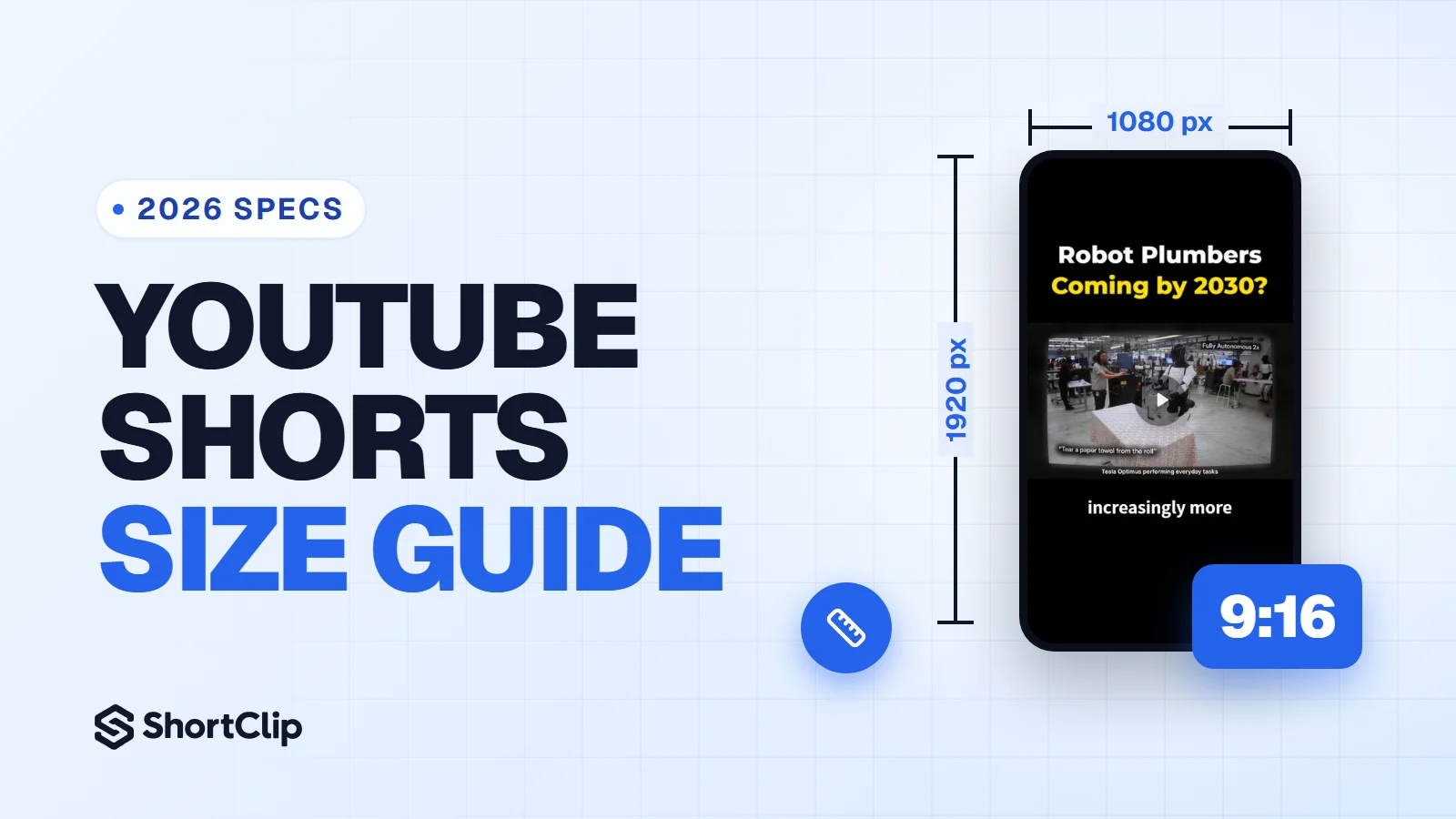
YouTube Shorts size: dimensions, aspect ratio, and length (2026)
Resolution, aspect ratio, length, and safe area for YouTube Shorts, with TikTok and Reels notes.
Clipping YouTube videos and copyright: what creators should know
Permission, fair use, Content ID, and strikes: what to check before you clip a YouTube video into shorts.
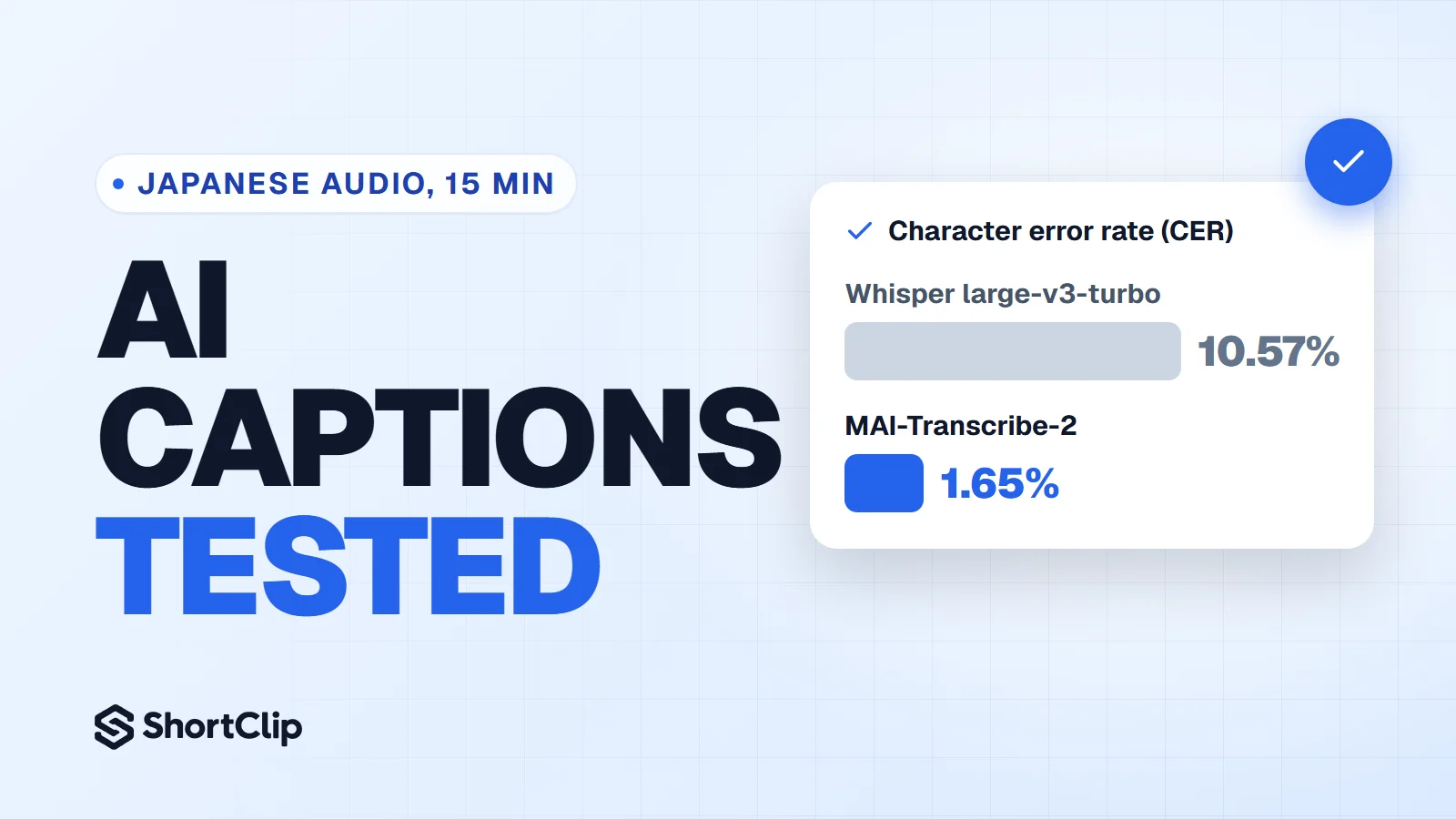
Japanese Transcription Accuracy, Measured: Whisper vs MAI-Transcribe-2
Character error rate, proper nouns and the error types that matter for Japanese captions, measured on public audio with a human reference.
Updates
November 2026
New plan prices and minutes
New subscriptions now get new prices and more minutes. In US dollars: Pro $12 a month with 150 minutes, and Creator $23 a month with 300 minutes, plus applicable tax. Creator can now also be paid yearly ($138 a year, $11.50 a month); the minutes still refill every month. In Japanese yen: Pro ¥1,480 and Creator ¥2,980 a month, Creator yearly ¥17,880, tax included. The Premium plan is no longer sold. On the Free plan you can download your shorts with a watermark. Existing subscriptions keep renewing at the price you signed up for until you cancel.
Downloads are now a paid-plan feature
On the Free plan you can generate, preview and edit shorts, including captions and titles. Downloading finished shorts now needs a paid plan (Pro or higher). After you upgrade, you can download the shorts you have already made without regenerating them.
Change to how generation minutes are counted
A generation from a video (or range) shorter than one minute now uses one minute. Longer videos are counted as before, in whole minutes rounded down.
Japanese terms and policies updated
We are revising the Japanese Terms of Service, Privacy Policy and seller information page, effective November 18, 2026; the current Japanese texts apply until then. We also published the Japanese refund, cookie and copyright policies. The English pages now state that USD plan changes are made by contacting us.
Paid plans in US dollars
You can now buy paid plans in US dollars from the English pricing page: Pro $10, Creator $29 and Premium $79 a month, plus applicable tax. Purchases are sold through Link. Yen prices and plans are unchanged.
ShortClip in English
ShortClip is now available in English at /en, including the app, the guides and the terms. Shorts you make from the English site get English captions and titles, translated when the video is in another language.
Invite friends, both get 30 minutes
Invite a friend and, once their first video finishes generating, you both get 30 extra minutes. Your invite link is in the profile menu.
Affiliate program
We launched an affiliate program that pays you for referring customers to ShortClip.
October 2026
Editing on your phone
On phones, generated shorts now appear in a two-column grid and open in a large preview when you tap them. The editor has a touch timeline where you can cut, split and delete, and adjust where clips and captions start and end.
Long captions stay inside the frame
A caption line that does not fit the frame is now scaled down automatically, by the same amount in the preview and in the exported video. If a translation fails, generation still finishes with captions in the original language and the editor tells you.
Try ShortClip for free
Upload a video and ShortClip uses AI to make short videos with captions and titles.
Try it free →