
How to make Shorts from long videos with AI: 5 steps
Try ShortClip for free.
Upload a video and ShortClip finds the key scenes, makes them vertical, and adds captions and a title.
Make short videos for free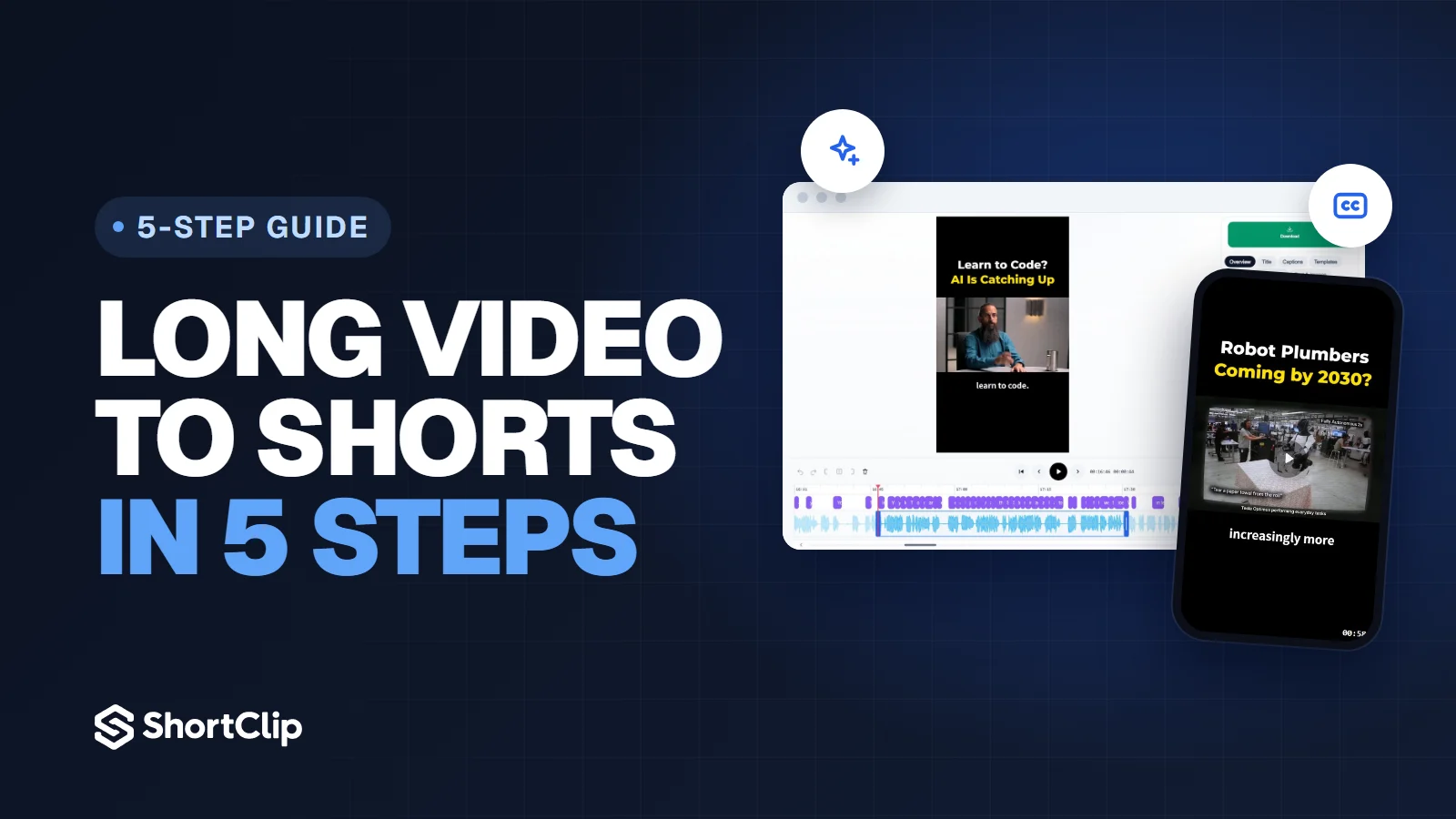
How to make Shorts from long videos with AI: automatic highlights, vertical 9:16, and captions in five steps, plus a layout that keeps people watching.
What you will learn
- One long video (a YouTube video, interview, or webinar) can become several Shorts with an AI clipping tool
- Let AI do the slow parts (rewatching, transcribing, cropping to vertical) and spend your time on the first three seconds
- Shorts that perform share three traits: one topic per video, a two-line title up top, and captions you can read on mute
Do you have long YouTube videos, interviews, or webinar recordings, but no time to re-edit them into Shorts?
Turning one long video into a short used to take hours. Today, AI tools can take a long video and handle the highlight picking, the 9:16 reframing, and the captions for you.
This guide covers the five steps to make Shorts from a long video with AI, how to choose the moments worth clipping, the layout and caption format that keeps people watching, and which tools to consider.
The workflow at a glance
| Task | By hand | With an AI tool |
|---|---|---|
| Finding highlights | Rewatching the whole video | AI scans the transcript for strong moments |
| Cropping to 9:16 | Repositioning the frame to follow the speaker | Templates lay it out automatically |
| Captions | Typing each line while listening | Speech recognition writes them; you proofread |
| Title and hook | Writing and placing it yourself | AI suggests a two-line title |
| Your time per Short | Often hours | Mostly review and small fixes |
Why make Shorts from long videos?
Using long videos you already have, instead of planning and filming Shorts from scratch, has three big advantages.
1. More Shorts with no extra filming
Old YouTube videos, interviews, webinars, and recorded conversations can all be reused, so you can publish more without new gear or shoot days.
2. One long video, many Shorts
An hour-long conversation is full of useful advice and good stories. Splitting it by topic with AI can fill a week or more of posts at once.
3. A path to your full videos and products
Shorts reach new viewers through the Shorts feed and the TikTok For You feed. Ending a clip with "the full conversation is in the video" sends people to your long videos and grows subscriptions. See Short-form video marketing for more.
How to turn a long video into Shorts with AI: 5 steps
Here is the standard process for making Shorts from a long video with an AI tool.
Step 1: Pick the long video
Copy the YouTube link you want to clip, or have your MP4 or MOV file ready. Talk-driven videos, such as interviews, conversations, Q&As, and webinars, work best with AI.
Step 2: Let the AI find the highlights
The tool transcribes the audio and looks for strong opinions, emotional moments, and complete question-and-answer pairs, then lists candidate clips.
Step 3: Set up the vertical 9:16 frame
Reframe the landscape video for a vertical screen (1080 x 1920). Check that the speaker's face is centered and the space above and below looks clean.
Step 4: Polish the title and captions
Put a two-line summary title at the top and correct names or terms the speech recognition got wrong.
Step 5: Export and post
Export as MP4 and post to YouTube Shorts, TikTok, or Instagram Reels. Link the full video in the description, a pinned comment, or with Related video on YouTube.
What to leave to AI and what to check yourself
The best results come from splitting the work: AI does the bulk, and you add the finishing touch.
| Who | Tasks | Why it matters |
|---|---|---|
| AI (most of the work) | Transcribing the whole video Finding highlight moments Converting to a 9:16 layout Generating full captions | Finishes in minutes what takes hours by hand |
| You (the finishing touch) | Choosing which candidates to use Rewriting the opening title so it stops the scroll Proofreading names and terms | Sharpens the hook that makes viewers stop swiping |
How to pick the moments worth clipping
Use these three tests to choose which AI candidates to publish.
1. One question, one complete answer
A clip that starts mid-thought or ends before the point lands frustrates viewers. Choose sections where question, reason, and conclusion all fit inside the clip.
2. A first line that surprises
Clips that open with a strong opinion or something counterintuitive, like "Most people get this wrong" or "Short answer: you don't need it," keep more viewers past the first seconds.
3. A problem everyone recognizes
Relatable topics, like "why work feels exhausting" or "the first thing beginners should do," spread further in recommendation feeds than niche deep dives.
AI tools for turning long videos into Shorts
| Tool | What it does well | Captions and languages | Free option |
|---|---|---|---|
| ShortClip | Clips from interviews and conversations that keep question and answer together | Any spoken language; English captions and titles on the English site | Free plan with 60 minutes a month; paid from $12/month plus tax |
| OpusClip | Widely used clipping AI that ranks many candidates by score | Multiple languages | Free plan; check OpusClip for current pricing |
| Descript | Edit by editing the transcript text | Multiple languages | Free plan; check Descript for current pricing |
The layout and caption format that keeps people watching
This layout reads best on a 9:16 phone screen:
- Top: a two-line summary title that always shows what the clip is about
- Middle: the original 16:9 footage scaled so the speaker's face is easy to see
- Bottom: captions in white with a thick dark outline so they never blend into the background
- Bottom edge and right side: leave room for the app's buttons and description
Turn your long-video library into Shorts
Long YouTube videos and recorded conversations are too valuable to post once and forget.
With an AI tool you can turn them into many Shorts without extra filming or editing. Start by running one video you already have through an AI tool and see what comes out.
See plans and pricing|Free plan: up to 60 minutes a month, no credit card required
Related guides
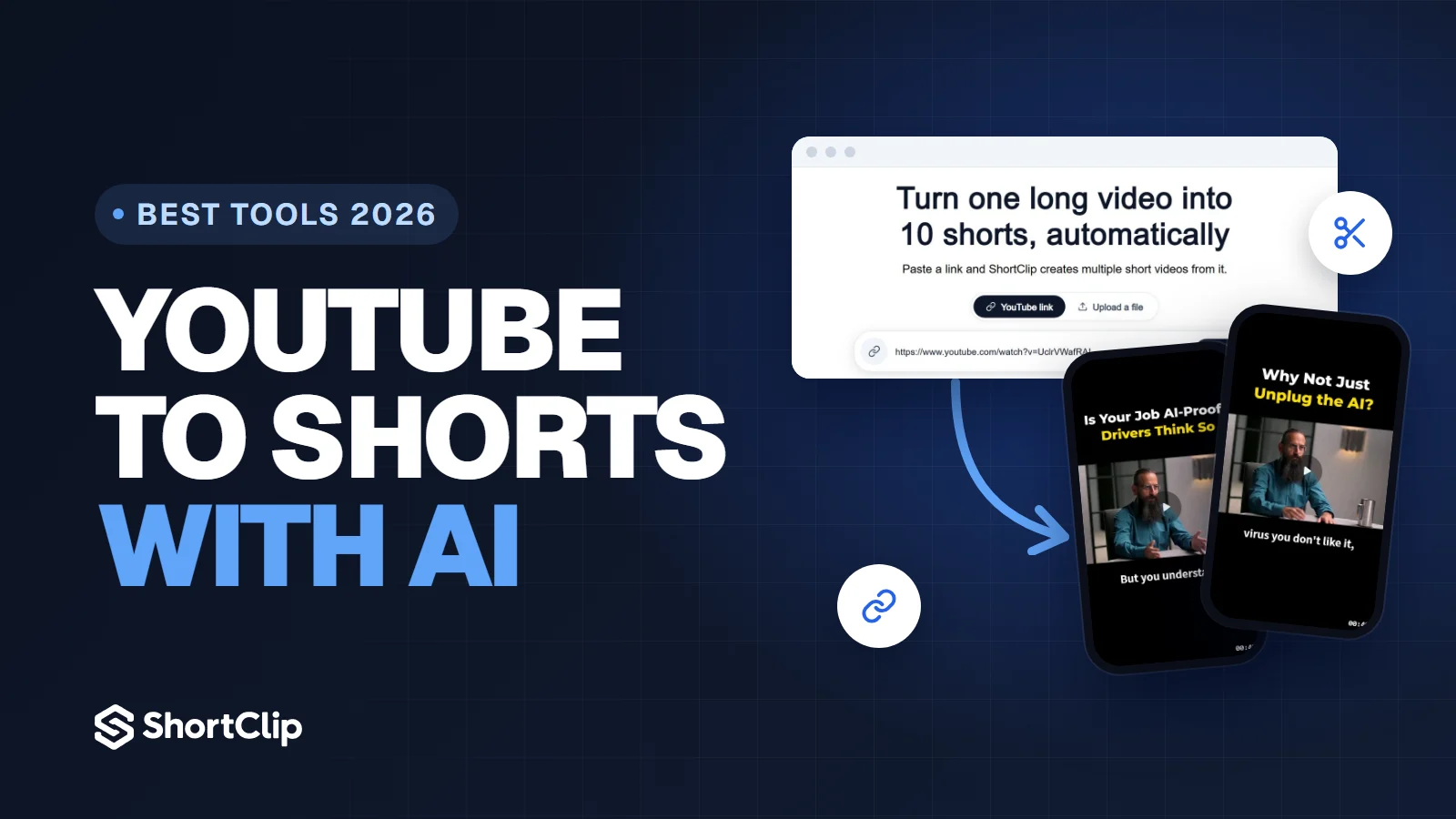
How to clip YouTube videos with AI: best tools compared (2026)
The main AI YouTube clipping tools compared, a 5-step workflow, and three rules for clips that get watched.
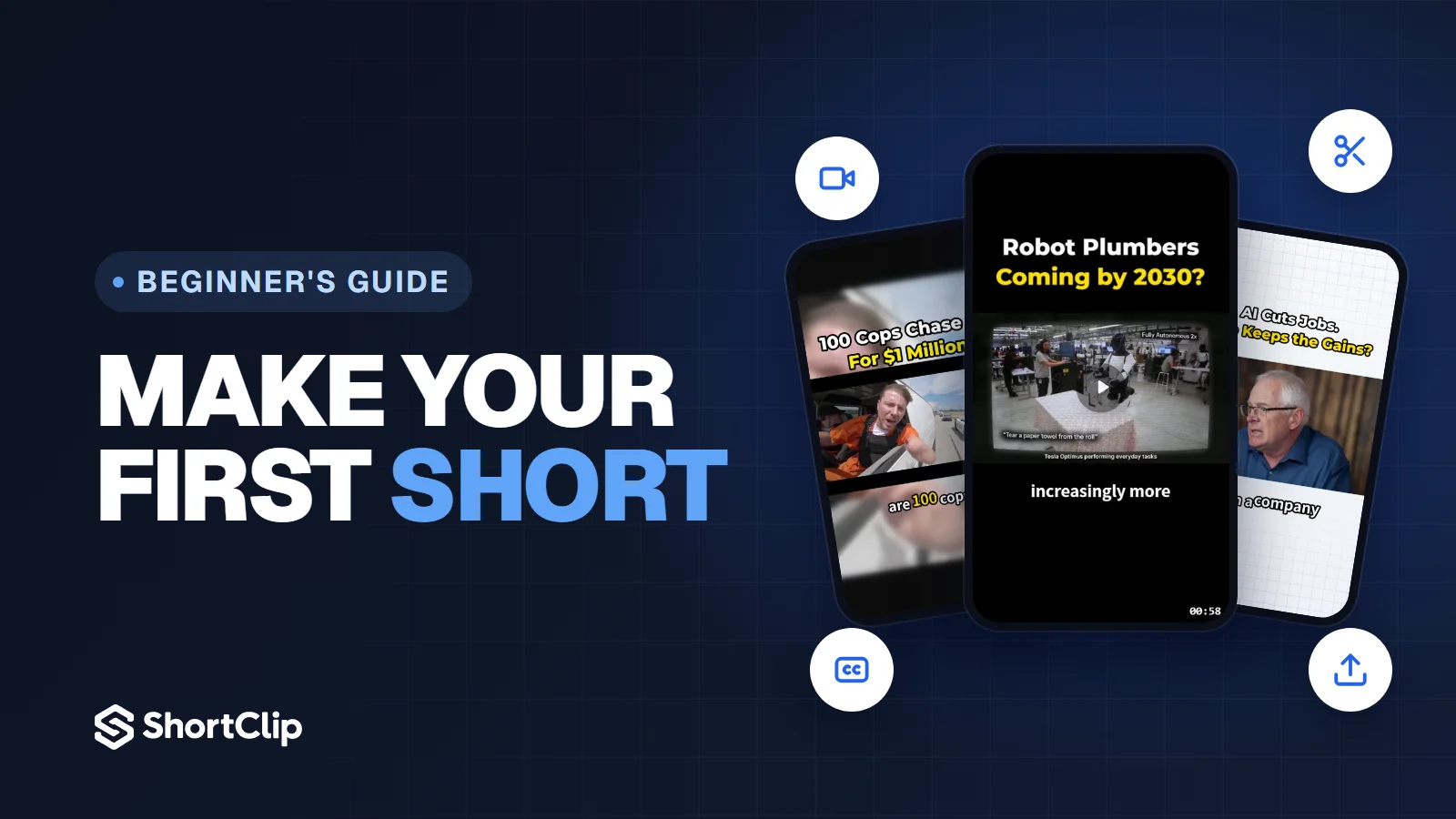
How to make short videos: a complete beginner's guide
Order matters more than gear. Plan, film, edit, caption, and post: five steps to publish your first short video today.
7 best AI clip makers in 2026: turn long videos into shorts
Seven tools for clipping long videos into shorts, how automatic and manual clipping differ, and what to check before you download.