
How to make short videos: a complete beginner's guide
Try ShortClip for free.
Upload a video and ShortClip finds the key scenes, makes them vertical, and adds captions and a title.
Make short videos for free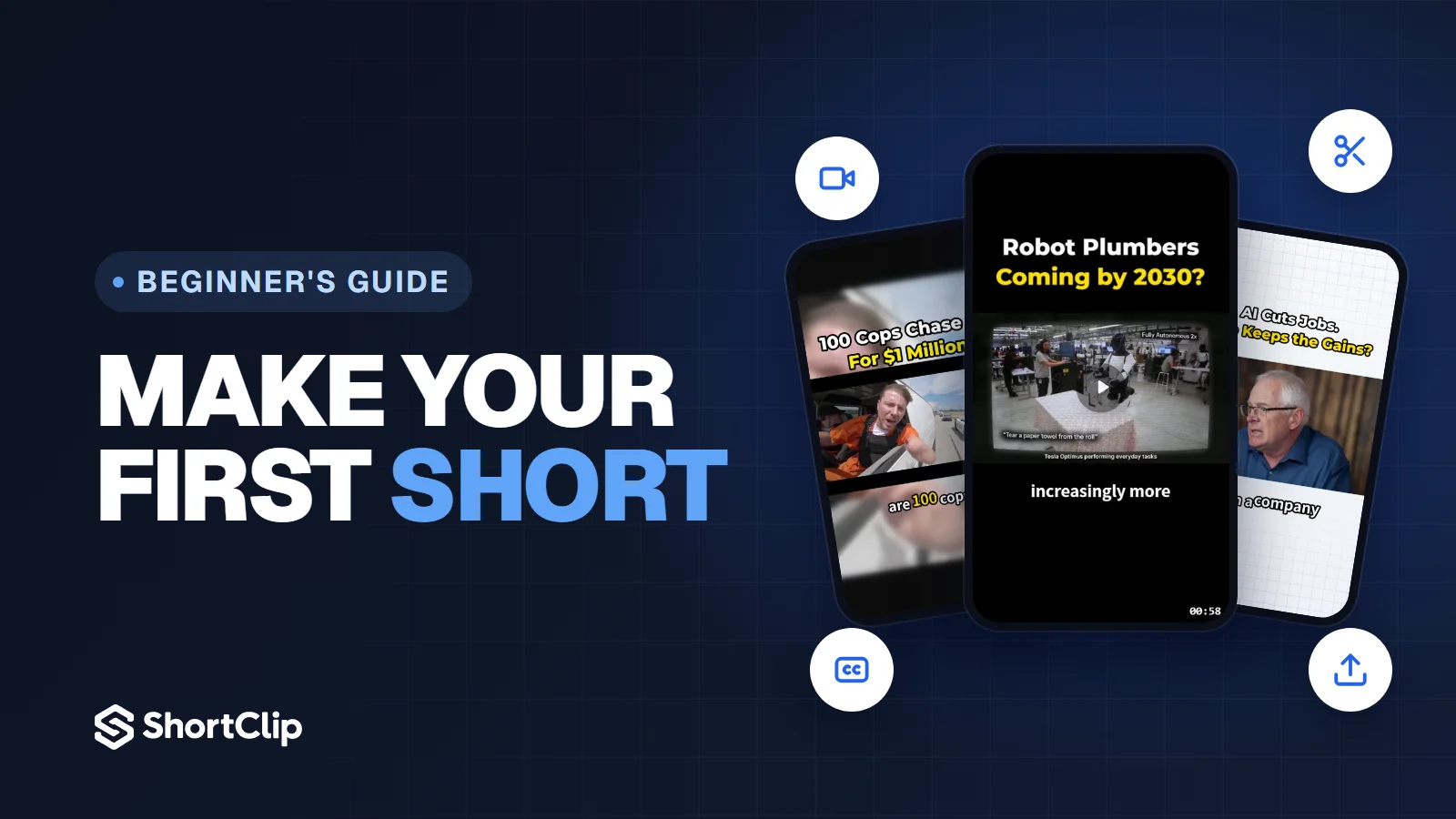
Order matters more than gear. Plan, film, edit, caption, and post: five steps to publish your first short video today.
The short version: 5 steps
| Step | What to do | Goal |
|---|---|---|
| 1 | Plan | Sum up your message in one sentence |
| 2 | Film | Shoot vertically (9:16) |
| 3 | Edit | Cut the pauses and tighten it up |
| 4 | Captions | Make it understandable with the sound off |
| 5 | Post | Publish your first one |
Follow these steps in order and you can post your first short video today.
What is a short video?
A short video is a short, vertical video made to be watched on a phone, usually somewhere between 15 seconds and a minute. The best-known platforms are YouTube Shorts, TikTok, and Instagram Reels.
| YouTube Shorts | TikTok | Instagram Reels | |
|---|---|---|---|
| Strength | Search and links to long videos | Reach and trends | Your existing followers |
| Length | Up to 3 minutes | Shorter usually performs better | Up to 20 minutes; under 3 to reach non-followers |
| Easiest start | Add Shorts to an existing channel | New accounts can still get reach | Best if you already have an account |
What you need to start
You can start with just a phone.
| Item | Priority | For beginners |
|---|---|---|
| Phone | Required | Any phone that can film vertically |
| Camera | Optional | Not needed at first |
| Microphone | Nice to have | Can wait if you film in a quiet room |
| Lighting | Nice to have | Daylight from a window works |
| Editing app | Required | A phone app is enough |
How to make a short video in 5 steps
The same steps work whether you are making YouTube Shorts, TikTok videos, or Instagram Reels.
Step 1: Pick one topic
Put what you want to say into one sentence, and focus on a single problem your viewers have.
- Sum up the message in one sentence
- Solve one problem only
- Keep it to what you can say in about a minute
Step 2: Film it
Film vertically (9:16) from the start, and state the answer or a question in the first three seconds.
- Shoot in 9:16 from the start
- Keep your face or hands in the center
- Say the answer or ask a question in the first 3 seconds
Step 3: Edit it
Cut the silences and anything you say twice. Around 30 to 45 seconds is a good target.
- Cut silent pauses
- Remove repeated explanations
- Aim for about 30 to 45 seconds
Step 4: Add captions and a title
Add captions so the video makes sense on mute, and a title that says what it is about in a few words.
- Use large captions
- Keep each line short
- Make the topic clear from the title
Step 5: Post it
Upload it to YouTube Shorts, TikTok, or Instagram Reels. Posting one now beats waiting for a perfect video.
- Post to Shorts, TikTok, or Reels
- Include one keyword in the description
- Check retention the next day
How to make short videos that get views
What makes a short perform is less about effects and more about how you deliver the information.
| Part | Do | Avoid |
|---|---|---|
| First 3 seconds | The answer, a question, or a number | Opening with a greeting |
| Middle | Cut pauses to keep the pace up | Repeating the same point |
| Captions | Big and short | Small, long lines |
| Ending | One call to action | A list of requests |
| Overall | One topic per video | Cramming in too much |
Common beginner mistakes
Avoiding these six mistakes makes a big difference.
| Mistake | Fix |
|---|---|
| Opening with a greeting | Start with the answer or a question |
| Too many topics | One message per video |
| No captions, or tiny ones | Big and short |
| Posting a horizontal video | Convert to 9:16 |
| Waiting for perfect | Post one now |
| Switching platforms every day | Settle on a format on one platform first |
Making a short from a long video
1. Plan
Write who it is for and what it tells them in one sentence. For example: explain to beginners how to add captions, in a minute.
2. Footage
Film vertically, or cut a section from a long video and compare a few candidates to pick the best one.
3. Edit
Remove pauses you do not need and tidy the start and end.
4. Captions
Add a title and captions so it works on mute.
5. Done
Export and post. Check retention the next day and adjust the next one.
How to make short videos with AI
AI tools are best at pulling short clips out of long videos.
| CapCut | OpusClip | ShortClip | |
|---|---|---|---|
| Strength | Manual editing and effects | Many candidates ranked by score | Conversation-heavy videos, from cutting to editing |
| Best for | Polishing a single video | Generating lots of candidates | Interviews, talks, and podcasts in any language |
| Keep in mind | Takes time to learn | Expect to review many candidates | Not built for generating huge numbers of candidates |
Short video editing apps compared
Pick an editing app based on what you are making.
| CapCut | Your phone's built-in editor | ShortClip | |
|---|---|---|---|
| Price | Free and paid plans | Free | Free plan (60 min/month); paid from $12/month plus tax |
| Captions | Manual and automatic | Depends on the phone | Automatic, then editable |
| AI editing | Yes | Limited | Focused on cutting highlights |
| For beginners | Many features | Start right away | Best if you have long videos |
To see how AI clipping works step by step, read How to use ShortClip. Platform-specific guides: how to make TikTok videos and how to make Instagram Reels.
Your plan for today
If you are just starting, these four things are enough for today:
- 1. Pick a topic
- 2. Film one video
- 3. Edit it
- 4. Post it
See plans and pricing|Free plan: up to 60 minutes a month, no credit card required
Related guides
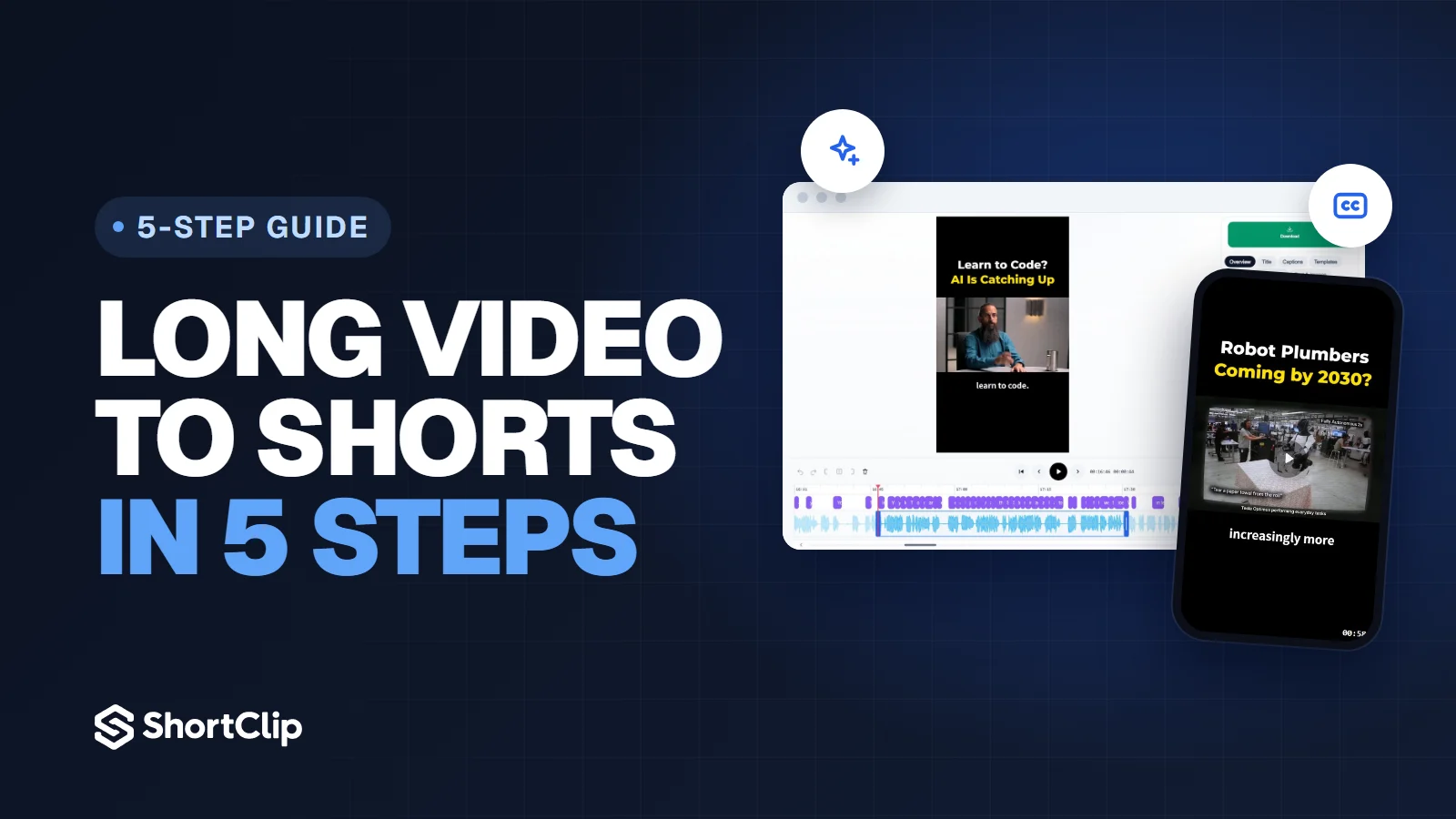
How to make Shorts from long videos with AI: 5 steps
How to make Shorts from long videos with AI: automatic highlights, vertical 9:16, and captions in five steps, plus a layout that keeps people watching.

OpusClip vs ShortClip: which AI clipper is better for interviews and podcasts?
Volume or context? How OpusClip and ShortClip compare on real interviews, and which to pick.

7 best AI clip makers in 2026: turn long videos into shorts
Seven tools for clipping long videos into shorts, how automatic and manual clipping differ, and what to check before you download.