
OpusClip vs ShortClip: which AI clipper is better for interviews and podcasts?
Try ShortClip for free.
Upload a video and ShortClip finds the key scenes, makes them vertical, and adds captions and a title.
Make short videos for free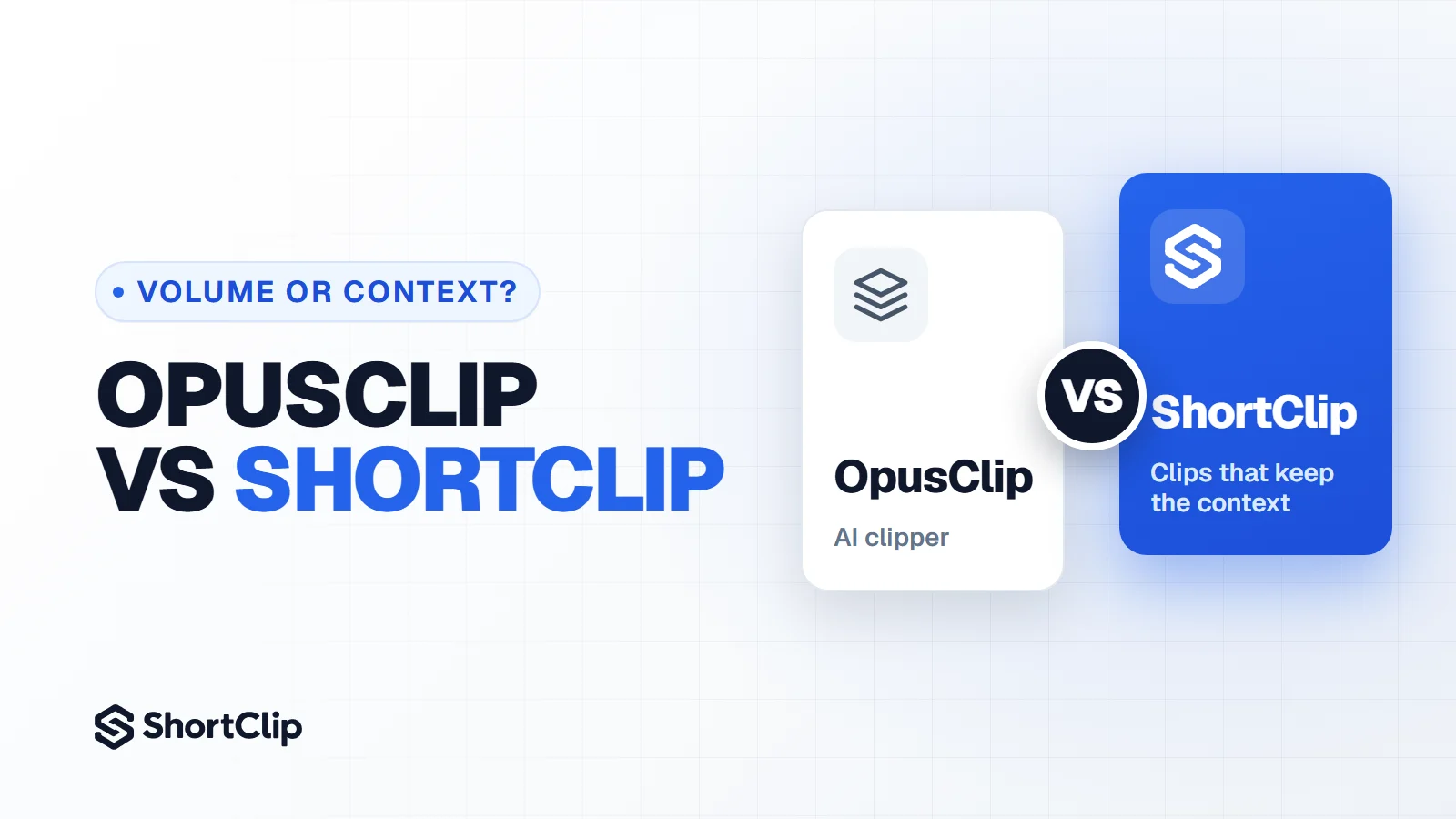
Volume or context? How OpusClip and ShortClip compare on real interviews, and which to pick.
OpusClip vs ShortClip at a glance
| OpusClip | ShortClip | |
|---|---|---|
| Pricing | Free; Starter $15/mo; Pro $29/mo; Business custom (opus.pro/pricing, November 2026) | Free (60 minutes a month, no credit card), Pro $12, Creator $23 per month, plus applicable tax |
| Best at | High-volume clipping, especially English content | Conversation-heavy videos in any language |
| How clips are picked | Many candidates, ranked by score | Fewer, picked to make sense without the rest of the video |
| Captions | Strong animated caption styles | Clean, readable captions split at natural pauses |
| Free plan | Watermark on animated caption templates; files expire after 3 days | 60 minutes a month, no credit card |
| Editing | Broad: from generation through publishing tools | Focused: titles, captions, cut points, and layout in the browser |
What OpusClip is
OpusClip is one of the best-known AI clipping tools. You give it a long video and it returns a batch of vertical clips ranked by a virality score, with caption templates, B-roll, and publishing tools on the paid plans. Its pricing page lists multi-language transcription on every plan.
What ShortClip is
ShortClip takes a long video, either an uploaded file or a public YouTube link, and uses AI to pick highlights from what is said. It returns vertical 9:16 shorts, each with a two-line title and captions. You get about one short for every 2 minutes of source video, up to 10, and one run covers up to 3 hours. It works with videos in any language; on the English site, captions and titles come out in English, translated when the video is in another language.
| Your material | Better fit | Why |
|---|---|---|
| Lots of English talk content, volume first | OpusClip | Large candidate batches and strong caption styles |
| Interviews, podcasts, panels, seminars | ShortClip | Fewer fixes to start points and captions |
| One heavily edited video | An editor such as CapCut | The goal is effects, not automatic clipping |
What we noticed using both
We ran interviews of the same type through both tools. These are tendencies we saw, not lab measurements, and both products change often.
Number of clips and choosing
| OpusClip | ShortClip | |
|---|---|---|
| Number of candidates | Many | Fewer |
| Time spent choosing | Tends to be higher | Lower |
| How many we kept | More to watch for each keeper | Most were usable |
What matters is how many clips you can actually post, not how many you have to watch.
Start points (the biggest difference)
| OpusClip | ShortClip | |
|---|---|---|
| Typical start | Partway through an answer | At the question, then the answer |
| Effect on viewers | Missing context | Makes sense on its own |
| Fixing | Often moved the start back | Less often |
Captions and titles
| OpusClip | ShortClip | |
|---|---|---|
| Caption styling | Strong, animated | Simple and readable |
| Line breaks | Needed more fixing outside English | Split at natural pauses |
| Titles | Hook-style | Built from what the speaker actually said |
Time spent fixing
| Step | OpusClip | ShortClip |
|---|---|---|
| Choosing clips | Heavy | Light |
| Start points | Heavy | Light |
| Captions | Medium to heavy | Light to medium |
| Generation itself | Fast | Fast |
The real difference is not generation speed but how much fixing comes after.
Pricing compared
| OpusClip | ShortClip | |
|---|---|---|
| Currency | US dollars | US dollars on the English site, plus applicable tax |
| Free plan | Yes, with watermark on animated captions | 60 minutes a month, no credit card |
| Paid plans | Starter $15, Pro $29 per month; Business custom | Pro $12, Creator $23 per month |
- Run the same video through both free plans
- Compare clips you would actually post per hour of fixing
- Check watermarks and how long your files are kept
For every OpusClip plan with monthly and yearly prices, the free plans and social posting side by side, see ShortClip vs OpusClip: plans and prices.
Which should you use?
Choose OpusClip if
- Most of your content is in English and volume matters most
- You like generating many candidates and testing them
- You want built-in B-roll and publishing tools
Choose ShortClip if
- You mostly publish interviews, podcasts, panels, or seminars
- You want fewer fixes to start points and captions
- You want to start on a free plan without a credit card
Want to compare an all-purpose editor too? See CapCut vs ShortClip. Working with videos that are not in English? Read how OpusClip handles non-English videos.
Summary
See plans and pricing|Free plan: up to 60 minutes a month, no credit card required
Related guides
Does OpusClip work for non-English videos? What we found
OpusClip is built around English. Here is how it handled long non-English interviews in our tests.
CapCut vs ShortClip: which one should you use for shorts?
A full editor or a focused AI shorts maker? How CapCut and ShortClip differ, and when to use each.
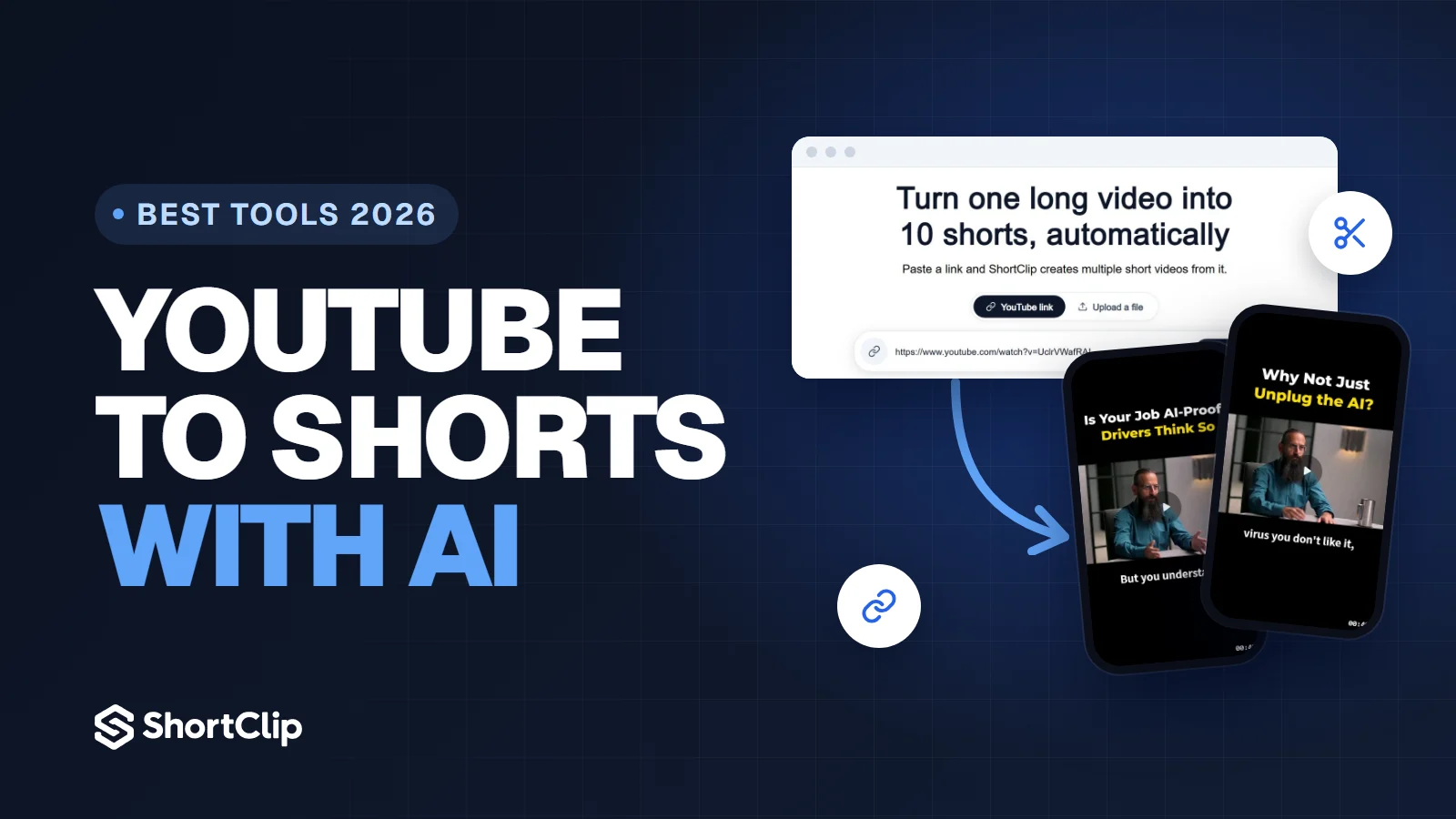
How to clip YouTube videos with AI: best tools compared (2026)
The main AI YouTube clipping tools compared, a 5-step workflow, and three rules for clips that get watched.