
CapCut vs ShortClip: which one should you use for shorts?
Try ShortClip for free.
Upload a video and ShortClip finds the key scenes, makes them vertical, and adds captions and a title.
Make short videos for free
A full editor or a focused AI shorts maker? How CapCut and ShortClip differ, and when to use each.
CapCut vs ShortClip at a glance
The CapCut column is based on CapCut's official site and help center (checked October 30, 2026); the ShortClip column on ShortClip's own guides. Where an official page did not say, the table says so.
| CapCut | ShortClip | |
|---|---|---|
| What it is | General-purpose video editor with AI features | AI service that turns long videos into vertical shorts |
| Where it runs | Desktop (Windows, macOS), browser, mobile (iOS, Android) | Browser, nothing to install; editing works on phones too |
| Auto captions | Yes, on desktop, web, and mobile; text, timing, and style are editable | Yes, spoken language detected automatically; text, timing, and design are editable |
| Long video to shorts with AI | Yes (AI Video Clipper: highlight detection, auto trimming, auto reframe to 9:16) | Yes (picks highlights from the transcript and makes several shorts) |
| How you bring the video in | File upload or cloud storage (URL import not mentioned on the official page) | File upload or a public YouTube link |
| Titles | Not part of the clipper | Two-line title generated for each short |
| Effects, transitions, templates | Yes | No |
| Audio tools | Text to speech, noise reduction, voice enhancement, and more | No |
| Pricing | Free plan; paid Pro, Ultra, and Teams (see the official pricing page) | Free (60 minutes a month, no credit card), Pro $12, Creator $23 per month, plus applicable tax |
What CapCut is good at
CapCut is a full video editor available on desktop, in the browser (CapCut Online), and on mobile. It covers templates, AI effects, transitions, text to speech, noise reduction, background removal, and the rest of what you need to finish a video.
Auto captions work the same way on every version: open Captions, choose Auto captions, pick the language, and generate. You can then fix the text, timing, and style. The help center notes that advanced options such as speaker labels or bulk .srt export may only be available on desktop or web, depending on region and version.
CapCut also has an AI Video Clipper for long videos. According to the official page, it finds highlights, trims clips automatically, adds auto captions, and reframes 16:9 footage to 9:16 while following the subject.
What ShortClip is good at
ShortClip takes a long video, either an uploaded file or a public YouTube link, and uses AI to pick highlights from what is said. It returns vertical 9:16 shorts, each with a two-line title and captions. You get about one short for every 2 minutes of source video, up to 10, and one run covers up to 3 hours. It works with videos in any language; captions and titles come out in the spoken language (translation into another language is available on every plan).
In the editor you can change the title, the captions (text, timing, and design), the start and end of each clip, and the layout (frame ratio, zoom, background color). It runs in the browser and works on phones.
Which one should you use?
| You want to | Better fit | Why |
|---|---|---|
| Make a travel, product, or vlog video | CapCut | The footage and the effects are the point, not clips of someone talking |
| Follow a trending template | CapCut | Large template library |
| Turn an interview, podcast, or seminar into several shorts | ShortClip | Highlights, captions, and titles come out together |
| Make shorts from a video already on YouTube | ShortClip | Paste the link; no download step |
| Turn a video in another language into English shorts | ShortClip | Captions and titles can be translated into English on every plan (if translation fails, captions stay in the original language) |
| Add music, sound effects, or transitions to a short | CapCut (or ShortClip, then CapCut) | ShortClip has no effects or music |
Using both: ShortClip first, then CapCut
If you want AI to do the cutting and captions but still want effects, split the work.
Make short candidates in ShortClip
Add a video file or a YouTube link and keep the shorts you want to use.
Fix captions, titles, and cut points
Correct names in the captions and make sure each short starts and ends at a natural point, in ShortClip's editor.
Export as MP4
Download each one as a vertical 9:16 short.
Finish only the ones that need it in CapCut
Import the shorts that need music, sound effects, or transitions, and add them there.
For the full AI clipping workflow, see how to clip YouTube videos with AI. For fixing cut points and titles in ShortClip, see how to edit AI-cut clips. Comparing subtitle-first editors? Read Vrew vs ShortClip.
Questions to ask before you choose
- Is the person talking the star of the video, or is the footage the star?
- Do you care more about polishing one video or about publishing more videos?
- Do you need music, sound effects, or transitions?
- Is the source a file on your computer or a video already on YouTube?
- Did you check each tool's free plan limits and export options on its official page?
- Did you run the same video through both and compare how long it took to get a postable short?
CapCut can already turn long videos into shorts. Do I need ShortClip?
Which languages do CapCut auto captions support?
Can I edit a ShortClip short in CapCut?
Is CapCut free?
See plans and pricing|Free plan: up to 60 minutes a month, no credit card required
Related guides
OpusClip vs ShortClip: which AI clipper is better for interviews and podcasts?
Volume or context? How OpusClip and ShortClip compare on real interviews, and which to pick.

7 best AI clip makers in 2026: turn long videos into shorts
Seven tools for clipping long videos into shorts, how automatic and manual clipping differ, and what to check before you download.
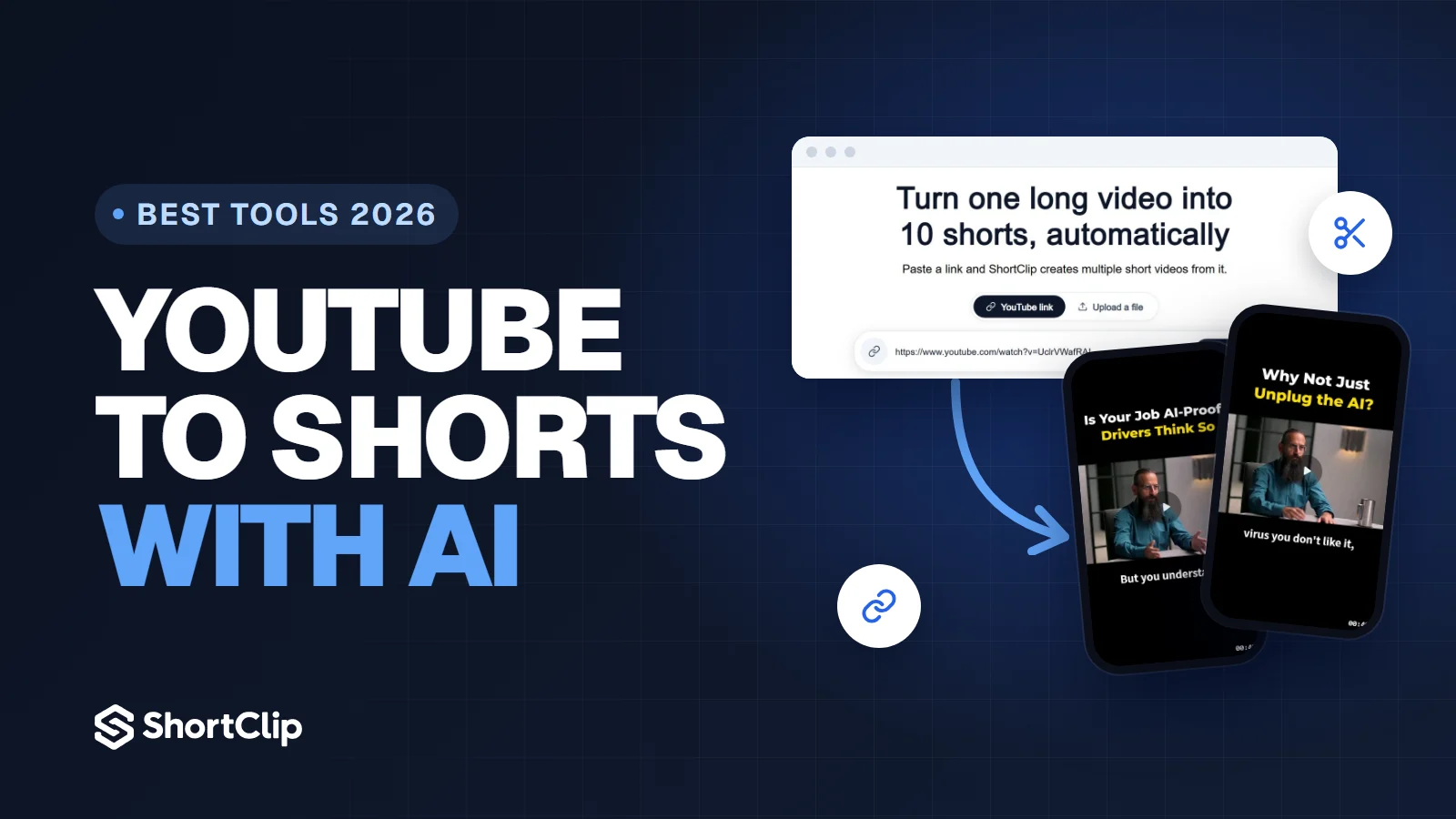
How to clip YouTube videos with AI: best tools compared (2026)
The main AI YouTube clipping tools compared, a 5-step workflow, and three rules for clips that get watched.