
Vrew vs ShortClip: transcript editor or AI shorts maker?
Try ShortClip for free.
Upload a video and ShortClip finds the key scenes, makes them vertical, and adds captions and a title.
Make short videos for free
Both add captions automatically. One is a desktop editor, the other clips long videos into shorts. Here is how to choose.
Vrew vs ShortClip at a glance
The Vrew column is based on Vrew's official site (vrew.ai, checked October 30, 2026); the ShortClip column on ShortClip's own guides.
| Vrew | ShortClip | |
|---|---|---|
| What it is | AI-assisted video editing software | AI service that turns long videos into vertical shorts |
| Where it runs | Desktop app for Mac, Windows, and Linux | Browser, nothing to install; editing works on phones too |
| Bringing a video in | Video files | File upload or a public YouTube link |
| Auto captions | Speech recognition generates captions | Captions generated automatically |
| How you edit | Edit the transcript; delete silences with one click | Review the clips, titles, and captions the AI made and fix them |
| Finding highlights | Mostly you choose what to cut | AI picks highlights from the transcript and makes several shorts |
| Vertical 9:16 | Short-form templates | 9:16 from the start |
| Titles | Not generated | Two-line title for each short |
| AI voice, script to video | Yes | No |
| Music, sound effects, stock | Commercial-use asset library | No |
| Other languages | Caption translation into 100+ languages | Any spoken language; captions and titles in the spoken language, translation on every plan |
| Free plan | Yes (check limits and watermark on the official site) | 60 minutes a month, no credit card |
What Vrew is
Vrew turns speech into text and lets you edit the video by editing that text: delete a line in the transcript and the matching footage disappears. It can also find silences and remove them with a click.
Its site also lists AI voiceovers, making videos with images and narration from a script or a single sentence, short-form templates, caption translation into more than 100 languages, and a library of images, videos, music, sound effects, and fonts cleared for commercial use.
What ShortClip is
ShortClip takes a long video, either an uploaded file or a public YouTube link, and uses AI to pick highlights from what is said. It returns vertical 9:16 shorts, each with a two-line title and captions. You get about one short for every 2 minutes of source video, up to 10, and one run covers up to 3 hours. It works with videos in any language; captions and titles come out in the spoken language (translation into another language is available on every plan).
After generation you can fix titles, captions (text, timing, design), the start and end of each clip, and the layout (frame ratio, zoom, background color), in the browser or on a phone.
Compared step by step
Here is where the work goes when you turn a 60-minute interview into shorts.
| Step | In Vrew | In ShortClip |
|---|---|---|
| Finding highlights | Read the transcript and choose yourself | AI suggests several; you keep the ones you like |
| Cutting | Delete lines and silences to build each clip | Adjust start and end if needed |
| Making it vertical | Apply a short-form template or set the ratio | Already 9:16 |
| Captions | Fix the generated captions | Fix the generated captions |
| Titles and polish | Add any text, music, or sound effects | Edit the two-line title; no music or effects |
If you want to choose every moment yourself or add production touches, Vrew gives you more freedom. If you want to stop scrubbing through long videos for usable moments, ShortClip has fewer steps.
Using both
You can split the work: make short candidates from long talks in ShortClip, fix captions and titles there, and take only the clip that needs narration or sound effects into another editor. For the other big editor, see CapCut vs ShortClip.
Questions to ask before you choose
- Are you polishing one video or making several from a long one?
- Can you install software on your computer (for example, a work laptop)?
- Do you need narration, music, or sound effects?
- Is the source a local file or a video already on YouTube?
- Did you check free plan limits and watermarks on each official site?
- Did you run the same video through both and compare the fixing time?
Every auto-caption tool gets some names and jargon wrong. Here is how to fix captions in ShortClip.
Which has more accurate auto captions, Vrew or ShortClip?
Can Vrew make shorts from a long video?
Can I add music or sound effects in ShortClip?
Is Vrew free?
See plans and pricing|Free plan: up to 60 minutes a month, no credit card required
Related guides
CapCut vs ShortClip: which one should you use for shorts?
A full editor or a focused AI shorts maker? How CapCut and ShortClip differ, and when to use each.

OpusClip vs ShortClip: which AI clipper is better for interviews and podcasts?
Volume or context? How OpusClip and ShortClip compare on real interviews, and which to pick.
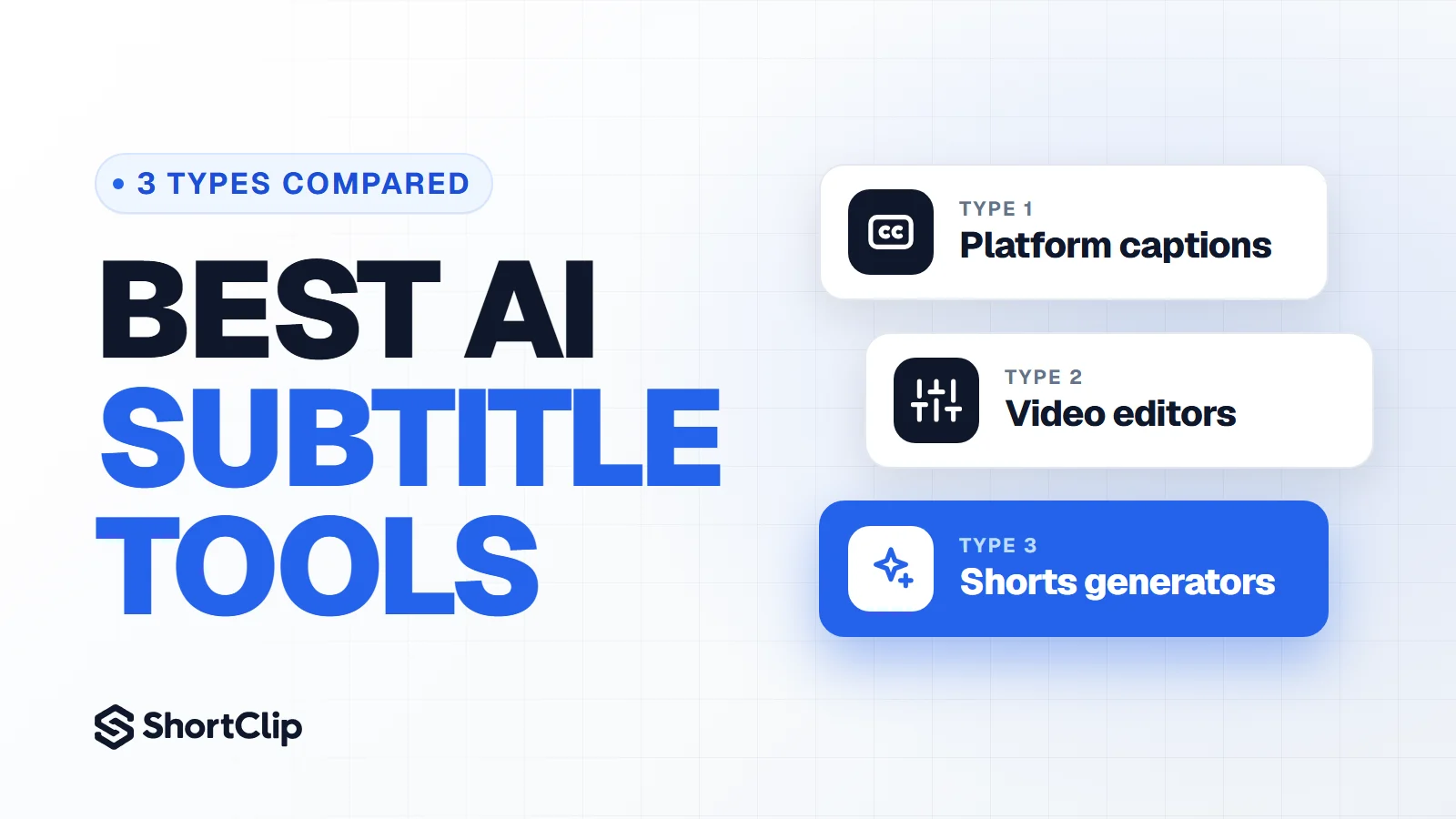
Best AI subtitle generators: 3 types of tools and how to choose
AI subtitle tools come in three types. Here is what each does well and how to pick one for your videos.