
How to clip YouTube videos with AI: best tools compared (2026)
Try ShortClip for free.
Upload a video and ShortClip finds the key scenes, makes them vertical, and adds captions and a title.
Make short videos for free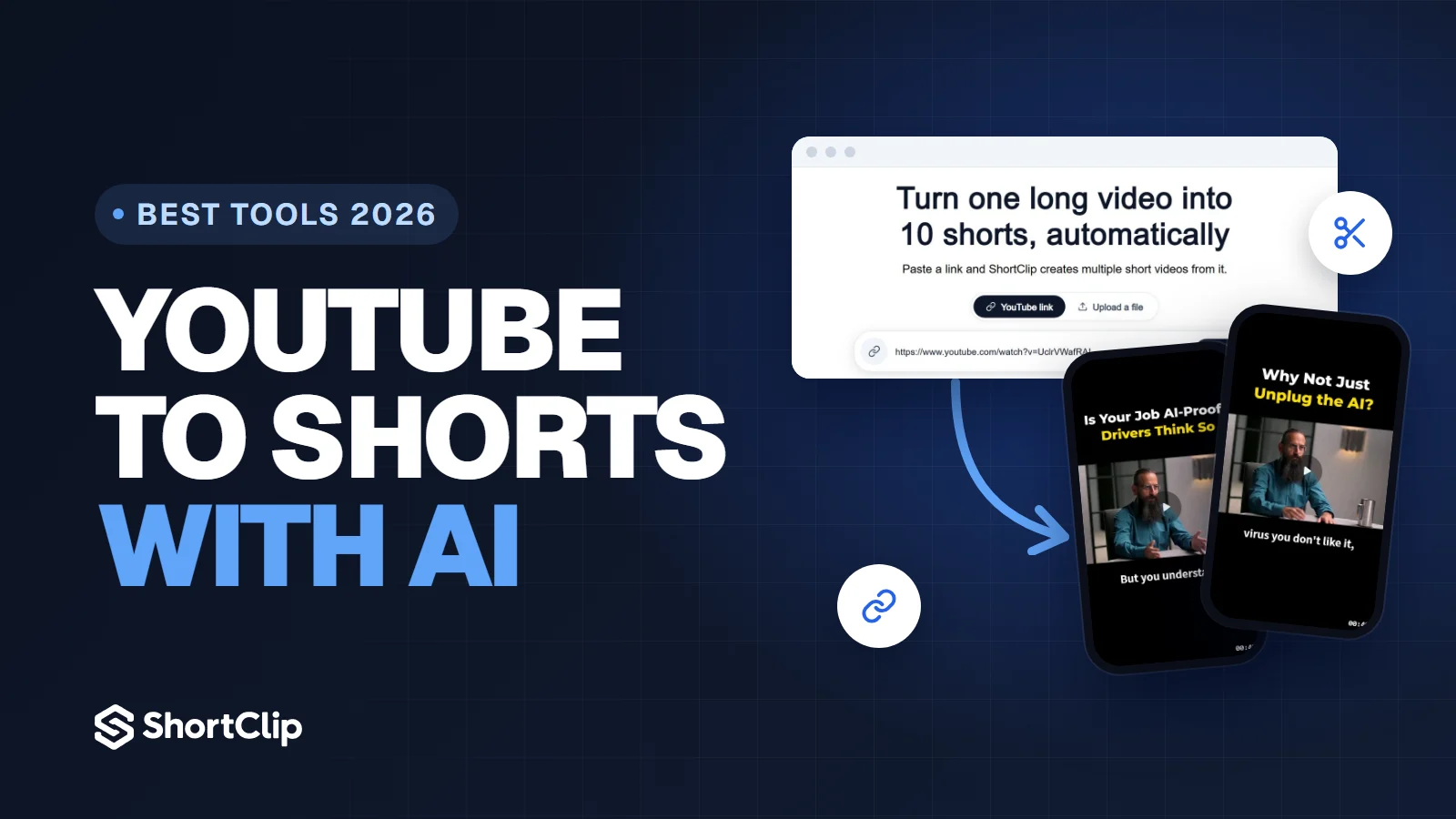
The main AI YouTube clipping tools compared, a 5-step workflow, and three rules for clips that get watched.
AI can now take a long YouTube video and hand you a set of ready-to-edit shorts. This guide compares the main AI clipping tools and walks through how to turn a YouTube video into shorts, based on what we learned building ShortClip.
How much of YouTube clipping can AI automate?
With ShortClip, AI handles the import, the transcript, finding clips, making them vertical, and the captions. You review the results, adjust captions, titles, or cut points if needed, and download.
| Step | By hand | With ShortClip |
|---|---|---|
| Getting the video | Download the file | Paste the YouTube link |
| Transcript | Type it or use another tool | Automatic |
| Finding clips | Rewatch the whole video | AI suggests clips |
| Vertical 9:16 | Edit manually | Automatic |
| Captions | Type and time them | Automatic |
| Title | Write your own | AI writes a two-line title |
Interviews, podcasts, explainers, and seminars work especially well, because so much of their content is in what people say.
Best AI tools for clipping YouTube videos
For interviews and conversations, the things to compare are how well a tool follows the conversation, how readable its captions are, and what the free plan includes.
| Tool | Picks highlights | Pricing | Best for |
|---|---|---|---|
| ShortClip | Yes, follows the conversation | Free 60 min/month; Pro $12/month plus tax | Interviews, podcasts, panels, seminars |
| OpusClip | Yes, many candidates ranked by score | Free; Starter $15/month | English content at volume |
| Vizard | Yes, AI clips from a long video | Free: 60 credits a month; Creator $29/month | Processing many hours of video a month |
| Klap | Yes, AI clips; priced per clip | Free trial: 1 video, clips can be previewed and edited; Basic $29/month | Long podcasts, since length does not change the price |
| Vrew | Mostly manual, transcript-based | Free plan; see official site | Detailed caption work on one video |
| CapCut | AI Video Clipper | Free plan; see official site | Adding effects and music, on any device |
| Adobe Premiere Pro | Manual, with text-based editing | Subscription; see Adobe | Professional editors and custom work |
How the tools differ
1. ShortClip: built for interviews and conversations
ShortClip makes shorts from long interviews, conversations, seminars, and podcasts in any language. It focuses on clips that make sense on their own, keeping the question with the answer.
- Clip selection that follows the conversation
- Readable captions and a two-line title on every short
- Free plan with 60 minutes a month, no credit card required
- Paid plans from $12 a month, plus applicable tax
2. OpusClip: volume and English content
OpusClip returns a batch of candidates from one long video, ranked by a virality score. It is especially strong on English content; in other languages, expect to check context and fix captions.
3. Vrew: edit video by editing text
Vrew transcribes your video and lets you cut it by deleting text. Automatic highlight picking is limited, so it suits videos where you already know what to cut.
4. CapCut: the all-round editor
Auto captions plus a big library of animated text, music, and sound effects, on desktop, web, and mobile. Its AI Video Clipper also cuts long videos into shorts.
Detailed comparisons: OpusClip vs ShortClip, CapCut vs ShortClip, and Vrew vs ShortClip. Prices and free plans side by side, checked on the official sites: ShortClip vs OpusClip, ShortClip vs Vizard, and ShortClip vs Klap.
How to clip a YouTube video with AI in 5 steps
Step 1: Pick the source video
Copy the YouTube link, or have the video file ready. Clear audio, like an interview, gives the AI the most to work with.
Step 2: Let the AI transcribe and find highlights
Load the link or file. The AI analyzes what is said and suggests short candidates.
Step 3: Check the vertical framing
Make sure the speaker sits well in the 9:16 frame and the spacing above and below looks right.
Step 4: Fix captions and the title
Correct names and technical terms. A clear title at the top tells viewers what the clip is about at a glance.
Step 5: Download and post
Export and post to YouTube Shorts, TikTok, or Instagram Reels. Link the full video from each short.
How to choose an AI clipping tool
- Does it keep context (no clips that start mid-answer or on a filler word)?
- Can you adjust caption font, size, outline, and line breaks?
- Does it output 9:16 with a layout made for shorts?
- Is there a free plan, and is the price reasonable for your volume?
3 rules for clips that get watched
Rule 1: Hook in the first two seconds
Viewers decide almost instantly. A two-line summary title on screen tells them what the clip is about right away.
Rule 2: One short, one message
Keep each short to a single topic. Clear beats complete.
Rule 3: Captions that work with the sound off
Many people watch shorts muted. Use bold fonts, outlines, or a background box so captions stand out from the footage.
Copyright, policies, and monetization
Only clip videos you own or have permission to use. Clipping someone else's video without adding anything of your own can also run into YouTube's reused content policy, which can stop monetization. Read YouTube clips and copyright before you start.
- Make titles and thumbnails your own
- Add your own commentary or context where you can
- Spend the time AI saves you on that original layer
Summary
- Conversation-heavy long videos: ShortClip
- Large batches of ranked candidates: OpusClip
- Careful caption editing: Vrew
- Effects and music: CapCut
Start with a free plan and run one of your own videos through it.
See plans and pricing|Free plan: up to 60 minutes a month, no credit card required
Related guides
How to turn an interview into short clips (step by step)
Find the moments that work as shorts, cut each one as a question-and-answer pair, fit two people into a vertical frame, and use the title and captions to add context.
OpusClip vs ShortClip: which AI clipper is better for interviews and podcasts?
Volume or context? How OpusClip and ShortClip compare on real interviews, and which to pick.
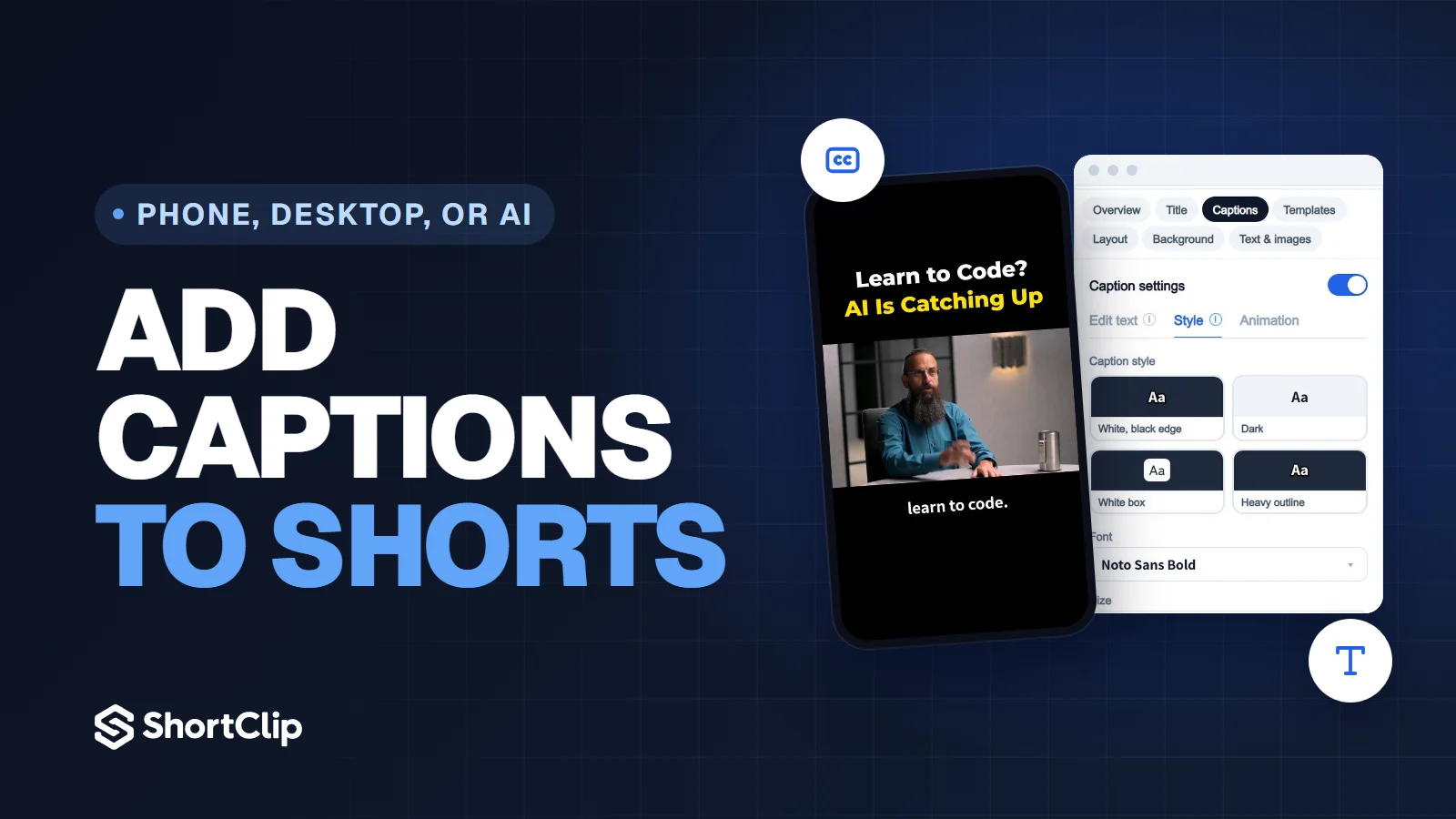
How to add captions to short videos: phone, computer, and AI
Three ways to caption short videos, and the styling rules that keep captions readable on a phone.