
How to add captions to short videos: phone, computer, and AI
Try ShortClip for free.
Upload a video and ShortClip finds the key scenes, makes them vertical, and adds captions and a title.
Make short videos for free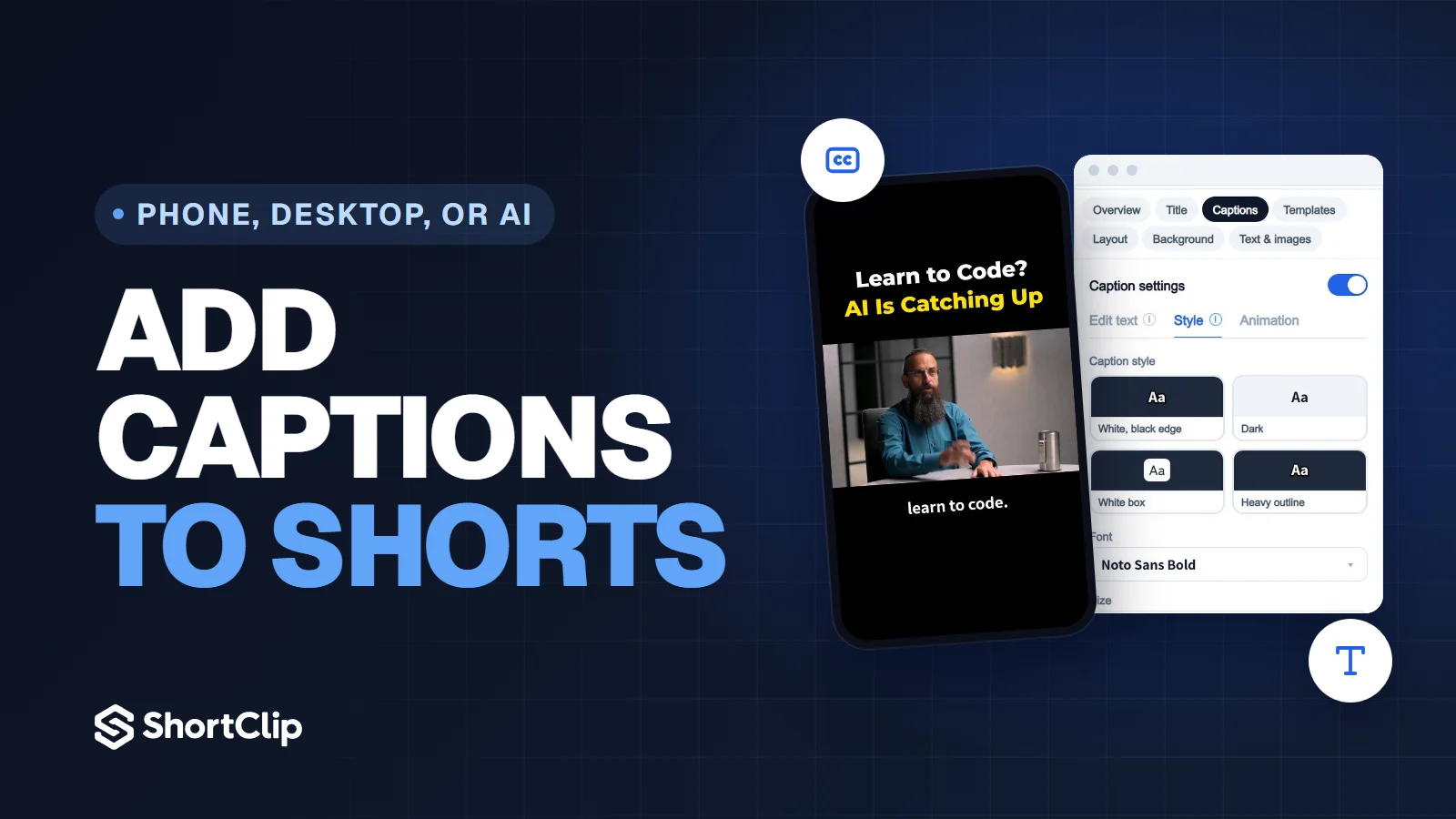
Three ways to caption short videos, and the styling rules that keep captions readable on a phone.
Captions are one of the easiest ways to make a short video perform better. Many people scroll with the sound off, and on-screen text tells them in a second what the clip is about. This guide shows three ways to add captions to YouTube Shorts, TikTok, and Instagram Reels, on a phone, on a computer, or automatically with AI, plus the styling rules that keep them readable.
Why captions matter on short videos
Many viewers watch without sound
On a commute, at work, or late at night, people often watch with the sound off. Without captions, a talking-head clip is just a face moving, and they swipe away.
Captions help people keep watching
Text gives the eye something to follow and makes the point of the clip clear from the first second, which helps viewers stay until the end.
Captions make the message easier to follow
Fast speech, accents, and background noise are easier to follow with text on screen, and captions make your video accessible to viewers who are deaf or hard of hearing.
3 ways to add captions
| Type them by hand | AI auto captions | Hire an editor | |
|---|---|---|---|
| Time per video | Long | Minutes | Days (turnaround) |
| Cost | Free | Free to low | Per video |
| Accuracy | As good as your typing | High on clear audio; proofread | High |
| Best for | One-off clips | Posting regularly | Large budgets |
How to add captions on your phone
| App | What stands out | Good for |
|---|---|---|
| TikTok / Instagram editors | Built-in auto captions when you post | Posting straight to one platform |
| CapCut | Animated caption styles, templates | Styled captions for any platform |
| YouTube Create | Free editor from YouTube for Shorts | Simple Shorts made on Android |
| ShortClip (mobile browser) | Captions added while clips are cut from a long video | Repurposing long videos |
The built-in captions in TikTok and Instagram are the fastest route, but they only exist on that platform. If you post the same clip in several places, add captions in an editor so they are part of the video.
How to add captions on a computer
| Software | What stands out | Good for |
|---|---|---|
| CapCut desktop | Same caption styles as the app, bigger screen | Creators already using CapCut |
| Premiere Pro | Speech to Text and full caption control | Professional editors |
| Descript | Edit the video by editing the transcript | Podcasts and talking-head videos |
How to generate captions automatically with AI
Add your video
In ShortClip, choose "YouTube link" and paste a URL, or "Upload a file", then click "Make shorts".
Let the AI make the shorts
ShortClip transcribes the speech, picks the highlights, makes them vertical, and adds captions and a title to each short.
Check and adjust
Open a short, fix any wrong words or timing, change the font, size, color, or position, and click "Download".
Every caption edit is covered in how to edit AI captions.
Tips for readable captions
| Do | Avoid | |
|---|---|---|
| Length | Short lines, one idea per caption | Two long lines covering the screen |
| Size and contrast | Large, bold text with an outline or background | Thin text over a busy background |
| Position | Center or lower third, clear of platform buttons | The bottom edge where captions and buttons overlap |
| Timing | Text appears as the words are spoken | Captions that lag behind the speech |
Common caption mistakes
| Mistake | Why it hurts | Fix |
|---|---|---|
| Unchecked AI text | Wrong names and words look careless | Proofread before you post |
| Captions under the UI | TikTok and Reels buttons cover them | Move them up into the safe area |
| Too many fonts and colors | Hard to read, looks cluttered | One font, one highlight color |
| Captions out of sync after trimming | Text no longer matches the voice | Re-check timing after every cut |
Frequently asked questions
Do short videos need captions?
Can I add captions for free?
Are AI captions good enough on their own?
Should YouTube Shorts have captions?
Do I need captions when I cut a short from a horizontal video?
Summary
Add captions to every talking short. Use platform captions for one-off posts, an editor when you post the same clip everywhere, and AI when you make shorts from long videos regularly. Keep lines short, large, and inside the safe area, and proofread before you publish.
See plans and pricing|Free plan: up to 60 minutes a month, no credit card required
Related guides
Best AI subtitle generators: 3 types of tools and how to choose
AI subtitle tools come in three types. Here is what each does well and how to pick one for your videos.
How to make short videos: a complete beginner's guide
Order matters more than gear. Plan, film, edit, caption, and post: five steps to publish your first short video today.
Short video templates: 5 script structures and reusable layouts
Script structures and vertical layouts you can reuse for every short, so you never start from a blank screen.