
Short video templates: 5 script structures and reusable layouts
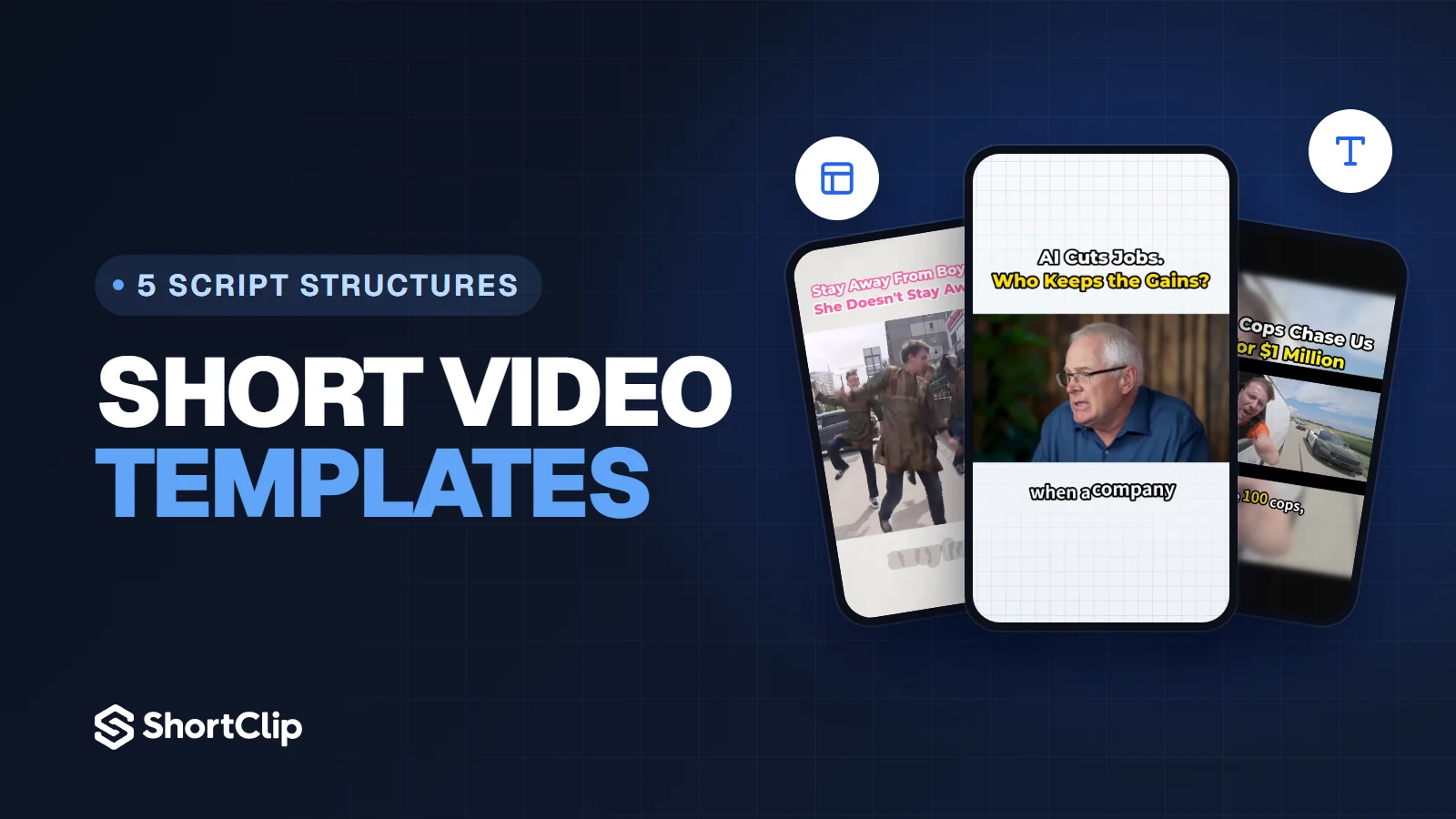
Script structures and vertical layouts you can reuse for every short, so you never start from a blank screen.
Templates are how creators post short videos every day without starting from a blank screen. A template fixes two things in advance: the structure of the clip (what you say in which second) and the layout (where the video, title, and captions sit). Below are script templates that work for YouTube Shorts, TikTok, and Reels, plus layout templates you can reuse in any editor.
Script templates that work
| Template | Structure | Works for |
|---|---|---|
| Hook, point, payoff | Bold claim in 2 seconds, one supporting point, the payoff | Opinions, tips, interview highlights |
| Question and answer | A question viewers ask, then a clear answer | FAQs, expert clips, customer questions |
| Mistake and fix | A common mistake, why it hurts, the fix | How-to and educational content |
| Number list | "3 things..." then each item in a few seconds | Tips, tools, checklists |
| Story beat | Setup, turning point, result | Podcasts, founder stories, case studies |
All five share one rule: say what the clip is about in the first two seconds. If you are cutting from a long video, look for a moment where the speaker already does this, so the clip needs no extra intro.
Layout templates for vertical video
| Layout | What it looks like | Best for |
|---|---|---|
| Full-screen video | The video fills 9:16, captions in the middle | One speaker, vertical footage |
| Title band + video + captions | A title at the top, the video in the middle, captions below | Horizontal interviews and webinars converted to vertical |
| Split screen | Two speakers or gameplay and facecam stacked | Podcasts, reactions, gaming |
How to build and reuse a template
Pick one script structure
Choose the template that fits the clip, and write or find the hook first.
Fix the layout once
Set the canvas to 1080×1920 and decide where the title, video, and captions go. Keep text out of the bottom and right edges.
Save fonts and colors
Use one font, one highlight color, and the same caption size every time so your videos are recognizable.
Reuse it for every clip
Swap only the footage and text. Posting consistently matters more than redesigning each clip.
Tips
- Keep titles to a few words; long titles shrink the video.
- Make captions large with an outline so they read on any background.
- Test one change at a time (hook style, title length, layout) and compare results over a few weeks.
- Check the safe area on each platform; TikTok and Reels cover more of the bottom than YouTube.
Templates in ShortClip
ShortClip applies a layout template to every short it makes: choose one before you click "Make shorts" and each clip gets the same title band, video position, and caption style. On the Pro plan and above, Template settings let you save your own fonts, colors, and positions. See how to edit AI-cut clips and how to edit AI captions.
Frequently asked questions
What is a short video template?
Do templates make videos look the same?
Are there free templates?
Try ShortClip for free
Upload a video and ShortClip uses AI to make short videos with captions and titles.
Try it free →See plans and pricing|Free plan: up to 60 minutes a month, no credit card required
Related guides
How to add captions to short videos: phone, computer, and AI
Three ways to caption short videos, and the styling rules that keep captions readable on a phone.
How to batch-produce short videos without losing quality
Batch-record, clip from long videos, or use templates. How to produce shorts at volume and keep quality up.
YouTube Shorts size: dimensions, aspect ratio, and length (2026)
Resolution, aspect ratio, length, and safe area for YouTube Shorts, with TikTok and Reels notes.