
YouTube Shorts size: dimensions, aspect ratio, and length (2026)
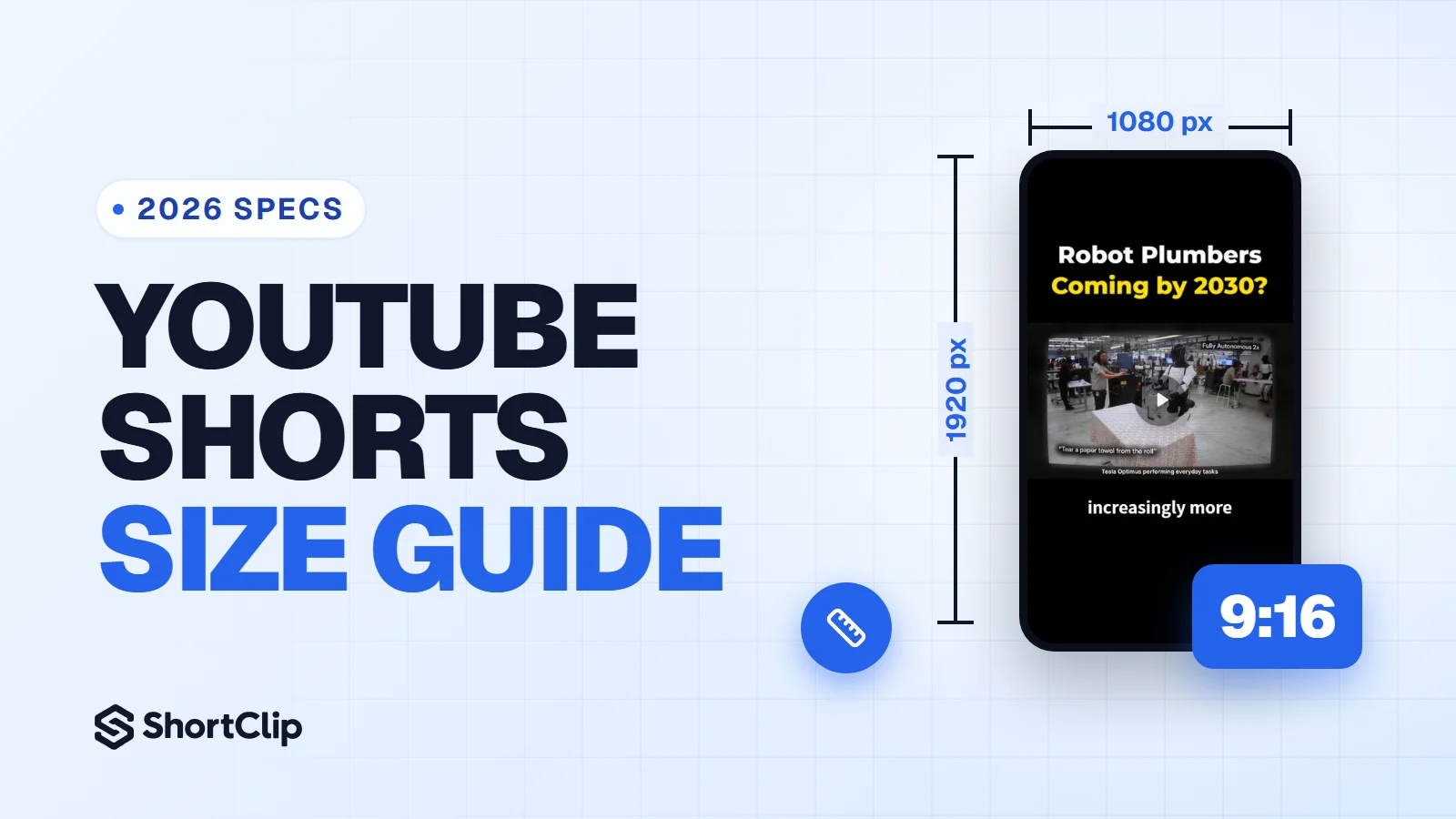
Resolution, aspect ratio, length, and safe area for YouTube Shorts, with TikTok and Reels notes.
Getting the size right is the first step to a Short that looks sharp and fills the screen. Here are the dimensions, aspect ratio, length, and safe area to use for YouTube Shorts, with notes for TikTok and Instagram Reels so one export works everywhere.
YouTube Shorts dimensions at a glance
| Setting | Recommended value |
|---|---|
| Aspect ratio | 9:16 (vertical) |
| Resolution | 1080×1920 pixels |
| Length | Up to 3 minutes |
| File format | MP4 (H.264 video, AAC audio) |
| Frame rate | Keep the source frame rate (24, 30, or 60 fps) |
YouTube treats square and vertical videos up to 3 minutes as Shorts. Square (1:1) works, but 9:16 fills the whole phone screen, so it is the better default.
Same file for TikTok and Instagram Reels
| Platform | Aspect ratio | Resolution | Note |
|---|---|---|---|
| YouTube Shorts | 9:16 | 1080×1920 | Square and vertical up to 3 minutes count as Shorts |
| TikTok | 9:16 | 1080×1920 | Longer uploads are allowed, but short clips perform best |
| Instagram Reels | 9:16 | 1080×1920 | The grid preview crops to a smaller area; keep key content centered |
Limits and features change from time to time, so check each platform's help center if you are working close to a limit.
Keep text inside the safe area
- The bottom of the screen holds the caption, channel name, and music info, so keep important text above it.
- The right edge holds the like, comment, and share buttons.
- A good rule: keep titles and captions in the middle 70% of the height and away from the right edge.
How to make a Short in the right size
Shoot or set up vertically
Record in portrait, or create a 1080×1920 project in your editor.
Convert horizontal footage
Crop, pad, or blur 16:9 footage to fit 9:16.
Place text in the safe area
Put titles and captions where platform buttons will not cover them.
Export as MP4
Export at 1080×1920 and upload from YouTube Studio or the YouTube app.
Converting horizontal footage is covered step by step in how to convert a horizontal video to vertical.
ShortClip exports in the right size automatically
Every short ShortClip makes is laid out in vertical 9:16 with the title and captions placed for phone screens, so you can download the MP4 and post it to Shorts, TikTok, or Reels as is. See how to download your shorts.
Frequently asked questions
What is the best size for YouTube Shorts?
How long can a YouTube Short be?
Can a horizontal video be a Short?
Should I upload in 4K?
Try ShortClip for free
Upload a video and ShortClip uses AI to make short videos with captions and titles.
Try it free →See plans and pricing|Free plan: up to 60 minutes a month, no credit card required
Related guides
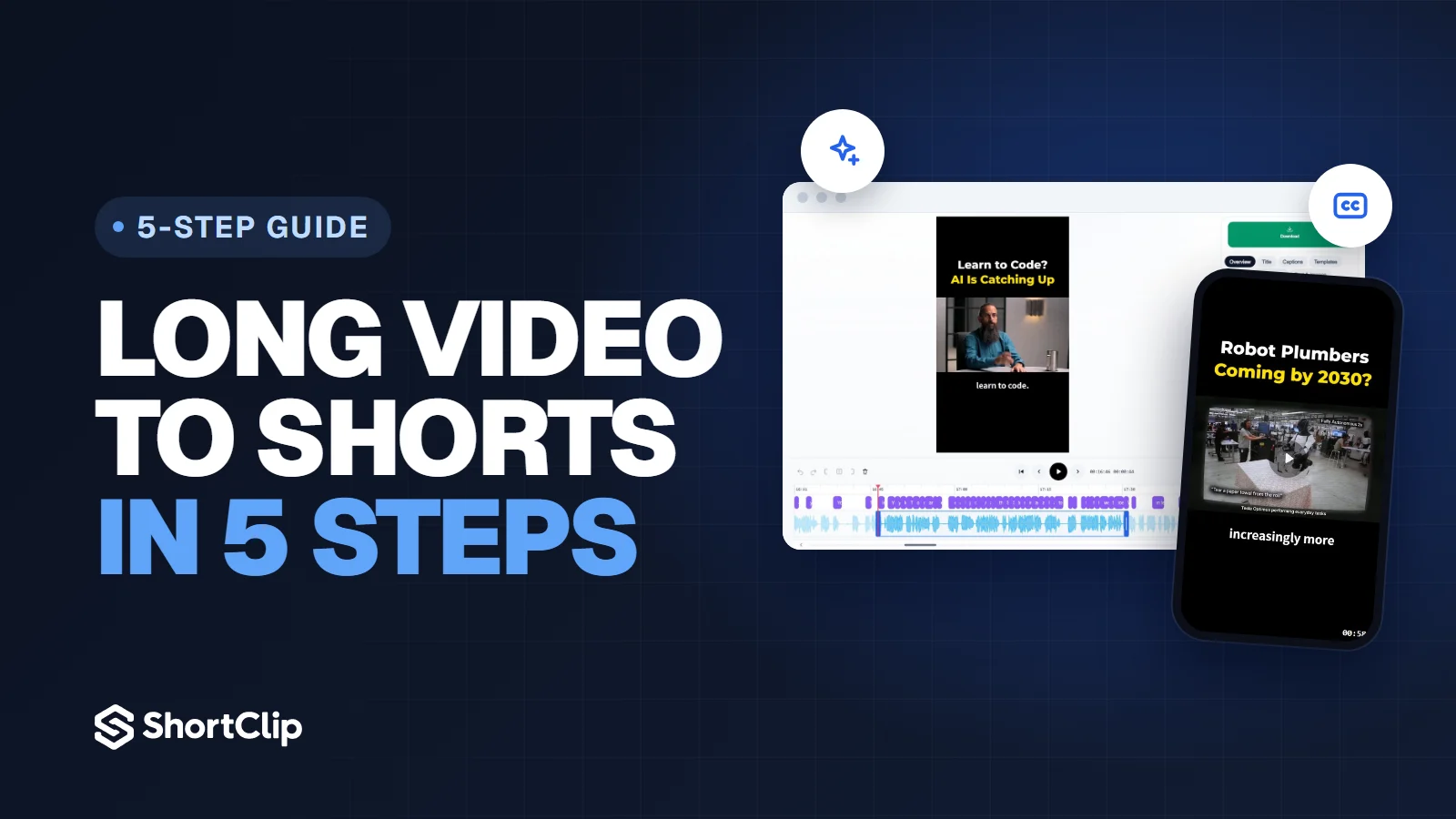
How to make Shorts from long videos with AI: 5 steps
How to make Shorts from long videos with AI: automatic highlights, vertical 9:16, and captions in five steps, plus a layout that keeps people watching.

Short video templates: 5 script structures and reusable layouts
Script structures and vertical layouts you can reuse for every short, so you never start from a blank screen.
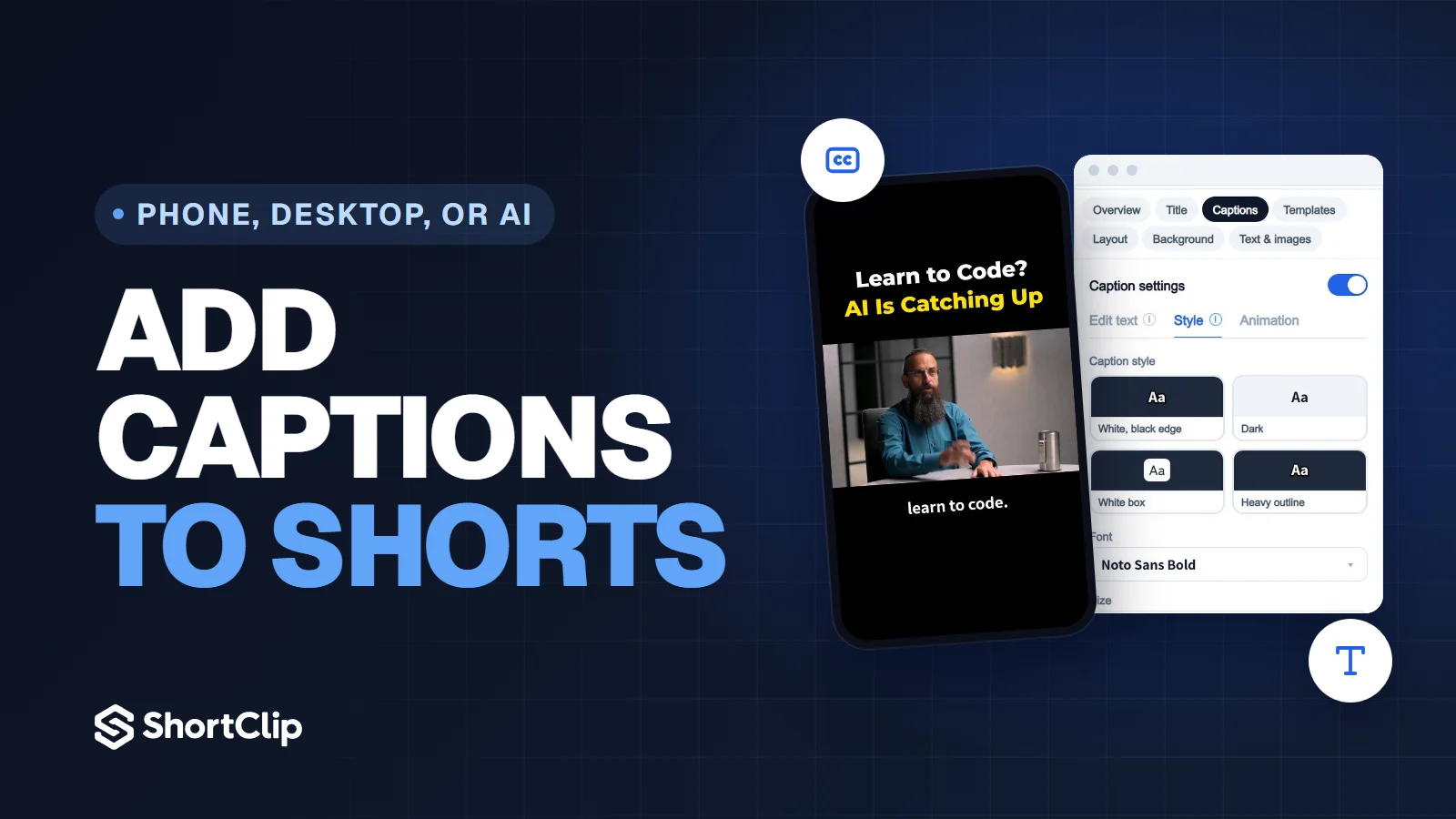
How to add captions to short videos: phone, computer, and AI
Three ways to caption short videos, and the styling rules that keep captions readable on a phone.