
How to convert a horizontal video to vertical (9:16): crop, pad, or blur
Try ShortClip for free.
Upload a video and ShortClip finds the key scenes, makes them vertical, and adds captions and a title.
Make short videos for free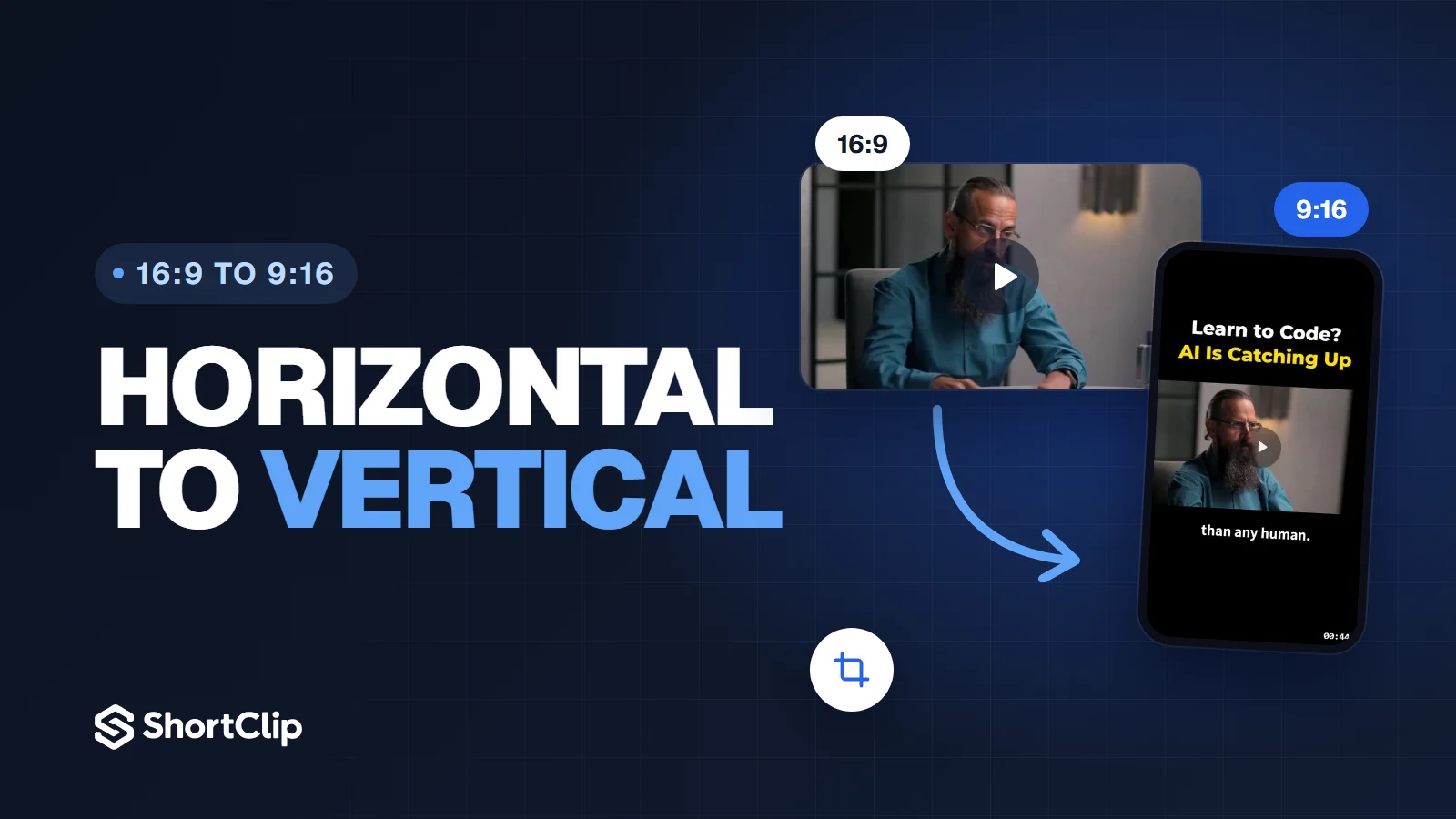
Three ways to turn 16:9 into 9:16, what each one keeps on screen, and which to use for your video.
YouTube Shorts, TikTok, and Instagram Reels are built for vertical 9:16 video, but most interviews, webinars, and podcasts are recorded horizontally in 16:9. There are three ways to convert a landscape video to portrait: crop it, add bars above and below, or fill the bars with a blurred copy of the video. Each one keeps a different part of the picture, so the right choice depends on what is on screen.
Crop, pad, or blur: how the 3 methods differ
| Method | What stays in frame | Image quality | Best for |
|---|---|---|---|
| 1. Crop | About 32% of the width (a 608 px slice from the center) | Upscaled about 1.8×, so it can look soft | One person talking, subject in the middle |
| 2. Pad (bars top and bottom) | The whole picture | Scaled down, so it stays sharp | Slides, screen shares, several people side by side |
| 3. Blurred background | The whole picture | Same as padding | When black bars look empty |
Which method for which video?
| Video type | Recommended | Why |
|---|---|---|
| Solo talking head or explainer | Crop | The face fills the screen and reads well on a phone |
| Interview or podcast with two people | Pad, or crop to each speaker | A center crop cuts off one person when they sit apart |
| Webinar, slides, screen recording | Pad (zoom in slightly if needed) | Cropping cuts off text on the slides |
| Gaming | Pad, or stack gameplay and facecam | The full game view usually matters |
| Landscape or product shots | Crop, positioned on the subject | The subject is clear and easy to frame |
Steps that work in any editor
Create a 9:16 project
Set the canvas to 1080×1920 (vertical 9:16) before you import the clip.
Place the clip
For a crop, scale the clip up until it fills the height and move it so the subject is centered. For padding, fit the clip to the width.
Fill the empty space
Leave black bars, add a blurred copy of the clip behind it, or use the space for a title and captions.
Check the safe area and export
Keep faces and text away from the bottom and right edges where platform buttons sit, then export as MP4.
Tools you can use
| Type | Examples | Good for |
|---|---|---|
| Phone apps | CapCut, InShot | Shooting, editing, and posting from your phone |
| Desktop editors | Premiere Pro, DaVinci Resolve, Final Cut Pro | Adjusting the crop scene by scene |
| Browser tools | Canva, Clipchamp, Kapwing | Converting a few clips without installing anything |
| Command line (FFmpeg) | See the commands below | Converting many files with the same settings |
FFmpeg commands
ffmpeg -i in.mp4 -vf "crop=ih*9/16:ih,scale=1080:1920" -c:a copy out.mp4ffmpeg -i in.mp4 -vf "scale=1080:-2,pad=1080:1920:(ow-iw)/2:(oh-ih)/2:black" -c:a copy out.mp4ffmpeg -i in.mp4 -filter_complex "[0:v]scale=1080:1920:force_original_aspect_ratio=increase,crop=1080:1920,boxblur=20:2[bg];[0:v]scale=1080:-2[fg];[bg][fg]overlay=(W-w)/2:(H-h)/2" -c:a copy out.mp4Making vertical shorts with ShortClip
ShortClip makes every short vertical for you. Paste a YouTube link or upload a horizontal video, pick a template, and click "Make shorts": the AI finds the highlights and lays each one out in 9:16 with a title and captions. You can switch the layout and adjust the framing for each short in the editor. See how to edit AI-cut clips for the details.
Frequently asked questions
What happens if I post a horizontal video as a Short?
Why does cropping reduce quality?
What makes a video count as a YouTube Short?
Can I convert a video on my phone?
See plans and pricing|Free plan: up to 60 minutes a month, no credit card required
Related guides
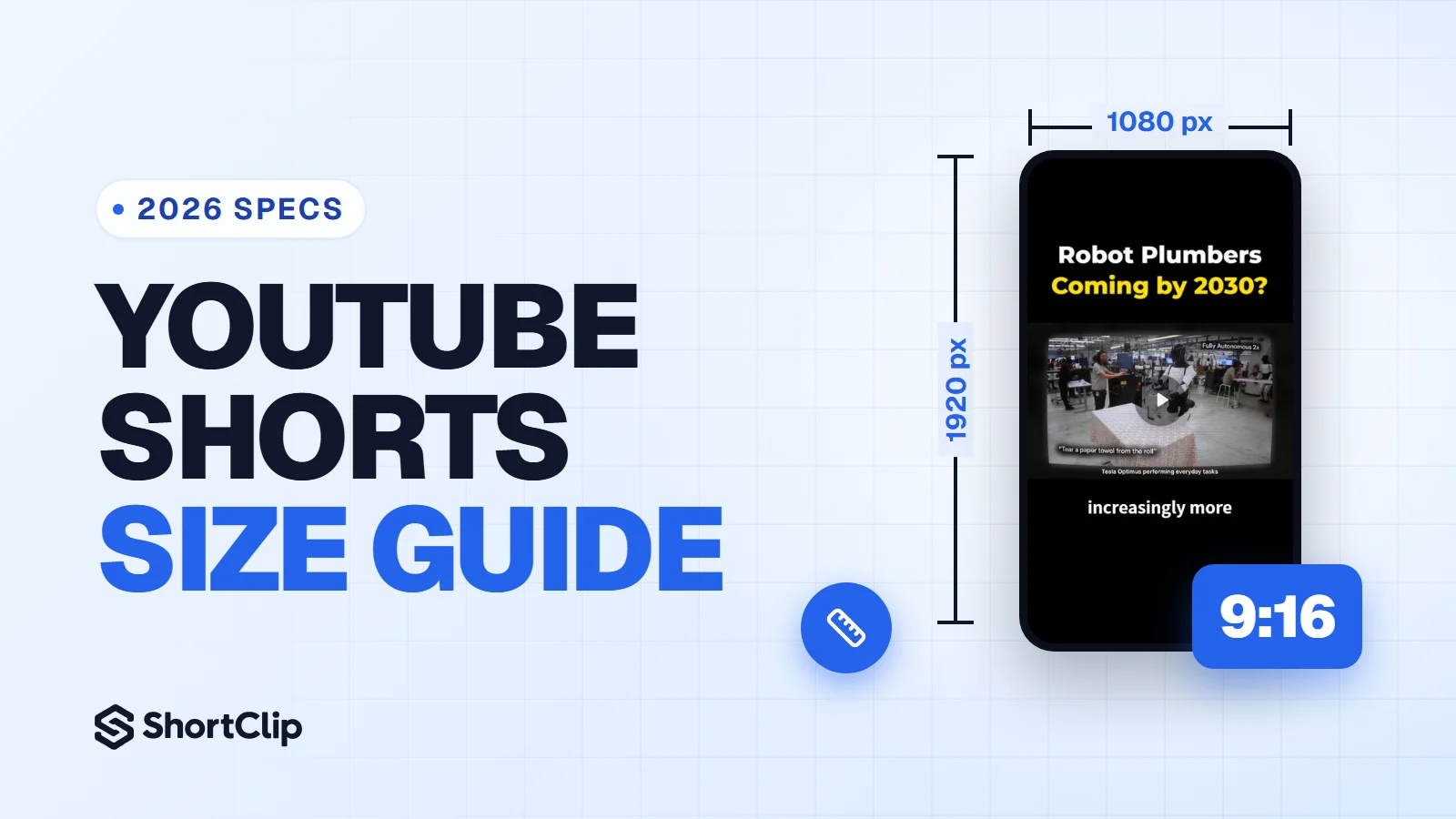
YouTube Shorts size: dimensions, aspect ratio, and length (2026)
Resolution, aspect ratio, length, and safe area for YouTube Shorts, with TikTok and Reels notes.
How to make short videos: a complete beginner's guide
Order matters more than gear. Plan, film, edit, caption, and post: five steps to publish your first short video today.
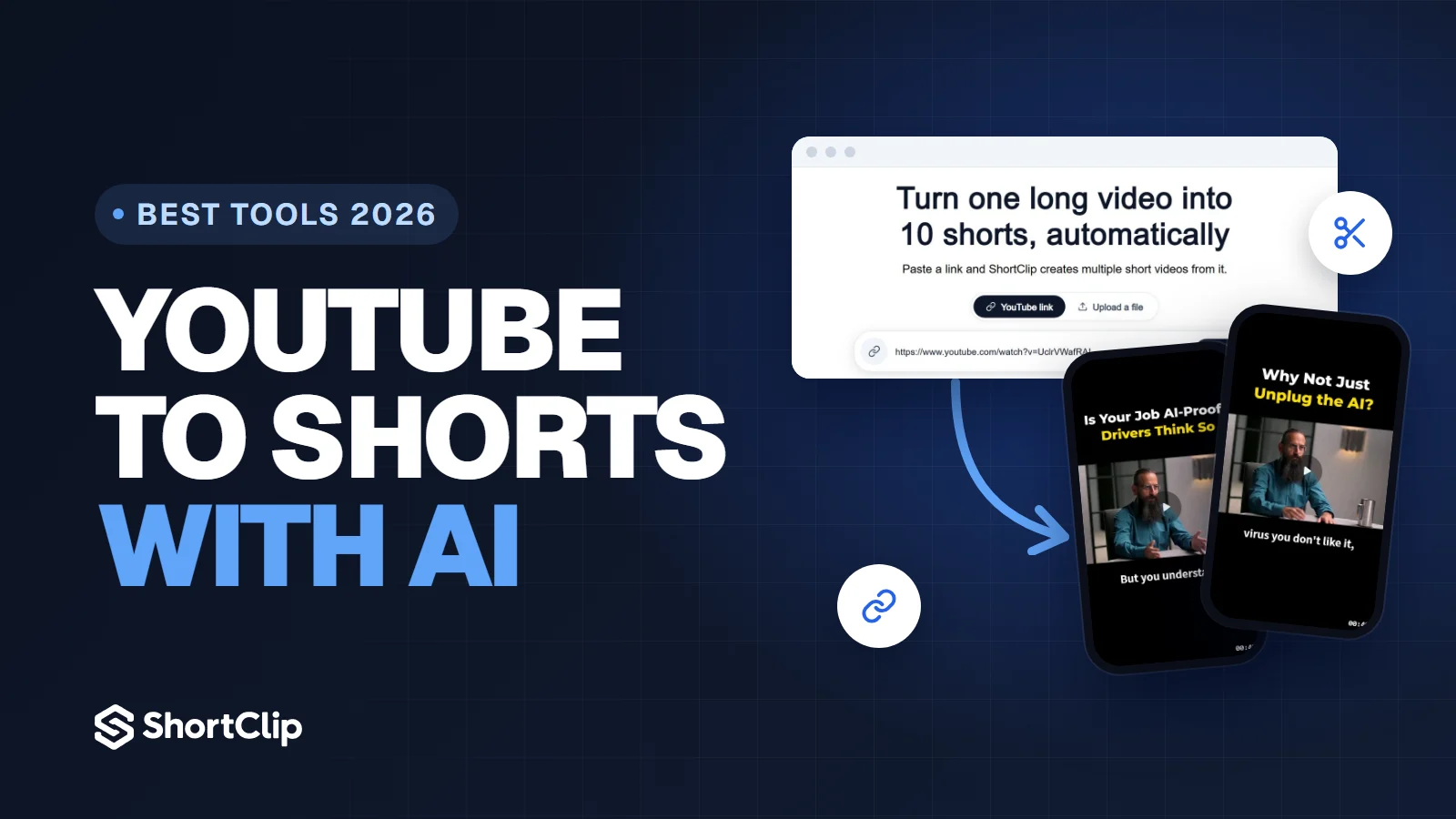
How to clip YouTube videos with AI: best tools compared (2026)
The main AI YouTube clipping tools compared, a 5-step workflow, and three rules for clips that get watched.