
How to batch-produce short videos without losing quality
Try ShortClip for free.
Upload a video and ShortClip finds the key scenes, makes them vertical, and adds captions and a title.
Make short videos for free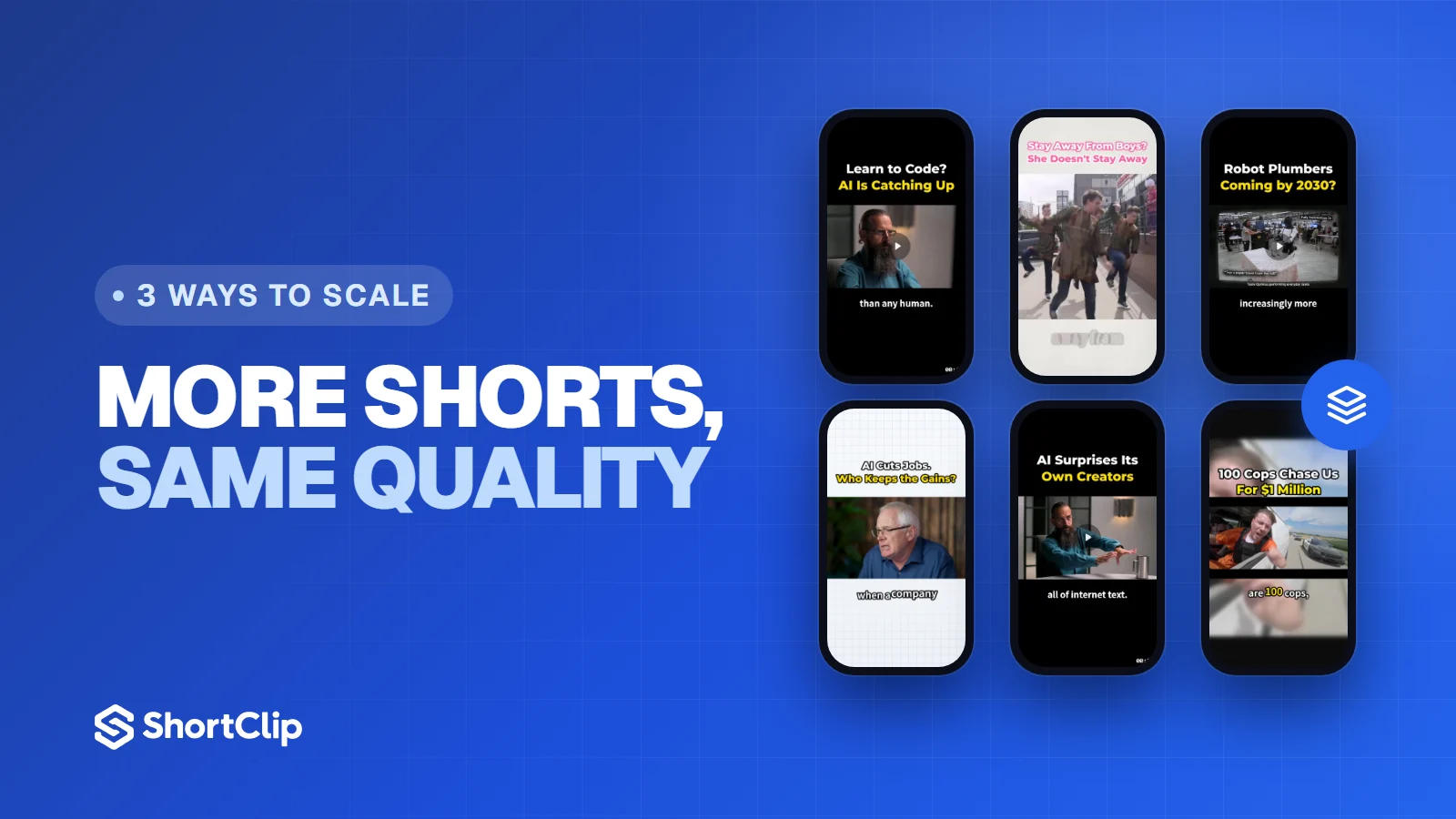
Batch-record, clip from long videos, or use templates. How to produce shorts at volume and keep quality up.
Three ways to produce shorts at scale
Volume depends less on editing speed than on how you get your material. Pick the method that fits what you already have.
| Method | How | Good when | Watch out for |
|---|---|---|---|
| 1. Batch-record | Write several scripts and film them in one session | Product demos, tips, anything you can say in under a minute | One bad recording day stops everything |
| 2. Clip from long videos | Cut topics out of YouTube videos, streams, seminars, or podcasts | You already publish long content regularly | Rights to the source; some moments need context |
| 3. Fill a template | Keep the structure and design, change only the content | Rankings, Q&A, glossary-style series | If the content gets too similar, it reads as mass-produced |
For method 2 step by step, see how to batch-produce clips from long YouTube videos.
Batch each step
Planning, filming, editing, and posting one video at a time means setting up and tearing down every time. Batching a step means setting up once and getting more consistent results.
| Step | Batch this | Saves |
|---|---|---|
| Planning | A week (or a month) of topics and opening lines in one list | Deciding what to make every day |
| Material | One filming day, or one or two long videos to clip | Setting up gear, lights, and backgrounds |
| Editing | Finish shorts back to back with the same template | Design decisions and redoing settings |
| Review | Check everything before export | Fixing or deleting after publishing |
| Posting | Schedule the whole batch | Daily posting chores |
| Analysis | Look at the numbers once a week | Watching every short's stats |
A sample week
Here is a week using method 2. Move the days around to fit your schedule.
Start of week: choose material and topics
Pick the long videos to clip and decide, from last week's results, which topics to do more of and which to drop.
Day 1: generate and choose
Generate candidates from transcripts or an AI tool and choose the keepers. Park the maybes.
Day 2: finish with your template
Apply your title, caption, and layout template and fix captions and openings.
Day 3: check and schedule
Run the checklist below and schedule the shorts at different times.
End of week: review
See which topics and openings performed, and use that next week.
What to standardize
| Item | Decide |
|---|---|
| Structure | Hook, then the point, then the close, and a rough length |
| Title | Position, size, and series name |
| Captions | Font, color, outline, and position |
| Frame | Vertical 9:16, how large the speaker is, background |
| Post text | Description format, hashtags, and a link to the full video |
Quality checklist for every batch
- Within a few seconds it is clear what the short is about
- Each short has exactly one topic
- No topic repeats from this week or last week
- Names and numbers in captions are correct
- Titles and captions sit clear of on-screen buttons and comments
- Music and footage are cleared for use
- The title matches what is said
Tools for each step
| Step | Tool type | Use it for |
|---|---|---|
| Planning and scripts | Chat AI, spreadsheets | Topic lists, opening line ideas |
| Clipping | AI clipping tools | Generating candidates from long videos |
| Editing and captions | Mobile or desktop editors, AI caption tools | Finishing with your template, auto captions |
| Posting | Each platform's scheduler | Scheduling a week at once |
Every extra tool adds handoffs. Start with one or two tools from raw material to finished short, then add tools once the process is stable.
Producing shorts from long videos with ShortClip
ShortClip is built for method 2. Upload a long video or paste a public YouTube link, and the AI picks highlights from what is said and makes several 9:16 shorts with two-line titles and captions. One run covers up to 3 hours; for longer videos, choose a range.
In the editor you can fix the title, captions (text, timing, design), cut, and layout (frame ratio, zoom, background), so anything the checklist catches can be fixed on the spot. It works in any language and on phones, and you can start on the free plan.
More on the AI side in how to clip YouTube videos with AI.
How many shorts should I post a week?
Can I post the same short to YouTube, TikTok, and Instagram?
Does producing shorts with AI hurt quality?
How do I avoid running out of ideas?
See plans and pricing|Free plan: up to 60 minutes a month, no credit card required
Related guides
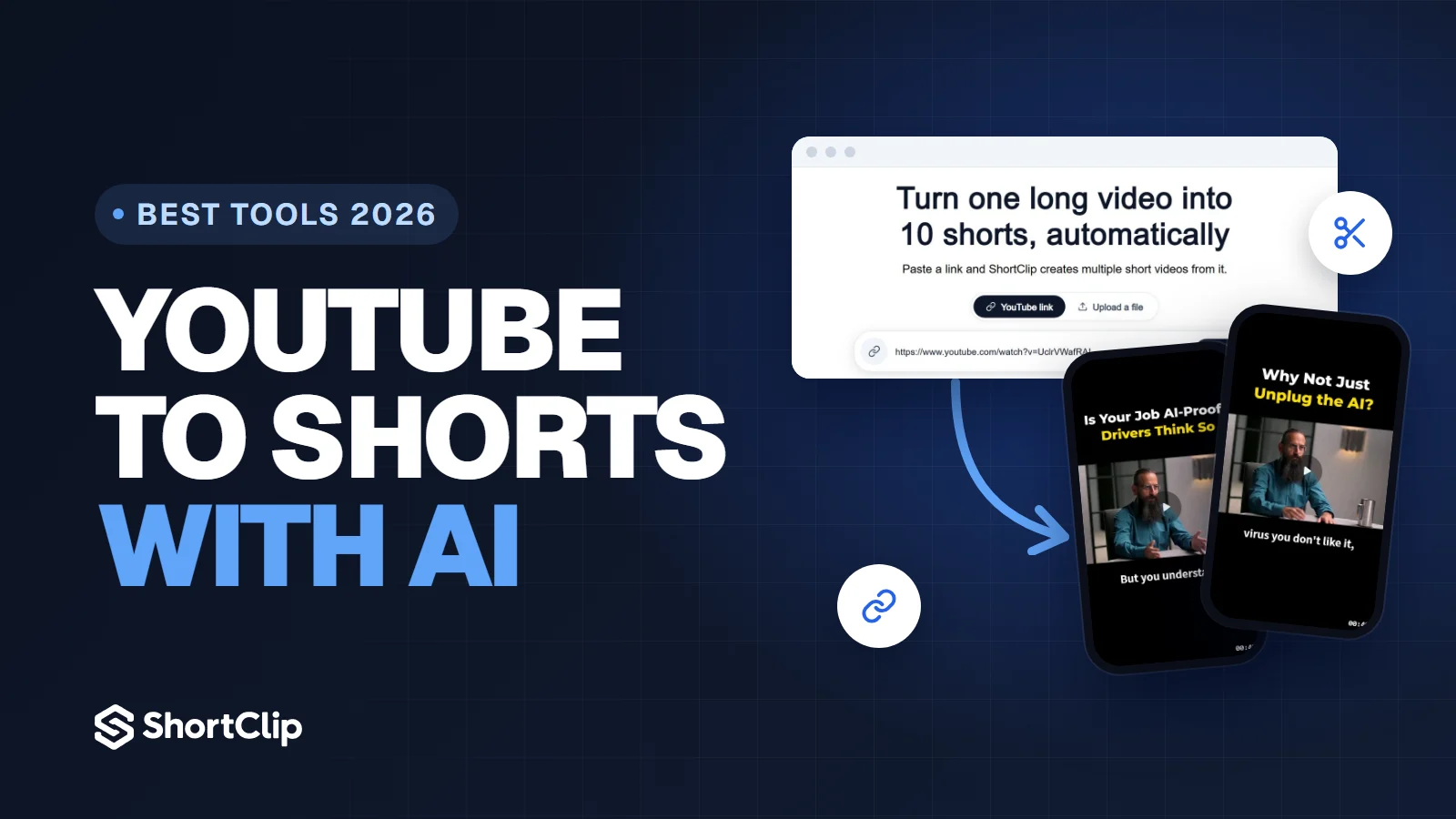
How to clip YouTube videos with AI: best tools compared (2026)
The main AI YouTube clipping tools compared, a 5-step workflow, and three rules for clips that get watched.

Short video templates: 5 script structures and reusable layouts
Script structures and vertical layouts you can reuse for every short, so you never start from a blank screen.

Short-form video marketing: benefits, platforms, and how to start
What short-form video marketing can do for your business, which platform fits which goal, and how to start, including turning long videos into short ones.