
How to batch-produce clips from long YouTube videos
Try ShortClip for free.
Upload a video and ShortClip finds the key scenes, makes them vertical, and adds captions and a title.
Make short videos for free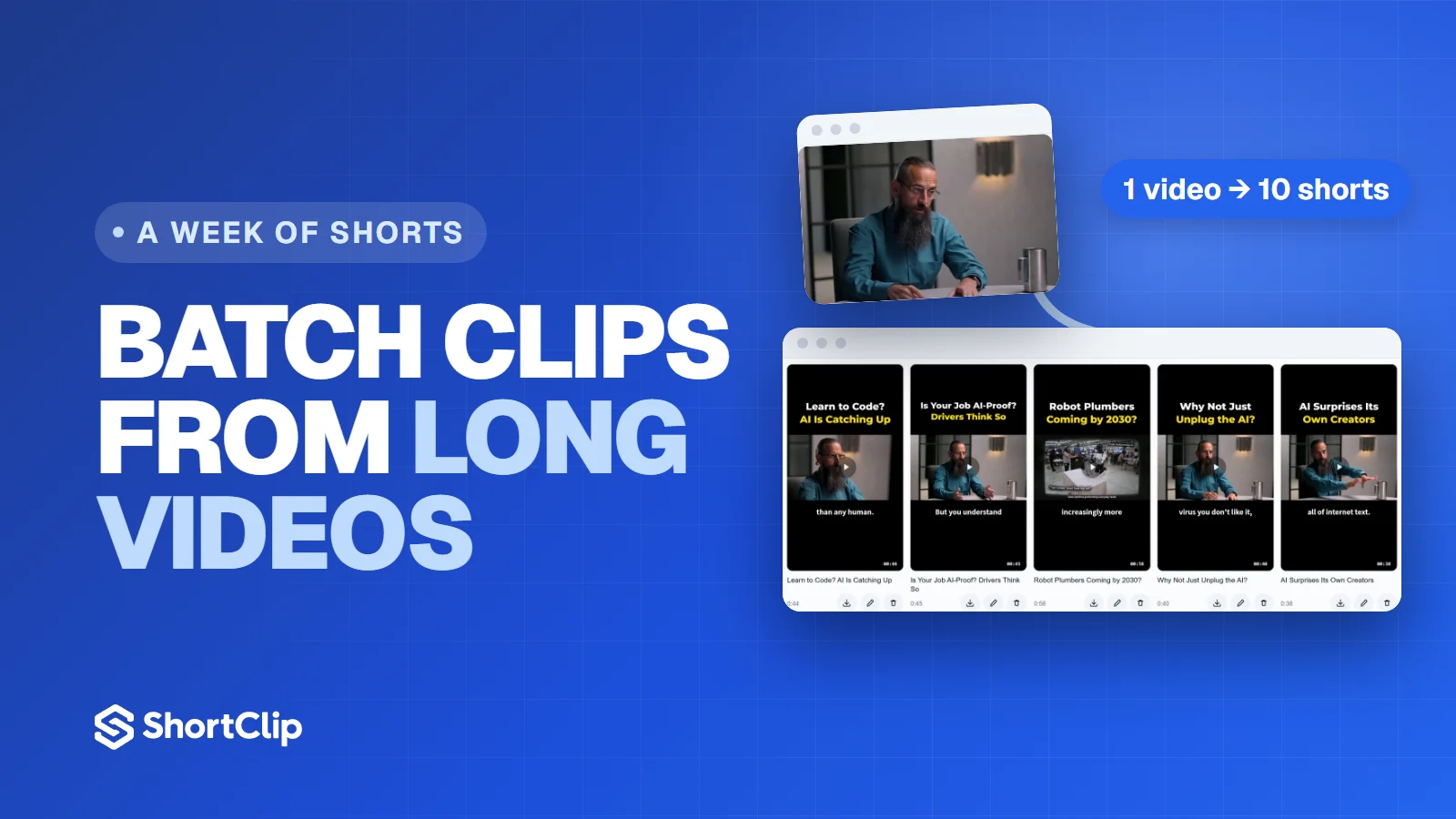
From one long video to a week of shorts: pick the source, generate candidates, choose, finish, and schedule.
Before you start
At volume, one mistake repeats across dozens of shorts. Check these first.
- Is the source your own channel, or has the rights holder allowed clipping (and on what terms: monetization, credit)?
- Are you allowed to include the music, game footage, or other people's footage in the video?
- Is anyone's personal information or a private screen visible?
- Have you decided how to credit the original video and channel in the description?
YouTube's monetization policies treat clips stitched together with little added value as "reused content", and mass-produced or repetitive videos as "inauthentic content" (renamed from "repetitious content" in July 2025). Both can make a channel ineligible for monetization.
| Avoid | Do instead |
|---|---|
| Posting the same topic several times with new wording | One topic per short; when candidates overlap, keep one |
| Posting other people's clips without any added context | Get permission, then make the point clear with your title and captions |
| Posting every AI output as-is | Choose with criteria and have a person fix captions and titles |
More on rights in YouTube clips and copyright.
How many clips can one long video give you?
The limit is not the length of the video but the number of moments that make sense on their own. Count one topic, one answer, or one story as one short and you will not have to pad.
| Source | Good moments | Watch out for |
|---|---|---|
| Talks and explainers | Clear conclusions, answers to common questions | Lines that depend on what came before |
| Interviews and conversations | A question and its complete answer | Speakers on opposite sides of the frame when going vertical |
| Seminars and talks | Points explained on a single slide | Slide text too small to read in 9:16 |
| Livestream replays | Big reactions, Q&A segments | Long waits and silences; chat overlays |
A weekly workflow
Doing the same task in one block saves the setup time you lose switching between tasks. Here is a week built on one or two long videos.
Pick the source (start of the week)
Choose one or two long videos. Older videos that did well are fair game too.
Generate candidates in one go
Scan the transcript for topic changes or run an AI clipping tool. If you do it by hand, note the start and end time of each topic.
Filter with your criteria
Use the criteria below. Park anything you are unsure about for a later week.
Finish with your template
Apply your title, caption, and layout template, and fix caption errors and the opening of each short.
Export and schedule
Export the week and schedule it in YouTube Studio at different times. Credit the original in the description and set the full video as the related video.
Review results the next week
Compare which topics and openings got watched, and feed that into your criteria and next source.
Criteria for keeping a clip
- Within a few seconds it is clear what the clip is about (no greetings or warm-up)
- It makes sense without the rest of the video and does not stop mid-thought
- It does not repeat a topic from this week or last week
- Names and numbers in the captions are correct
- The title matches what was actually said
- There is no music or footage you have not cleared
What to standardize
| Item | What to decide |
|---|---|
| Title | Position, size, length that fits on two lines, whether to include a series name |
| Captions | Font, color, outline, height (clear of on-screen buttons) |
| Vertical framing | Crop to make the speaker large, or keep the full frame with space above and below |
| Description | How you credit the original video and channel |
| Publishing | Days and times, and the full video to link |
Where quality slips at volume
| Mistake | Why it happens | Fix |
|---|---|---|
| Several shorts on the same topic | One video produces similar candidates | List the week's topics and remove duplicates before finishing |
| Caption errors go live | Checks get skipped at volume | Always reread names and numbers |
| Clips start mid-sentence | The start point lands inside a sentence | Move the start back to the beginning of the sentence |
| Titles drift from the content | Chasing strong words | Build titles from words the speaker actually used |
Batch-producing clips with ShortClip
Paste a public YouTube link or upload a file and ShortClip makes several 9:16 shorts with two-line titles and captions, picked from what is said. You get about one short for every 2 minutes of video (or of the range you select), up to 10. One run covers up to 3 hours; for longer videos, choose a range.
| Step | In ShortClip |
|---|---|
| Generate candidates | Paste a link or upload, then click "Make shorts" |
| Apply your template | Pick the title and caption look under "Choose a template" before converting |
| Finish | Edit the title, captions (text, timing, design), and cut; adjust frame ratio (16:9 to 9:16), zoom, and background |
| Export | Download each short as MP4 |
The AI picks moments from what is said; it does not watch the footage or the chat. The more a video is driven by talk, the steadier the results. It works in any language and on phones, and you can start on the free plan.
Comparing AI clipping tools? See how to clip YouTube videos with AI.
Can I batch-clip other people's videos?
How many shorts should I make from one long video?
Can AI-made clips be monetized?
How much source material do I need to post daily?
See plans and pricing|Free plan: up to 60 minutes a month, no credit card required
Related guides
How to clip YouTube videos with AI: best tools compared (2026)
The main AI YouTube clipping tools compared, a 5-step workflow, and three rules for clips that get watched.
How to batch-produce short videos without losing quality
Batch-record, clip from long videos, or use templates. How to produce shorts at volume and keep quality up.
How to transcribe a video automatically: 7 free AI tools compared (2026)
How automatic transcription works, the free tools worth trying, and how to turn a transcript into short videos.