
How to transcribe a video automatically: 7 free AI tools compared (2026)
Try ShortClip for free.
Upload a video and ShortClip finds the key scenes, makes them vertical, and adds captions and a title.
Make short videos for free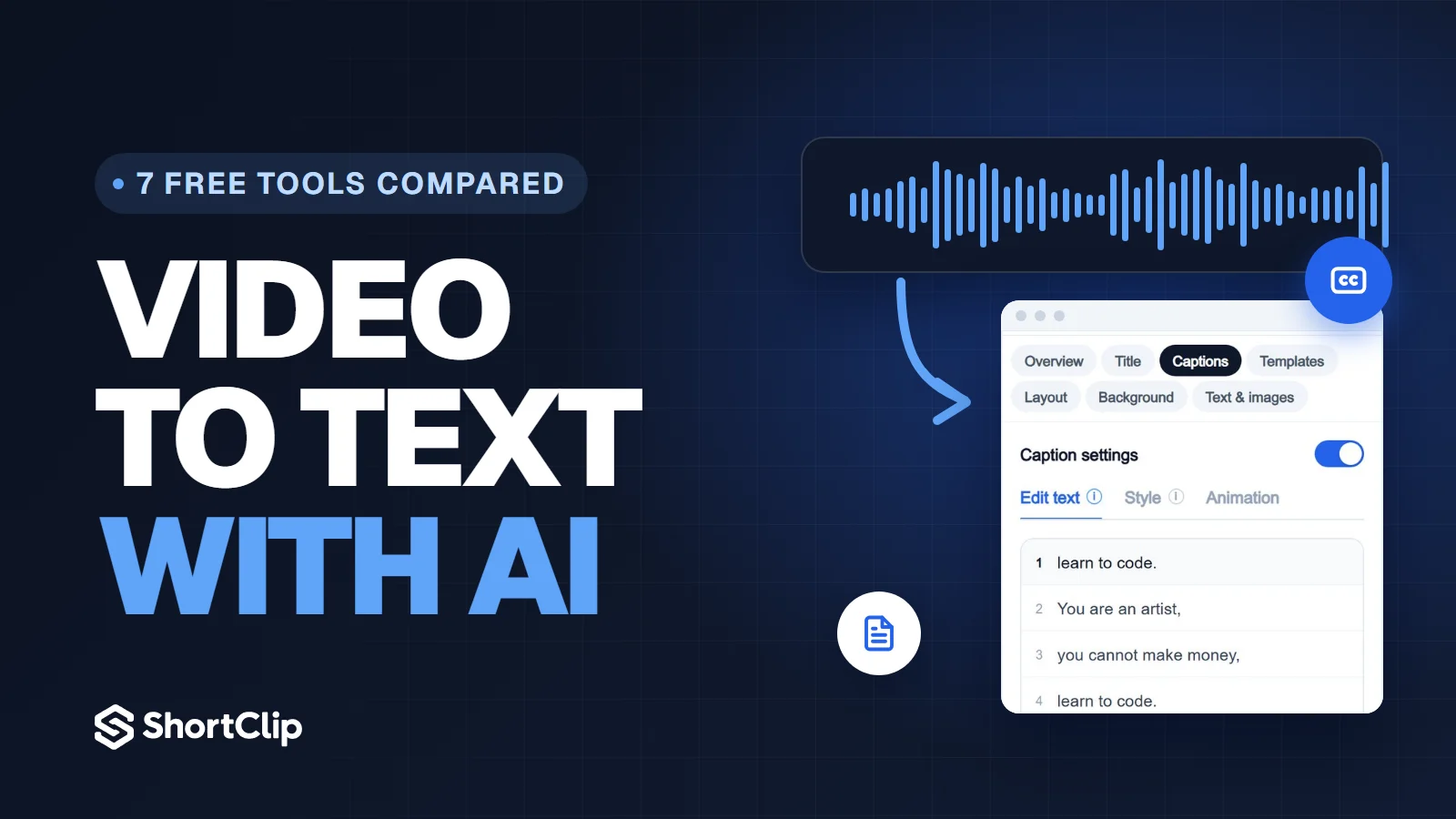
How automatic transcription works, the free tools worth trying, and how to turn a transcript into short videos.
What you will learn
- Most tools now transcribe speech with good accuracy when the audio is clear; plan to proofread names and technical terms.
- Pick the tool by what you need next: meeting notes, captions on a video, or short clips cut from a long video.
- Clean audio (one speaker at a time, low background music) matters more than which tool you choose.
Typing out what people say in a video takes hours. AI transcription does the same job in minutes: upload a file or paste a link, and you get text with timestamps that you can turn into captions, notes, blog posts, or short clips. This guide explains how automatic transcription works, compares free and freemium tools that English-speaking creators actually use, and shows a simple workflow from transcript to finished short video.
What is automatic video transcription?
Automatic transcription uses speech recognition to convert the audio track of a video into text. Modern models also add punctuation, split the text into sentences, and attach a start and end time to each line, which is what makes the result usable as captions (SRT or VTT files) or as a searchable transcript.
Why creators use AI transcription
- Captions: most short-form views happen with the sound off, so on-screen text keeps people watching.
- Repurposing: a transcript makes it easy to find quotable moments, write show notes, or draft a blog post.
- Accessibility: captions help viewers who are deaf or hard of hearing and anyone watching in a noisy place.
- Search: text is easier to search than audio, both for you and for search engines.
Manual vs AI transcription
| Manual transcription | AI transcription | |
|---|---|---|
| Time for a 1-hour video | Several hours | Usually a few minutes |
| Cost | Your time, or a paid service | Free plans exist; paid plans for volume |
| Accuracy | High if done carefully | High on clear audio; names and jargon need checks |
| Timestamps | Added by hand | Added automatically |
| Best for | Legal or verbatim records | Captions, notes, repurposing content |
Free and freemium AI transcription tools compared
Here are widely used options as of November 2026. Free tiers and limits change often, so check each tool's current pricing page before you commit.
| Tool | Free option | Best for |
|---|---|---|
| YouTube auto-captions | Free for videos on your channel | Getting a transcript of a video already on YouTube |
| OpenAI Whisper | Free open-source model (runs on your computer) | Technical users who want full control and no upload |
| Google Gemini | Free tier with limits | Transcribing and summarizing a video in one step |
| Otter.ai | Free plan with monthly limits | Meetings, interviews, and lectures |
| Descript | Free plan with limits | Editing video by editing the transcript |
| CapCut | Free with optional paid features | Adding auto captions on a phone |
| ShortClip | Free plan: 60 minutes per month | Turning a long video into captioned short clips |
YouTube auto-captions: free if the video is already on YouTube
YouTube creates automatic captions for many uploads. Open a video, click "...more" under the description, then "Show transcript" to see the text with timestamps. In YouTube Studio you can edit the captions of your own videos and download them. It is the quickest option when the video is already public, but the quality depends on the audio and you cannot always download captions for other people's videos.
OpenAI Whisper: free and private, but technical
Whisper is an open-source speech recognition model that supports dozens of languages. You install it and run it on your own computer, so the audio never leaves your machine. It is accurate and free, but it needs some command-line comfort and a reasonably fast computer, and it gives you text or subtitle files rather than an editing interface.
Google Gemini: transcript plus summary
Gemini can take a video or audio file and return a transcript, a summary, or both. It is handy when you want the key points of a long recording quickly. For long files, check the length limits of your plan, and always compare the output with the recording before you publish quotes.
Otter.ai: built for meetings and interviews
Otter focuses on live and recorded conversations: it labels speakers, highlights key points, and syncs with video-call tools. It is a good fit for interviews and lectures, less so for producing captioned social videos.
Descript: edit the video by editing text
Descript transcribes your recording and lets you cut the video by deleting words from the transcript. It suits podcasters and YouTubers who edit their own long-form content and want captions as part of that workflow.
CapCut: quick auto captions on a phone
CapCut's auto captions feature adds styled captions to a clip in a few taps. It works well when you already have a short clip and want animated captions; for a long video you still have to choose and cut the clips yourself.
ShortClip: from a long video to captioned shorts
ShortClip transcribes your video and goes one step further: the AI picks the strongest moments, makes them vertical (9:16), and adds captions and a title. Paste a YouTube link or upload a file, and you get up to 10 shorts you can fine-tune in the editor. It works with videos in any language; captions and titles come out in the spoken language (translation into another language is available on every plan). See how to edit AI captions for fixing the text and timing.
Which tool should you pick?
| What you want to do | Good fit |
|---|---|
| Get the text of a video already on YouTube | YouTube "Show transcript" |
| Transcribe privately on your own computer | Whisper |
| Get a transcript and a summary of a long recording | Gemini |
| Take notes from meetings and interviews | Otter.ai |
| Edit a podcast or video by editing its transcript | Descript |
| Add captions to a short clip on your phone | CapCut |
| Turn a long video into several captioned shorts | ShortClip |
How to transcribe a video automatically in 3 steps
Prepare the video
Use the original file if you can (MP4 or MOV), or a link if the tool accepts one. Trim long silences or off-topic parts first if the tool charges by the minute.
Run the transcription
Upload the file or paste the link and choose the spoken language if the tool asks. Most tools detect it automatically.
Proofread and export
Check names, numbers, and technical terms, fix line breaks, then export as text, SRT/VTT captions, or burned-in captions on the video.
5 tips to get a more accurate transcript
- Record clear audio: a close microphone beats any AI fix afterward.
- Keep background music low, or add it after transcription.
- Avoid people talking over each other; speaker overlap is the most common source of errors.
- Check proper nouns, brand names, and acronyms; AI often spells them phonetically.
- Always read the final text once before publishing, especially quotes and numbers.
From transcript to short video
A transcript is the fastest way to find the moments worth sharing: scan it for a strong opinion, a surprising fact, or a clear answer to a common question. Then cut that part, crop it to vertical 9:16, add captions, and post it to YouTube Shorts, TikTok, or Instagram Reels.
ShortClip automates those steps: after you click "Make shorts", it transcribes the video, chooses the highlights, and gives you vertical clips with captions and titles. The YouTube to shorts guide walks through it with a link, and How to use ShortClip covers uploading a file.
Frequently asked questions
Can I transcribe a video for free?
How accurate is AI transcription?
Can I transcribe a video on my phone?
Is it legal to transcribe someone else's YouTube video?
Are transcription and auto captions the same thing?
Can AI transcribe a one-hour video?
Can I make short videos from a transcript?
Summary
AI makes video transcription fast and cheap. Choose YouTube or Whisper for a plain transcript, Otter or Descript for meetings and editing, CapCut for captions on a single clip, and ShortClip when you want a long video turned into captioned shorts. Whatever you use, start with clean audio and give the text one careful read before it goes public.
See plans and pricing|Free plan: up to 60 minutes a month, no credit card required
Related guides
7 best AI clip makers in 2026: turn long videos into shorts
Seven tools for clipping long videos into shorts, how automatic and manual clipping differ, and what to check before you download.
How to add captions to short videos: phone, computer, and AI
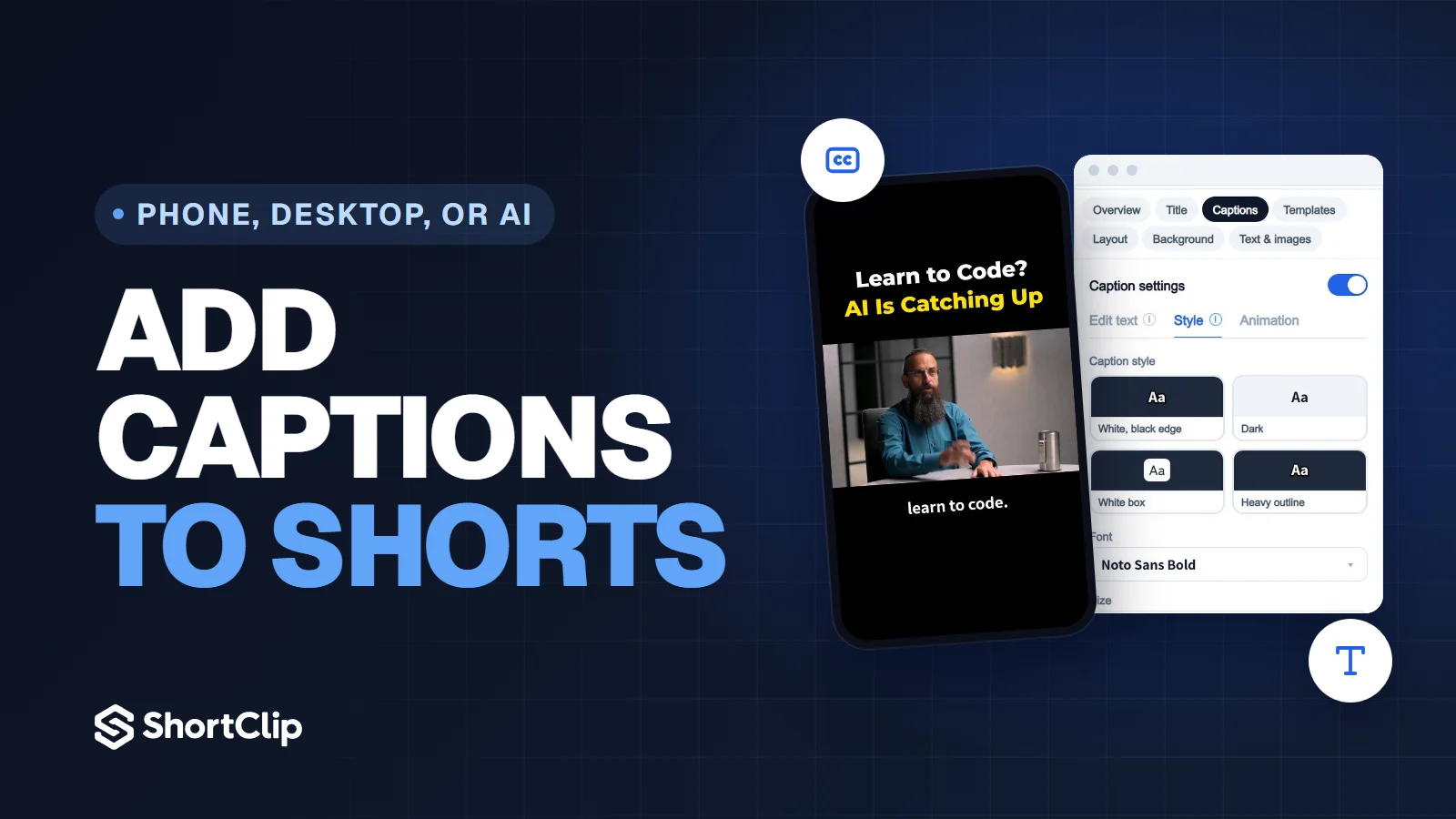
Three ways to caption short videos, and the styling rules that keep captions readable on a phone.
How to clip YouTube videos with AI: best tools compared (2026)
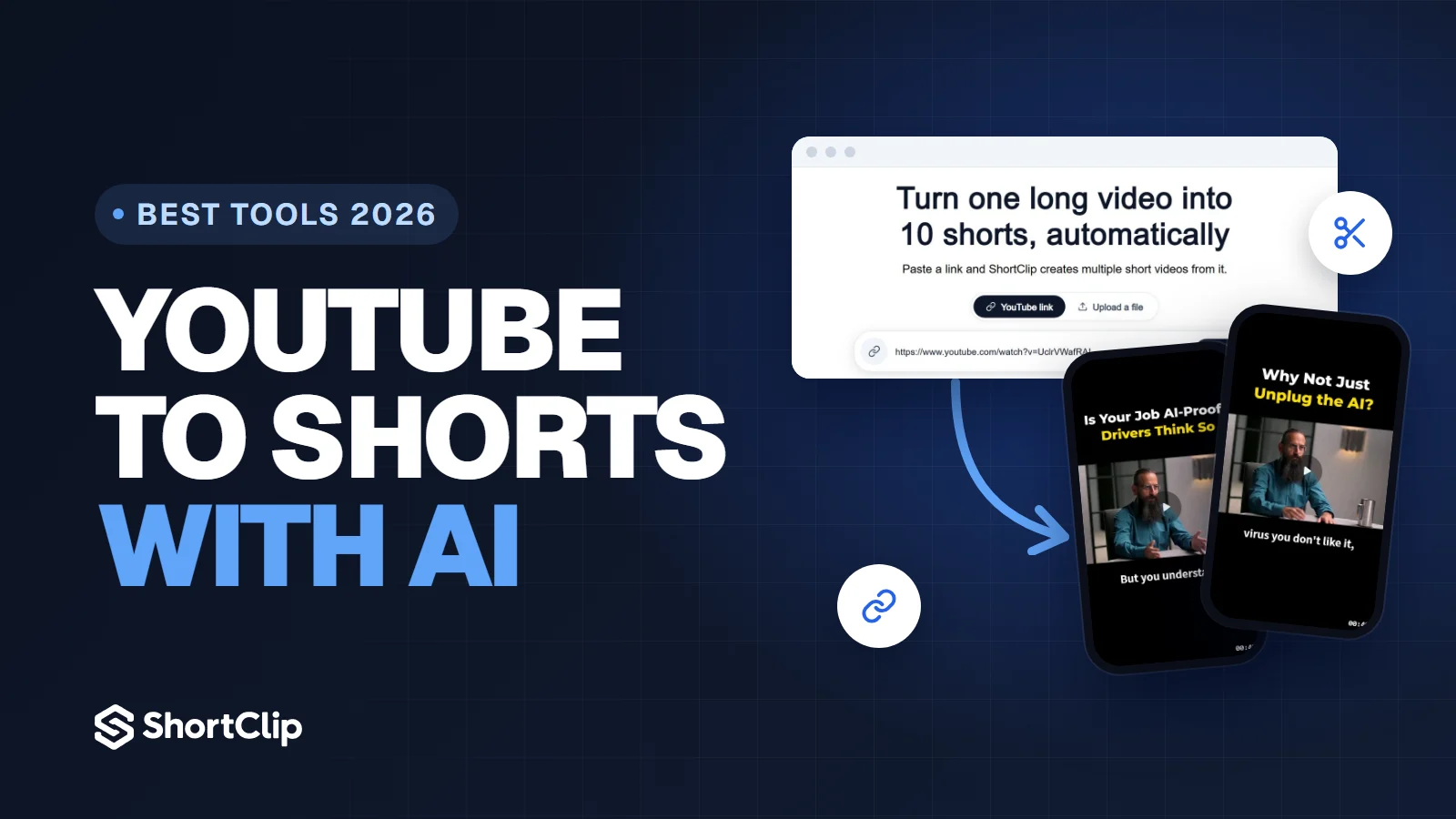
The main AI YouTube clipping tools compared, a 5-step workflow, and three rules for clips that get watched.