
7 best AI clip makers in 2026: turn long videos into shorts
Try ShortClip for free.
Upload a video and ShortClip finds the key scenes, makes them vertical, and adds captions and a title.
Make short videos for free
Seven tools for clipping long videos into shorts, how automatic and manual clipping differ, and what to check before you download.
AI clip makers turn a long video into short clips for YouTube Shorts, TikTok, and Instagram Reels. Some find the highlights for you; others are editors where you pick the moments yourself. This guide compares seven popular tools, explains the difference between the two approaches, and covers what to check before you download, including watermarks and copyright.
7 AI clip makers compared
Overview as of November 2026, based on each vendor's public information. Free plans change often, so check the current limits on each site.
| Tool | Finds highlights automatically | Free option | What stands out |
|---|---|---|---|
| ShortClip | Yes | Free plan (60 minutes per month) | Long conversations and interviews to captioned shorts, any language |
| Vizard | Yes | Free plan with limits | Many clips from one long video |
| OpusClip | Yes | Free plan with limits | Scores clips by predicted performance |
| Klap | Yes | Free trial | Paste a URL and get shorts |
| Clipchamp | No (manual) | Free with paid features | Simple trimming in the browser |
| Kapwing | Partly | Free plan with limits | Browser editor with team collaboration |
| Canva | No (manual) | Free with Pro features | Templates and design elements |
Which one should you choose?
- You have long interviews, podcasts, or webinars and want shorts fast: an automatic clip maker (ShortClip, Vizard, OpusClip, Klap).
- You already know the exact moment you want: a simple editor (Clipchamp, Kapwing).
- Design matters most and you post a few clips a week: Canva.
What is an AI clip maker?
Tools that find the highlights for you
These tools transcribe the video, look for self-contained moments (a strong opinion, a clear answer, a story beat), cut them, make them vertical, and add captions. You review and fine-tune the results instead of scrubbing through the timeline.
Tools where you choose the clip
Editors give you full control: you set the in and out points, reframe the shot, and add text. They are flexible but take more time per clip.
Free to generate does not always mean free to download
Many tools let you generate clips for free but add a watermark, lower the resolution, or limit downloads on the free plan. Check the export settings before you invest time in editing.
The 7 tools in detail
1. ShortClip: long conversations to captioned shorts
Paste a YouTube link or upload a file and click "Make shorts". ShortClip picks up to 10 highlights, lays them out in 9:16, and adds captions and a title to each. It is built for talk-heavy content in any language, like interviews, talks, seminars, and podcasts, and the captions and titles come out in the spoken language (translation into another language is available on every plan). You can edit the text, timing, and range of each clip; see How to use ShortClip.
2. Vizard: many clips from one video
Vizard generates a batch of clips from a long recording and includes an editor for captions and layout. It suits creators who want a lot of options to choose from.
3. OpusClip: clips ranked by a score
OpusClip cuts clips automatically and gives each one a score that estimates how well it might perform, which helps you decide which to post first.
4. Klap: shorts from a link
Klap focuses on speed: paste a video link and it returns vertical shorts with captions.
5. Clipchamp: simple trimming in the browser
Microsoft's Clipchamp is a straightforward browser editor. Use it when you only need to cut a section and add text, and you already know which part you want.
6. Kapwing: collaborative browser editing
Kapwing is a browser editor with AI helpers and shared workspaces, useful for small teams editing together.
7. Canva: design-first short videos
Canva's video templates make it easy to produce polished, on-brand clips. It is a design tool first, so you choose and cut the footage yourself.
How to clip a video for free in 5 steps
Pick the source video
Use a video you own or have permission to use. Longer conversations give the AI more moments to choose from.
Add it to a clip maker
Paste the link or upload the file. In ShortClip, choose "YouTube link" or "Upload a file".
Generate the clips
Start the conversion and wait a few minutes while the AI transcribes and cuts.
Review and fine-tune
Fix caption typos, adjust the start and end, and rewrite titles if needed.
Download and post
Export as MP4 and upload to Shorts, TikTok, or Reels.
AI clipping vs manual editing
| AI clip maker | Manual editing | |
|---|---|---|
| Time per clip | Minutes | 30 minutes or more |
| Finding highlights | Automatic | You watch the whole video |
| Captions | Added automatically | Added by hand or with a plugin |
| Control | Adjust the results | Full control over every frame |
| Best for | Posting often from long videos | A few carefully crafted clips |
How to choose an AI clip maker
- Automatic highlights: does it find moments for you, or only help you cut?
- Free downloads: watermark, resolution, and download limits on the free plan.
- Caption quality in your language, and whether you can fix text and timing easily.
- Vertical layout options for horizontal footage (crop, pad, title band).
- Time saved: how many minutes from upload to a post-ready clip.
Copyright when clipping YouTube videos
Your own videos are the safe choice
Clipping your own uploads, podcasts, or webinars is the simplest case: you own the rights, so you can reuse them freely, subject to any music or guest agreements.
Get permission for other people's videos
Clipping someone else's content and reposting it can infringe their copyright, even with credit. Some creators run official clipping programs with clear rules; otherwise ask for permission first.
Can clip channels be monetized?
Platforms usually require original or transformative content for monetization, and reposting other creators' videos without permission can lead to claims or demonetization. Check the platform's partner program rules.
Frequently asked questions
Is there a completely free AI clip maker?
Can I make clips from just a YouTube URL?
Does the AI really pick interesting moments?
Can I download without a watermark for free?
Can I clip videos on my phone?
How long should a clip be?
Summary
Use an automatic clip maker when you have long videos and want to post often, and a manual editor when you need precise control over a few clips. Whatever you pick, check free-plan export limits first and only clip content you have the rights to use.
See plans and pricing|Free plan: up to 60 minutes a month, no credit card required
Related guides
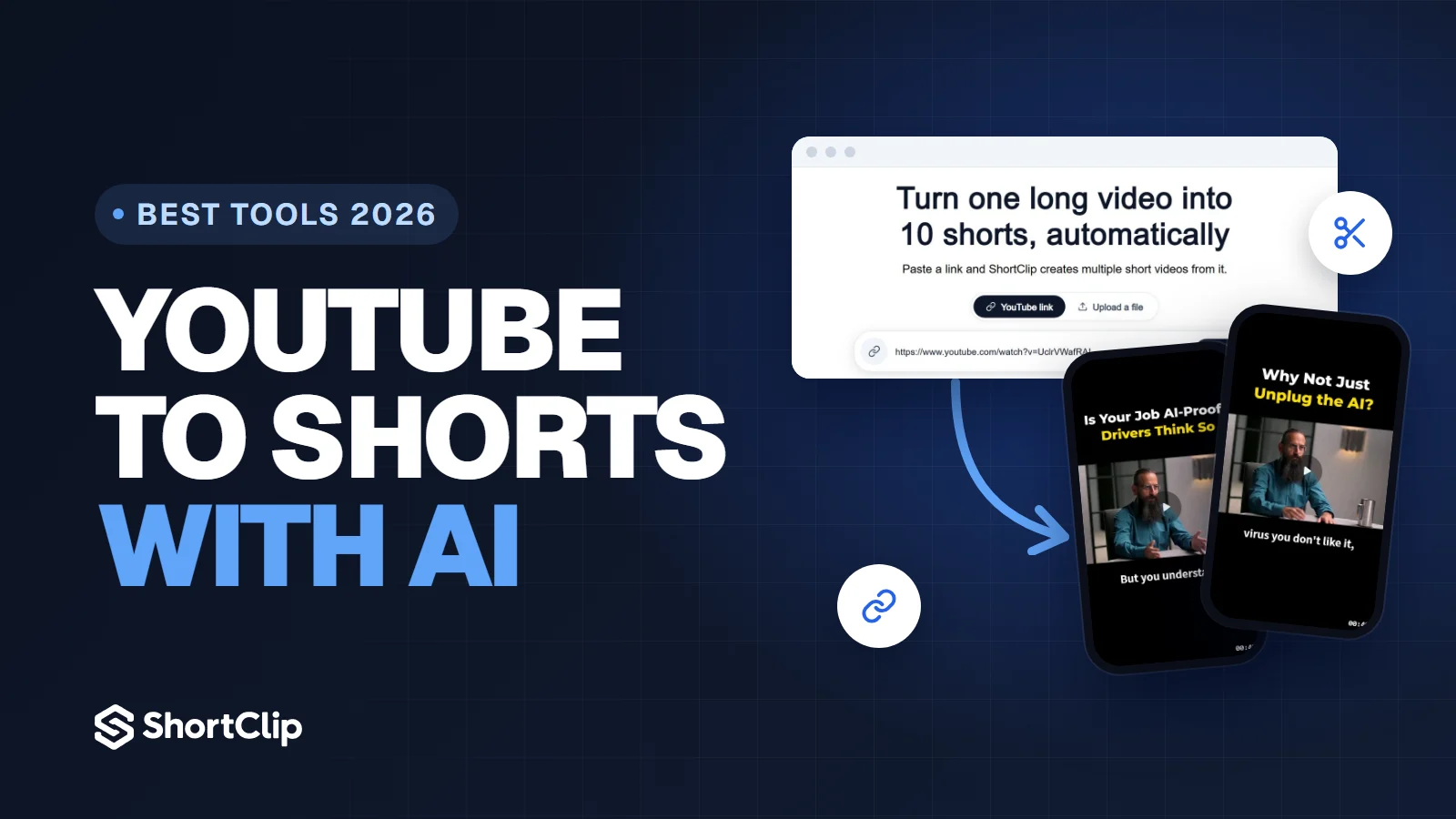
How to clip YouTube videos with AI: best tools compared (2026)
The main AI YouTube clipping tools compared, a 5-step workflow, and three rules for clips that get watched.
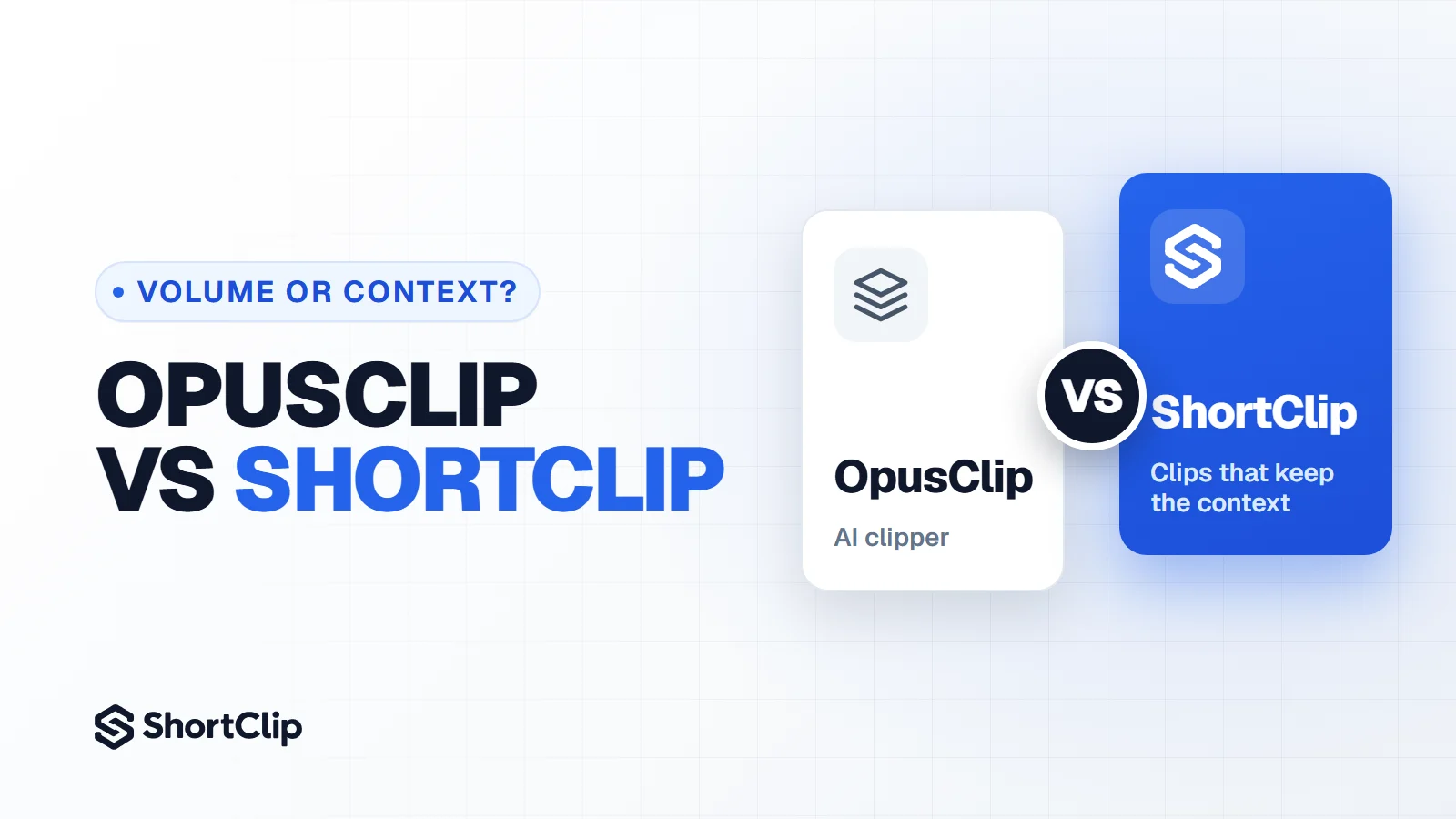
OpusClip vs ShortClip: which AI clipper is better for interviews and podcasts?
Volume or context? How OpusClip and ShortClip compare on real interviews, and which to pick.
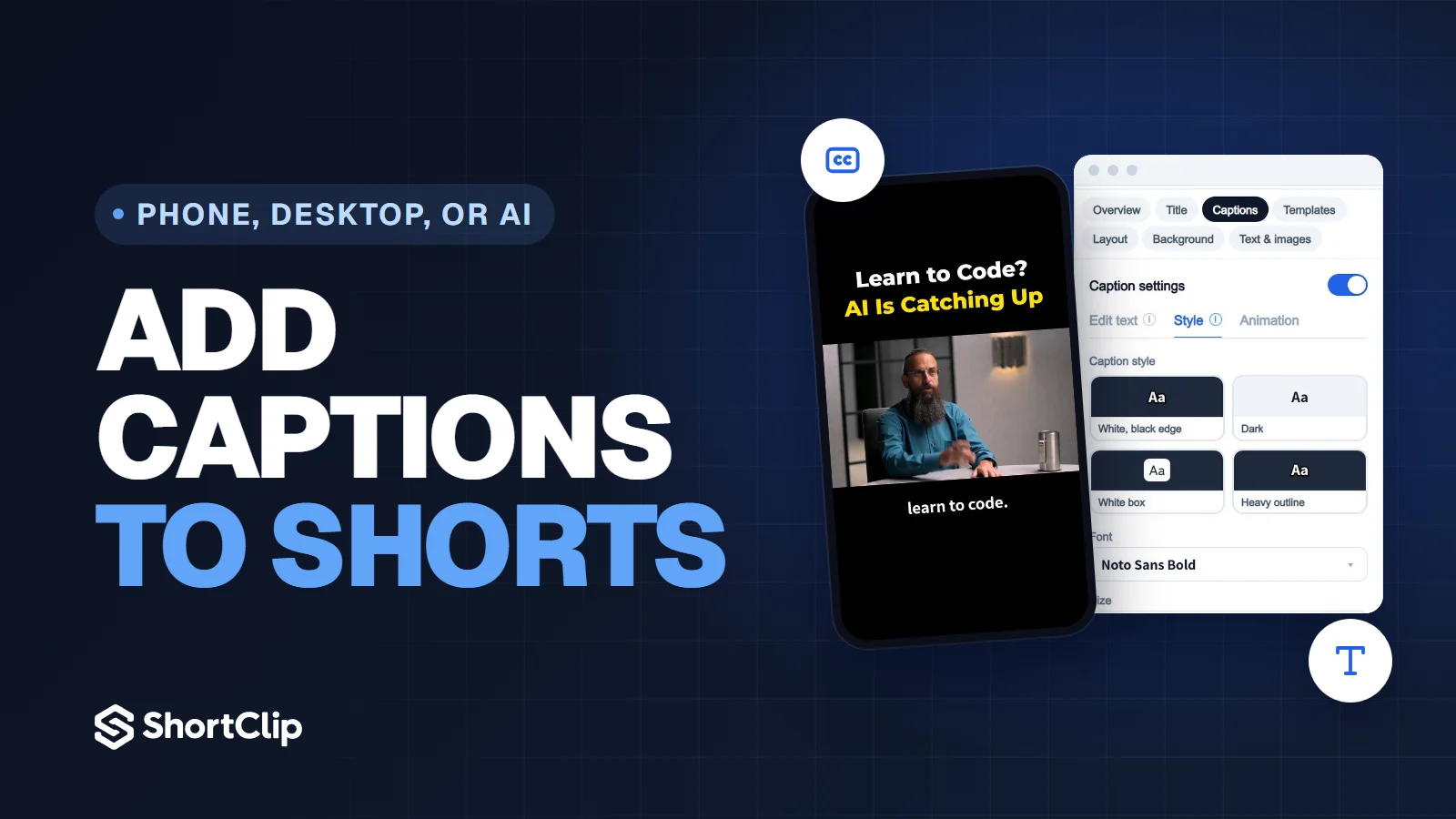
How to add captions to short videos: phone, computer, and AI
Three ways to caption short videos, and the styling rules that keep captions readable on a phone.