
Clipping YouTube videos and copyright: what creators should know
Permission, fair use, Content ID, and strikes: what to check before you clip a YouTube video into shorts.
Clipping long videos into shorts is one of the fastest ways to grow a channel, and also one of the easiest ways to get a copyright claim. Here is what to check before you clip, especially when the video is not yours.
The short version
- Your own videos: you can clip them, but music, footage, or logos inside them may belong to someone else
- Someone else's videos: get permission, or follow the creator's published clipping terms
- Fair use is a defense decided case by case, not a permission you can count on in advance
- YouTube enforces copyright with Content ID claims and copyright strikes, separately from the courts
What is protected in a video
A video can contain several separate copyrights: the recording itself, the music, footage or images from other sources, on-screen artwork, and sometimes the script. Owning the upload does not mean you own everything in it.
Clipping your own videos
- Is the background music licensed for reuse in new videos, or only for the original?
- Does the video include clips, screenshots, or game footage from someone else?
- Did guests agree to appear in clips as well as in the full video?
- If an agency or client produced the video, does your agreement let you reuse it?
Clipping other people's videos
The safe route is permission. Many podcasters and streamers actively welcome clips and publish rules for them, such as whether you may monetize, how to credit the source, and what you may not do. Follow those rules and keep a record of them.
Find the creator's clipping policy
Check the channel About page, descriptions, or website. If there is none, ask.
Get permission in writing
An email or message that states what you may do is enough to keep on file.
Credit as requested
Name the creator and link the original video in the description.
Remove when asked
If the rights holder changes their mind, take the clip down.
What about fair use?
US copyright law allows some uses without permission under fair use (17 U.S.C. section 107). Courts weigh four factors: the purpose and character of the use (commentary, criticism, or other transformative use helps), the nature of the work, how much is used, and the effect on the market for the original.
How YouTube enforces copyright
| Content ID claim | Copyright strike | |
|---|---|---|
| How it happens | Automatic match against reference files | A rights holder files a legal takedown request |
| Typical effect | Video blocked, or ads revenue goes to the claimant | Video removed; strike on your channel |
| Risk to the channel | Does not count as a strike | Three active strikes can get a channel terminated |
| What you can do | Dispute if you have the rights | Counter-notification if the takedown was a mistake |
Music is the most common trigger. Even a few seconds of a commercial song in the background can match.
Monetization is a separate test
Even with permission, a channel of clips with nothing added can be rejected under YouTube's reused content policy. Give each short its own topic, a clear title, and accurate captions. Our guide to batch-producing clips covers this in detail.
Using ShortClip responsibly
ShortClip's terms require that you own or have permission to use any video you upload or link. Using a YouTube link does not give you rights to the video; it is only a way to bring the video in. If you receive a copyright complaint about something you made, remove it and contact us if you need help.
Ready to clip your own videos? Start with how to turn a YouTube video into short videos automatically.
Is it legal to clip YouTube videos?
Does giving credit make it okay?
Is a clip under a certain length automatically fair use?
What happens if I get a Content ID claim on a short?
Try ShortClip for free
Upload a video and ShortClip uses AI to make short videos with captions and titles.
Try it free →See plans and pricing|Free plan: up to 60 minutes a month, no credit card required
Related guides
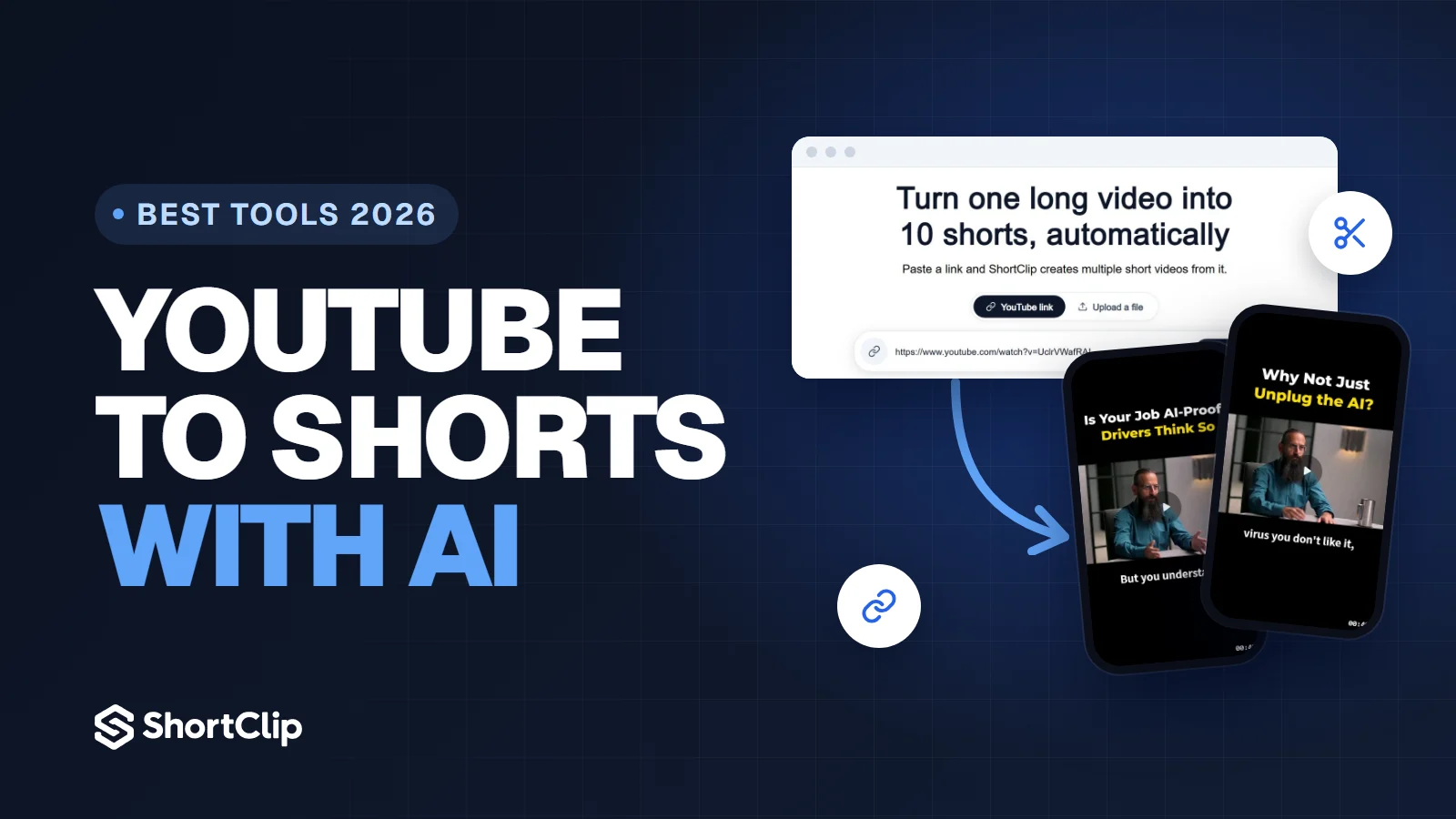
How to clip YouTube videos with AI: best tools compared (2026)
The main AI YouTube clipping tools compared, a 5-step workflow, and three rules for clips that get watched.
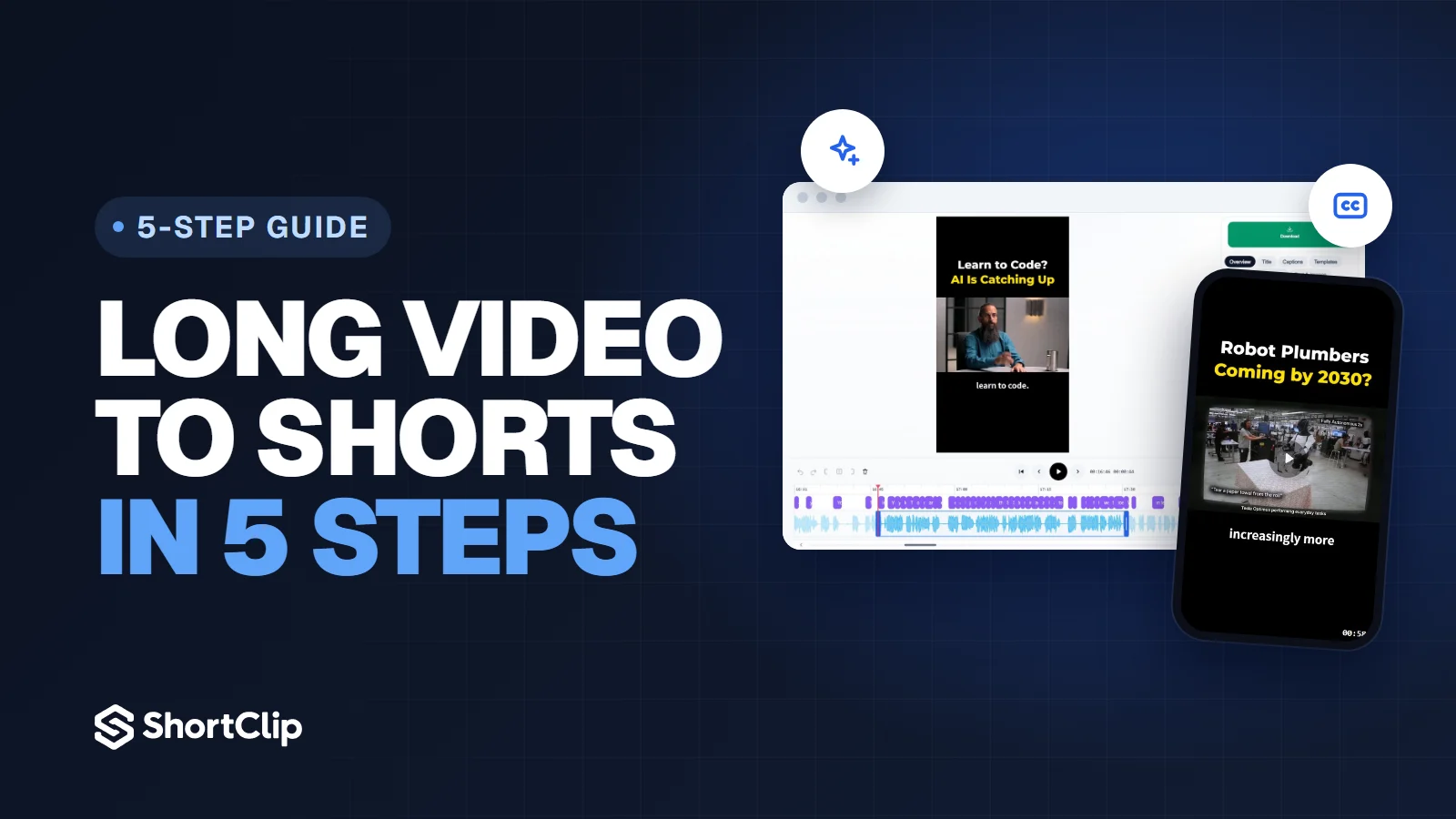
How to make Shorts from long videos with AI: 5 steps
How to make Shorts from long videos with AI: automatic highlights, vertical 9:16, and captions in five steps, plus a layout that keeps people watching.
Short-form video marketing: benefits, platforms, and how to start
What short-form video marketing can do for your business, which platform fits which goal, and how to start, including turning long videos into short ones.