
Does OpusClip work for non-English videos? What we found
Try ShortClip for free.
Upload a video and ShortClip finds the key scenes, makes them vertical, and adds captions and a title.
Make short videos for free
OpusClip is built around English. Here is how it handled long non-English interviews in our tests.
What you will learn
- OpusClip processes non-English videos, but results are less polished than in English
- Plan to fix captions and start points before posting
- Great for English volume; for non-English interviews, results vary
OpusClip is built around English content, but plenty of creators publish in other languages. Does it still work? We ran long Japanese interviews and conversations through it, a language with very different sentence structure from English, and looked at captions, cut points, and how natural the clips felt. This is not a ShortClip sales page: it covers where OpusClip works well and where it does not.
Short answer: does OpusClip work for non-English videos?
Reviews are split between "works fine in my language" and "disappointing". The difference usually comes down to how far the language is from English and how much manual fixing you are willing to do.
What OpusClip is
OpusClip turns long videos into vertical shorts. You upload a video and it suggests highlight clips, applies a template, and adds captions. Its pricing page lists multi-language transcription on all plans (Free; Starter $15/mo; Pro $29/mo; Business custom, as of November 2026).
Why it is so popular with English creators
English talk content has punchlines and pace changes that are relatively easy to detect, and OpusClip has years of templates and tuning around that style. The same expectations do not always carry over to other languages. That is less a flaw than a difference in focus.
Hands-on: running non-English interviews
Caption accuracy
Transcription works, but fewer clips were ready to post as-is than with English. Names, jargon, and overlapping speech broke most often. Review captions before publishing.
Punctuation and line breaks
Line breaks sometimes followed English-style splitting and cut across natural phrases, which makes captions harder to read on a phone. Keeping lines short and breaking at pauses fixes most of it.
Speaker changes
In two-person conversations, some clips blurred who was speaking. If you publish interviews, make a quick speaker check part of your review.
Start points
This was the biggest gap. Some clips started in the middle of a strong statement, so the conclusion arrived before the question. That works for some hook-driven English content, but in interviews viewers are left wondering what the question was. Moving the start back a few seconds usually fixes it.
End points
Some clips ended before the speaker finished the thought. Extending the end by a second or two helps.
Silence removal
Trimming pauses speeds things up, but cutting every pause also removes thinking time, laughter, and reactions that make a conversation feel real.
Speed and editor
Processing was fast, even for non-English videos. The editor and help content are in English, which is fine for most users but adds a learning step for teams who work in another language.
What we liked
- Fast generation that makes it easy to publish more
- Clips quickly look like polished vertical shorts
- Excellent results on English content
- Free plan for testing before you pay
What gave us pause
- Start points often mid-context: move the start back before posting
- Caption line breaks outside English can be hard to read: shorten and re-break
- Speaker changes can blur in conversations: check speakers
- Aggressive silence removal can strip natural pauses: drop over-trimmed clips
The fix is a mindset change: let AI make the first draft and have a person check the opening and the captions.
Who it is for
- Creators whose main content is in English
- Teams that want many candidates to test quickly
- Anyone who cares most about clipping speed and handles captions separately
Who may want something else
- Creators clipping non-English interviews every week
- Seminar and webinar clips where the question and answer must stay together
- Anyone who wants to minimize caption fixing
Alternatives to compare
ShortClip picks clips from the conversation, works in any language, and can output English captions and titles from a video in another language. See the full OpusClip vs ShortClip comparison and our guide to AI tools for clipping YouTube videos.
Whichever you consider, run the same footage through each free plan and count the clips you would actually post.
Summary
- OpusClip works for non-English videos, but less smoothly than for English
- Plan to fix start points, captions, and speakers
- Speed and volume are real strengths
- Test on your own footage before you commit
See plans and pricing|Free plan: up to 60 minutes a month, no credit card required
Related guides
OpusClip vs ShortClip: which AI clipper is better for interviews and podcasts?
Volume or context? How OpusClip and ShortClip compare on real interviews, and which to pick.
7 best AI clip makers in 2026: turn long videos into shorts
Seven tools for clipping long videos into shorts, how automatic and manual clipping differ, and what to check before you download.
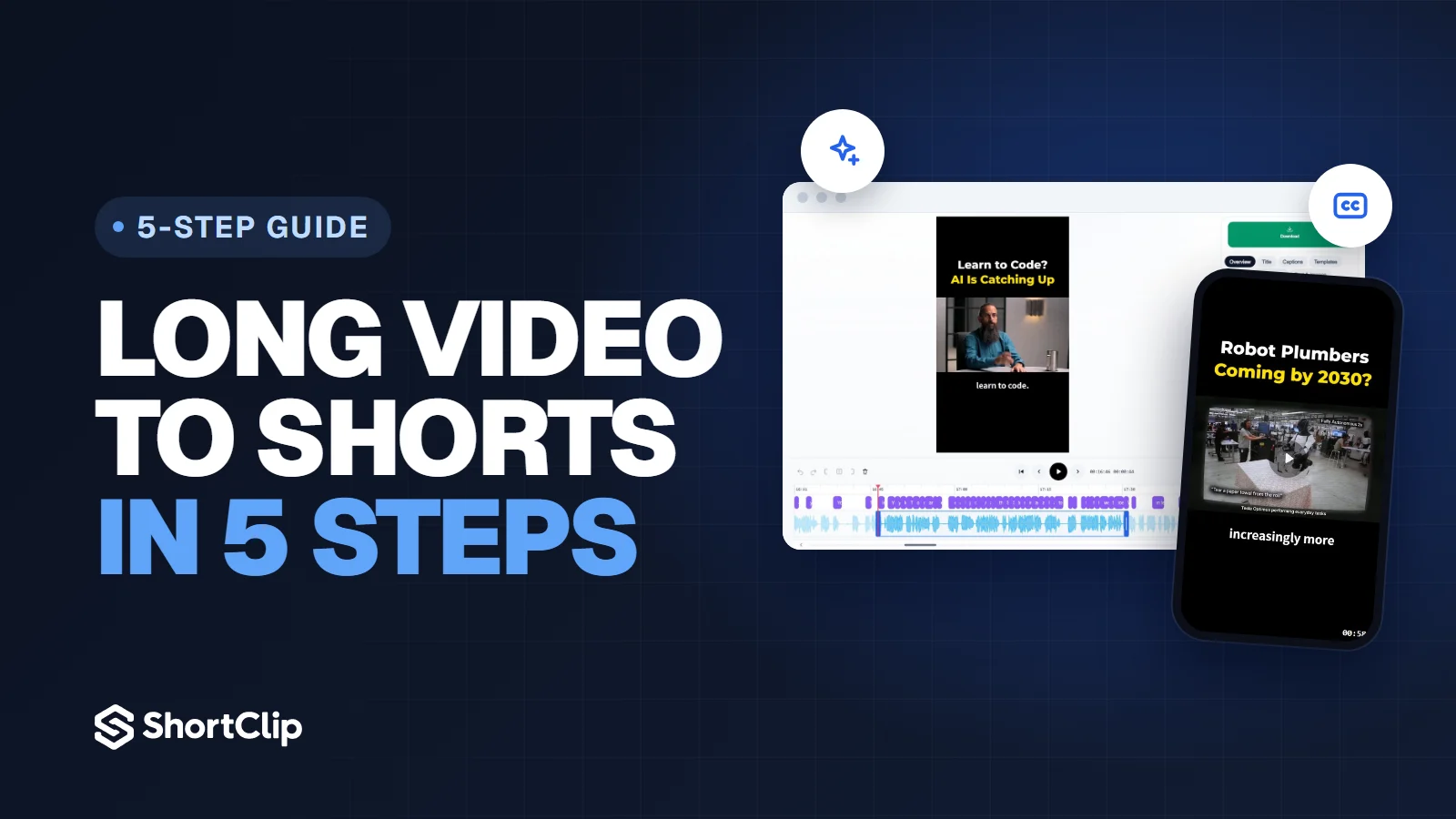
How to make Shorts from long videos with AI: 5 steps
How to make Shorts from long videos with AI: automatic highlights, vertical 9:16, and captions in five steps, plus a layout that keeps people watching.