
How to grow your YouTube channel with Shorts
Try ShortClip for free.
Upload a video and ShortClip finds the key scenes, makes them vertical, and adds captions and a title.
Make short videos for free
Shorts bring new viewers in; long videos turn them into fans. How to diagnose Shorts that stall, link them to your long videos, and read the right metrics.
Shorts vs. long-form: different jobs
| Shorts | Long-form videos | |
|---|---|---|
| Main job | Get discovered by people who do not know your channel yet | Go deep and turn viewers into fans |
| How people watch | Swiping through the Shorts feed | Chosen from search, recommendations, or subscriptions |
| Length | Vertical or square, up to 3 minutes (YouTube Help) | As long as the topic needs |
| Monetization | Counts toward 10 million Shorts views in 90 days | Counts toward 4,000 watch hours in 12 months (Shorts watch time does not) |
No number of Shorts adds to your long-form watch hours. If you also publish long videos, growth depends on whether there is a clear path from your Shorts to those videos. The monetization thresholds are covered in YouTube Shorts monetization.
Why your Shorts are not growing
"No views" and "views but no subscribers" have different causes. Find your symptom first.
| Symptom | Likely cause | What to do |
|---|---|---|
| Hardly shown in the feed | Too few posts for YouTube to learn who likes them | Narrow your topics and keep posting so there is enough to learn from |
| Shown, but swiped away fast | The opening does not say what it is about, or the intro is long | Open with your strongest line or the conclusion, and name the topic in the title |
| Watched, but no new subscribers | Topics jump around, so the channel's value is unclear | Post only Shorts that fit your channel's theme, and make series |
| Shorts grow, long videos do not | Shorts and long videos are on unrelated topics, or there is no link between them | Cut Shorts from your long videos and set the full video as the Related video |
| A spike, then a stall | What made the spike work was not reused | Write down the topic, opening, and length of the Short that worked, and make the next one in that direction |
5 steps to grow a YouTube channel with Shorts
Narrow your channel to one to three topics
Be able to say in one sentence what people come to your channel for. Shorts drawn from those topics give viewers a reason to subscribe.
Plan long videos and Shorts together
Turn the parts of a long video that make sense on their own into Shorts. One long video can become several Shorts without filming anything new.
Make the topic obvious in the opening and title
In the feed, viewers decide in the first seconds. Cut the greeting and the windup, and start at the heart of the point.
Link to the full video with Related video
Set a related long video on each Short so viewers who want more can go straight to it.
Check the numbers in YouTube Studio and adjust
Compare views, viewed vs. swiped away, and subscribers gained across Shorts, and build the next Shorts and long videos around what worked.
How to send Shorts viewers to your long videos
| Feature | How to set it up | Requirements and notes |
|---|---|---|
| Related video | YouTube Studio > Content > select the Short > Related video > choose one of your videos > Save | Needs advanced features. You can link your own public or unlisted videos, Shorts, or live streams. Viewers see it as a link under the channel name |
| Edit into a Short | On the watch page of your published long video, select Remix > Edit into a Short | Only the creator of the original video can use it. You can pick up to 60 seconds. The new Short links back to the original |
Either way, the Short and the full video need to be about the same thing. If a Short gives away the entire conclusion, there is no reason to watch the rest, so ending at a point where "the full breakdown is in the video" makes sense is one option.
YouTube Analytics metrics for Shorts
In YouTube Studio, open Analytics > Content and select Shorts. Metric names change from time to time, so look for the closest match.
| Metric | What it tells you | What to fix when it is low |
|---|---|---|
| Views in the Shorts feed | How often the Short was shown in the feed | Topic focus and posting consistency |
| Viewed vs. swiped away | Whether people stayed or swiped once it appeared | The first shot, the first line, and the title |
| Audience retention | Where people stopped watching | Slow stretches and dead air |
| Subscribers gained | Whether that Short earned subscribers | Fit with the channel theme; turning it into a series |
Comparing several Shorts on the same topic tells you more about what worked than reacting to any single Short.
How often to post, and where ideas come from
YouTube does not publish a recommended number of Shorts per week. What matters is a pace you can keep without the quality dropping. Planning and filming every Short from scratch rarely lasts, so treat your long videos and live stream archives as raw material for Shorts. That keeps you from running out of ideas.
Make Shorts from your long videos with ShortClip
If you publish long videos, they are already your Shorts material. Upload a video or paste a public YouTube link into ShortClip, and the AI transcribes the speech, picks the highlights, and makes several 9:16 Shorts with a two-line title and captions. It handles up to 180 minutes at a time; for longer videos, choose a range.
The AI chooses from what is said, not from the visuals, so it suits talk-driven videos such as commentary, explainers, interviews, and podcasts, in any language. You can edit the title, captions, and clip range so each Short opens on the key point before you post, on a computer or a phone. The free plan includes 60 minutes a month.
For the step-by-step flow, see How to turn a YouTube video into short videos automatically.
Will posting Shorts hurt my long-form views?
Do I need to add #Shorts to my Shorts?
Should I start a separate channel just for Shorts?
My Shorts get lots of views but few subscribers. Why?
See plans and pricing|Free plan: up to 60 minutes a month, no credit card required
Related guides
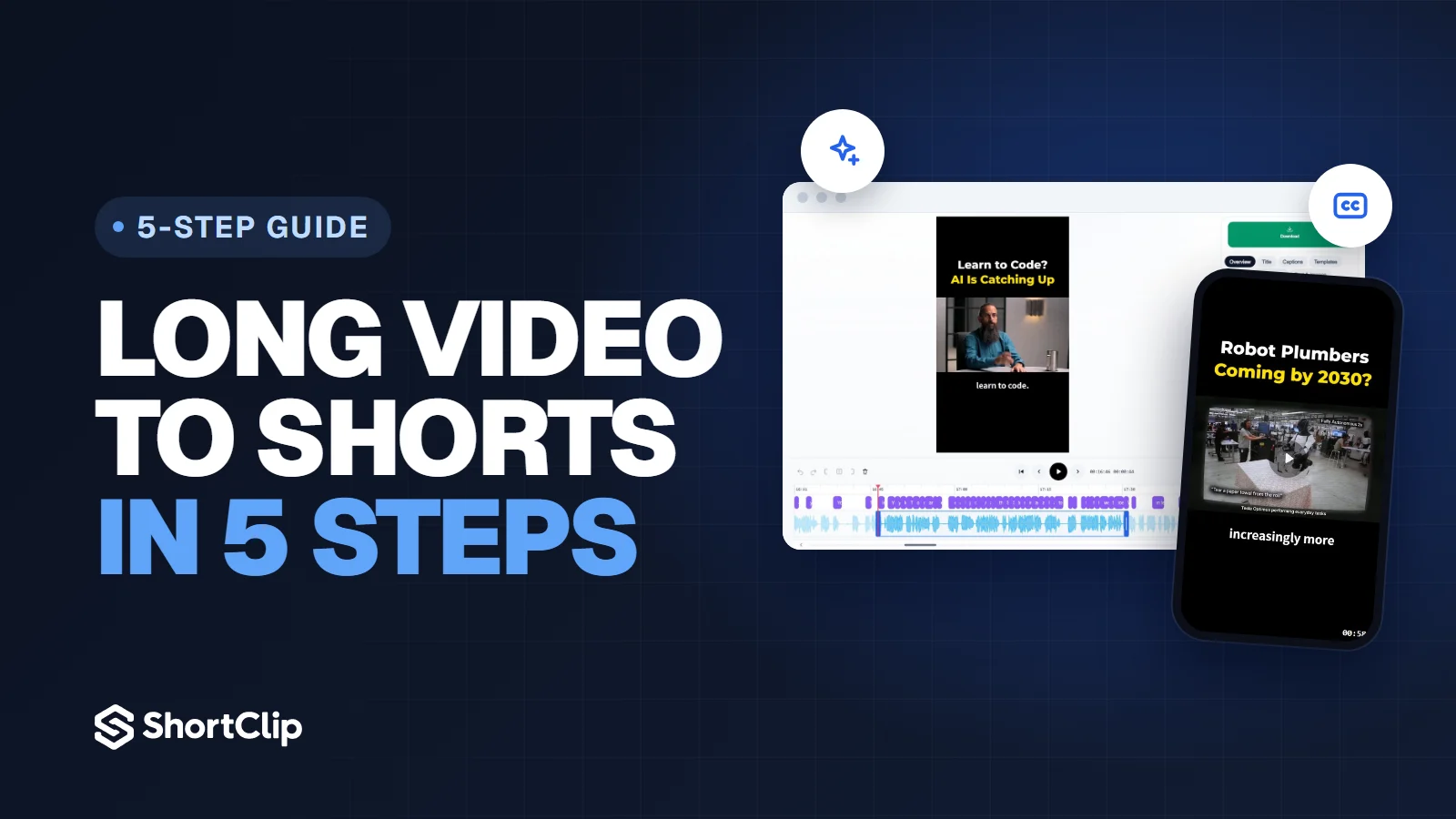
How to make Shorts from long videos with AI: 5 steps
How to make Shorts from long videos with AI: automatic highlights, vertical 9:16, and captions in five steps, plus a layout that keeps people watching.
YouTube Shorts monetization: requirements and how revenue sharing works
The YPP thresholds for Shorts, how the 45% revenue share and the Creator Pool work, what changes in February 2027, and when clip channels can or cannot monetize.

Short-form video marketing: benefits, platforms, and how to start
What short-form video marketing can do for your business, which platform fits which goal, and how to start, including turning long videos into short ones.