
How to write a hook for the first 3 seconds of a short video
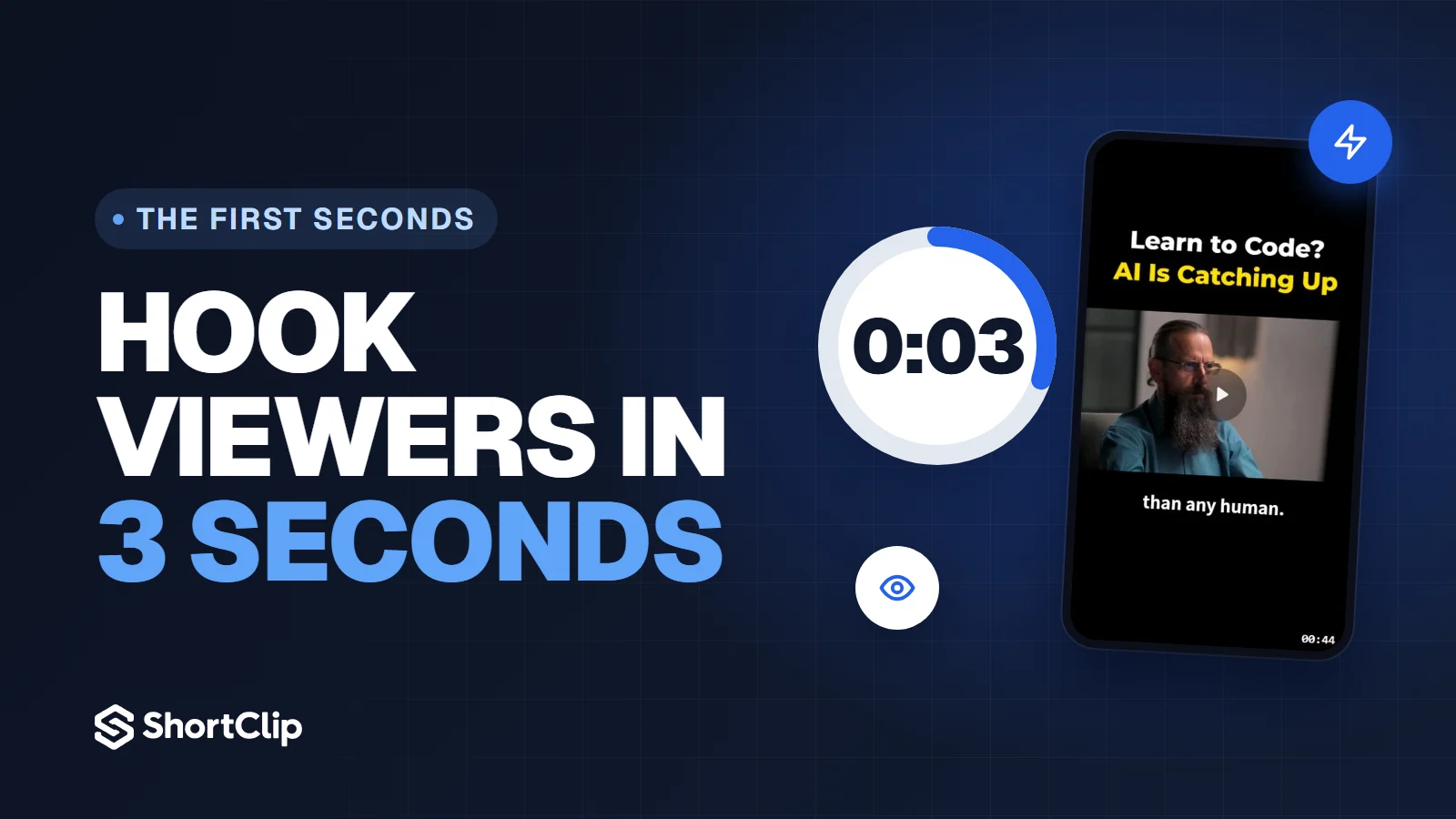
Viewers decide in the first seconds. Opening patterns that work, how to pair on-screen text with what you say, and the openings that make people swipe.
Why the first 3 seconds matter
In a short-video feed, the next video is one swipe away. Without a hook that stops the scroll, even a great video does not get watched. The hook is not a trick; it is a promise of what the next 30 seconds will give the viewer.
Hook patterns that work
| Pattern | Example | Best for |
|---|---|---|
| Answer first | "The fastest way to X is Y" | How-tos and tips |
| A question | "Why does nobody tell you X?" | Explainers, myths |
| A number | "3 mistakes that ruin your X" | Lists, comparisons |
| Before and after | Show the result, then "here is how" | Transformations, tutorials |
| The climax first | Open on the punchline or the most dramatic moment | Stories, interviews, reactions |
Hooks work best when the whole video has a clear angle; see how to make short videos go viral for angles and script templates.
How to build your hook
Write your main point as one sentence
If you cannot say what the video is about in one sentence, the hook will be vague too.
Make that sentence the opening text and the opening line
On-screen text catches people watching muted; your voice catches the rest. Use both.
Cut the warm-up
No silence, "hey guys", channel intro or logo before the point.
Check the 3-second mark
Watch your preview and stop at three seconds: is it already clear why someone should keep watching?
Test different hooks
Post variations of the same video with different first lines and compare how many viewers stay.
Tips and common mistakes
- Showing the climax first and then rewinding to explain is an effective pattern for stories
- Small text is unreadable on a phone; keep opening text short and large
- Do not promise something the video does not deliver; viewers leave and the video suffers
- AI-picked clips from long videos often start a sentence too early or late; trim the start so the first line is the strongest one
Tightening the hook in ShortClip
ShortClip turns long videos into vertical shorts with a two-line title at the top, which works as your on-screen hook. In the editor, rewrite the title in the "Title" tab and move the clip's start point so it opens on the strongest line.
See how to edit AI-generated clips for changing start points and titles.
Does every short need a hook?
Should the hook be text or voice?
How do I know if my hook works?
Try ShortClip for free
Upload a video and ShortClip uses AI to make short videos with captions and titles.
Try it free →See plans and pricing|Free plan: up to 60 minutes a month, no credit card required
Related guides
How to make short videos go viral: angles and structure that work
The four hurdles between a short and a big audience, seven angles that stop the scroll, three script templates, and how to check what worked.
How to make Shorts from long videos with AI: 5 steps
How to make Shorts from long videos with AI: automatic highlights, vertical 9:16, and captions in five steps, plus a layout that keeps people watching.
How to make short videos: a complete beginner's guide
Order matters more than gear. Plan, film, edit, caption, and post: five steps to publish your first short video today.