
How to make short videos go viral: angles and structure that work
Try ShortClip for free.
Upload a video and ShortClip finds the key scenes, makes them vertical, and adds captions and a title.
Make short videos for free
The four hurdles between a short and a big audience, seven angles that stop the scroll, three script templates, and how to check what worked.
Going viral is four hurdles
Shorts arrive in an endless feed, so viewers decide almost instantly whether to watch or swipe. Splitting the path to a big audience into stages shows where a video stalls and what to fix.
| Hurdle | What the viewer does | What helps | Numbers to check (examples) |
|---|---|---|---|
| 1. Stop | Watches instead of swiping | The angle, the first line and frame, the title | YouTube "Viewed vs. swiped away" |
| 2. Stay | Keeps watching to the end | One message, pace, captions | Audience retention, average view duration |
| 3. React | Likes, comments, saves, shares | Relatability, surprise, usefulness, a question | Engagement counts |
| 4. Come back | Visits the profile, other videos or the full video | Series, a link to the full video | Subscriber or follower growth, views on the full video |
Metric names and locations differ by platform. On YouTube, the Shorts analytics in YouTube Studio include a "Viewed vs. swiped away" report.
Seven angles that stop the scroll
An angle is the direction you show the same material from. Changing only the angle changes who stops for it. These are the common ones, with the material each suits:
| Angle | Example opening line | Suits |
|---|---|---|
| Answer first | "You can fix X just by doing Y" | How-tos, explainers, talks |
| Myth-busting | "Stop doing X. Here is why" | Expert takes, industry insights |
| Mistake or before/after | "The X mistake that cost me a month" / "One month later" | Personal stories, behind the scenes, product results |
| Numbers and lists | "3 habits of people who X" | Roundups, comparisons, recommendations |
| Relatable | "If you work in X, you know this feeling" | Job and hobby communities |
| Answering a question | "You asked: X. Here is my answer" | Q&As, livestreams, interviews |
| Behind the scenes | "What really happens before X" | Shops, production, events |
How to find your angles
Collect about ten shorts that work in your niche
Note not the topic but the angle, the first line, and how many seconds pass before the main point.
Find the shared patterns
Count which angles from the table come up most; that is what your niche responds to.
Apply them to your own material
Borrow the pattern, not the content. Copying wording or footage makes the video unoriginal.
Mine comments and questions
Questions you get again and again are proof that many people care about them.
Three script templates
The basic shape is: say what the video is, deliver one point, land it. Three common versions, written for 30 to 60 seconds:
| Part | What goes in | Watch out for |
|---|---|---|
| Opening | The answer in one line | No greeting or intro |
| Why | One or two reasons | Do not stack reasons |
| Example | One method or real case | Pick something you can show |
| Landing | Repeat the answer, or the next step | One call to action, such as "full video linked" |
| Part | What goes in | Watch out for |
|---|---|---|
| Opening | Name the viewer's problem | A specific situation beats "Struggling with X?" |
| Cause | Why the problem happens | Replace jargon with plain words |
| Fix | Show the solution | Put before and after side by side if you can |
| Landing | What to try, or a reason to save | Keep any pitch short and last |
| Part | What goes in | Watch out for |
|---|---|---|
| Opening | The strongest moment or line first | Do not start at the beginning of the timeline |
| Background | How it got there, briefly | Only the context needed |
| Peak | The turn, the discovery, the punchline | Pay off the moment you opened with |
| Landing | The lesson, or a link to the rest | An open ending can work too |
For the first few seconds in detail, see how to write a hook for the first 3 seconds.
An editing checklist for watch-to-the-end
- The video makes exactly one point
- The first line says what the video is about
- Filler words and silences are cut
- Long static shots get a cut or a zoom
- Captions make it work with the sound off
- Captions and text stay clear of the buttons at the bottom and right
- The on-screen title matches what the video delivers
- It ends with one clear thing to do
Common mistakes and how to fix them
| Mistake | What happens | Fix |
|---|---|---|
| Opening with a greeting or background | Viewers swipe before the point | Move the strongest line to the start |
| Several topics in one short | Unclear what it is about; viewers leave midway | One topic per video |
| Clickbait title | Viewers start but leave, and negative comments pile up | Deliver what the opening promises |
| Only riding a trend | Lost among identical videos | Put something only you can say into the trending format |
| Copying a hit wholesale | Unoriginal and hard to sustain | Borrow the structure, not the content |
Checking what worked
One video proves nothing. After a few posts, put the ones that took off next to the ones that did not and look for the difference. YouTube's own help also recommends reviewing both your best and your weakest content.
Find the hurdle where it stalls
Many swipes: fix the angle and opening. Early drop-off: fix structure and pace. Watched but no reaction: fix the ending.
Change one thing at a time
Only the first line, or only the angle, so you know what made the difference.
Turn winners into series
Reuse an angle that worked on a new topic, with a consistent title style.
Finding angles in long videos with ShortClip
Webinars, interviews and livestreams are full of lines that make strong angles. Upload a long video or paste a public YouTube URL, and ShortClip picks highlights from what is said and returns several vertical 9:16 shorts with a two-line title and captions. Each conversion covers up to 180 minutes.
The AI works from speech, so moments that are funny only visually are not picked up. In the editor, rewrite the title to fit your angle and move the start point so the clip opens on its strongest line.
To adjust titles and start points, see how to edit AI-generated clips.
How long should a viral short be?
Is it OK to copy trending videos?
My shorts are not getting views. What should I fix first?
What is the difference between a hook and an angle?
See plans and pricing|Free plan: up to 60 minutes a month, no credit card required
Related guides
How to write a hook for the first 3 seconds of a short video
Viewers decide in the first seconds. Opening patterns that work, how to pair on-screen text with what you say, and the openings that make people swipe.
Short-form video marketing: benefits, platforms, and how to start
What short-form video marketing can do for your business, which platform fits which goal, and how to start, including turning long videos into short ones.
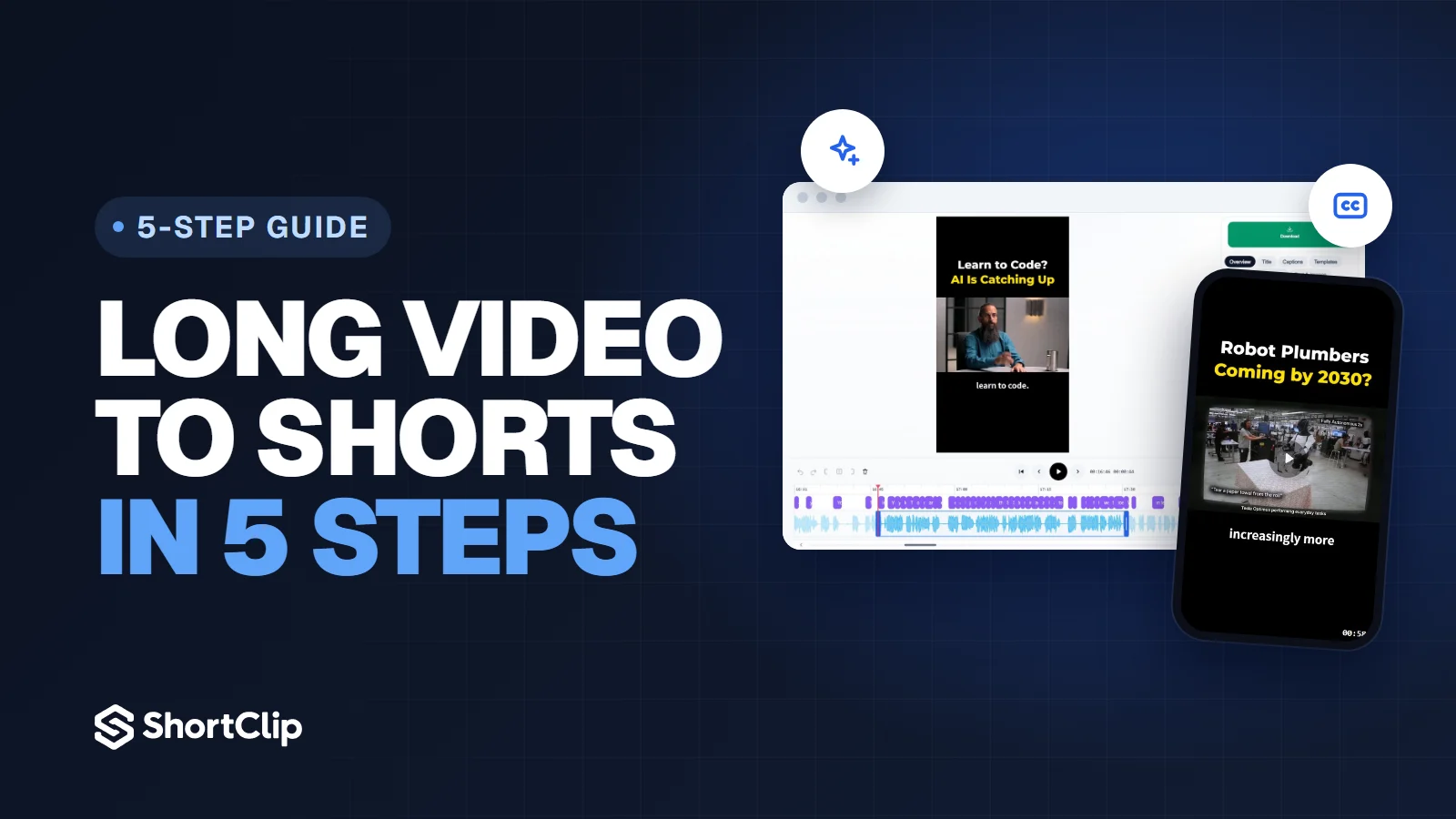
How to make Shorts from long videos with AI: 5 steps
How to make Shorts from long videos with AI: automatic highlights, vertical 9:16, and captions in five steps, plus a layout that keeps people watching.