
How to turn a podcast into shorts, Reels and TikToks
Try ShortClip for free.
Upload a video and ShortClip finds the key scenes, makes them vertical, and adds captions and a title.
Make short videos for free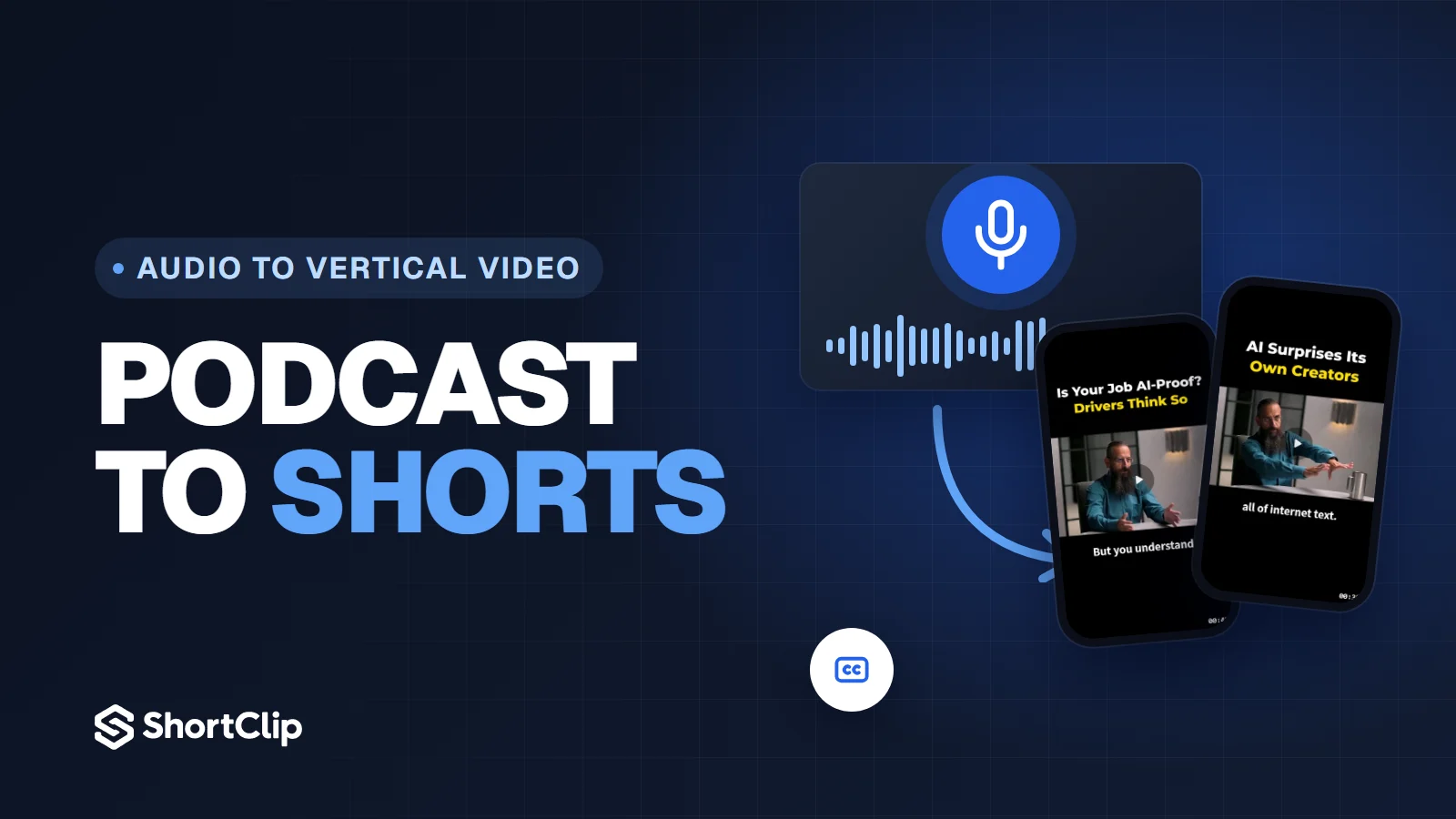
Which moments to clip, how to make an audio-only episode work as a vertical video, why captions matter, and how to send viewers back to the full episode.
Why clip a podcast at all
A full episode asks for 30 to 90 minutes of attention. A 30 to 60 second clip asks for almost nothing, and short-video feeds show it to people who have never heard of your show. The clip is not the product; it is the trailer that brings people to the episode.
Which moments to clip
| Moment | Why it works | Watch out for |
|---|---|---|
| A quotable line | One sentence people want to share or argue with | Include the question that prompted it so it is not out of context |
| The peak of a debate | Disagreement makes people stay to see who wins | Start at the first point, not the comeback |
| A story with a payoff | A beginning, a turn and an ending in under a minute | Cut the setup to the minimum the payoff needs |
| A laugh | Easy to watch to the end | Inside jokes that need earlier episodes |
| A practical tip | Viewers save and share useful clips | Tips that only work with a slide or link you cannot show |
Include the sentence before or after a moment if that is what makes it understandable on its own. When several people speak, showing names helps viewers follow who is who.
Video podcast or audio only?
| What you recorded | Common vertical format |
|---|---|
| Video of the hosts (16:9) | Reframe to 9:16: crop to the speaker, or keep the wide shot with space above and below for the title and captions |
| Audio only | Combine the audio with a still image or a host photo, show the episode title, and let large captions carry the clip |
For two people on camera, how to turn an interview into short clips compares the layout options in detail.
Step by step
Pick 30 to 60 second moments
Skim the transcript or your show notes for the moments in the table above.
Reframe to 9:16
Crop or add space so the clip fills a phone screen.
Generate and fix captions
Auto-captions get guest names and jargon wrong; read them once before posting.
Brand it
Show the show name or episode number consistently so clips build recognition.
Post to YouTube Shorts, Instagram Reels and TikTok
The same vertical file works on all three. Put the full-episode link in the description or your profile.
Podcast clips with ShortClip
Upload the recording with "Upload a file", or paste a public YouTube URL into "YouTube link", and click "Make shorts". ShortClip transcribes the speech, picks highlights from what is said, and returns vertical 9:16 shorts with a two-line title and captions, about one short for every 2 minutes of source (up to 10). Each conversion covers up to 180 minutes; for longer recordings, choose the range you want.
ShortClip detects the spoken language automatically and works with videos in any language. By default (Auto-detect) captions and titles come out in the spoken language; on every plan you can have them translated into another language. If a translation fails, the short keeps the original-language captions and the editor tells you.
ShortClip needs a video file (MP4, MOV, WEBM or MKV) or a YouTube video; audio files such as MP3 cannot be added. For an audio-only show, use the YouTube link of an episode published with a still image (many podcasts already do), or turn the audio into a video with a static picture as below, then add that. The AI chooses clips from the conversation, so it suits talk-heavy episodes.
Only have an MP3? Turn it into a video with a still image
ffmpeg -loop 1 -i cover.png -i episode.mp3 -c:v libx264 -tune stillimage -pix_fmt yuv420p -vf "scale=1920:1080:force_original_aspect_ratio=decrease,pad=1920:1080:(ow-iw)/2:(oh-ih)/2" -c:a aac -b:a 160k -shortest episode.mp4Checked with FFmpeg 8.0.1 on November 20, 2026: the output is a 1920x1080 MP4 with the original audio. A few seconds of still image may be added at the end; that does not affect clipping. Any video editor that can place one image under an audio track and export MP4 works too.
To fix captions after generation, see how to edit captions in ShortClip.
How long should a podcast clip be?
Do I need video to make podcast shorts?
Will clips cannibalize my full episodes?
See plans and pricing|Free plan: up to 60 minutes a month, no credit card required
Related guides
How to turn an interview into short clips (step by step)
Find the moments that work as shorts, cut each one as a question-and-answer pair, fit two people into a vertical frame, and use the title and captions to add context.
How to clip YouTube videos with AI: best tools compared (2026)
The main AI YouTube clipping tools compared, a 5-step workflow, and three rules for clips that get watched.
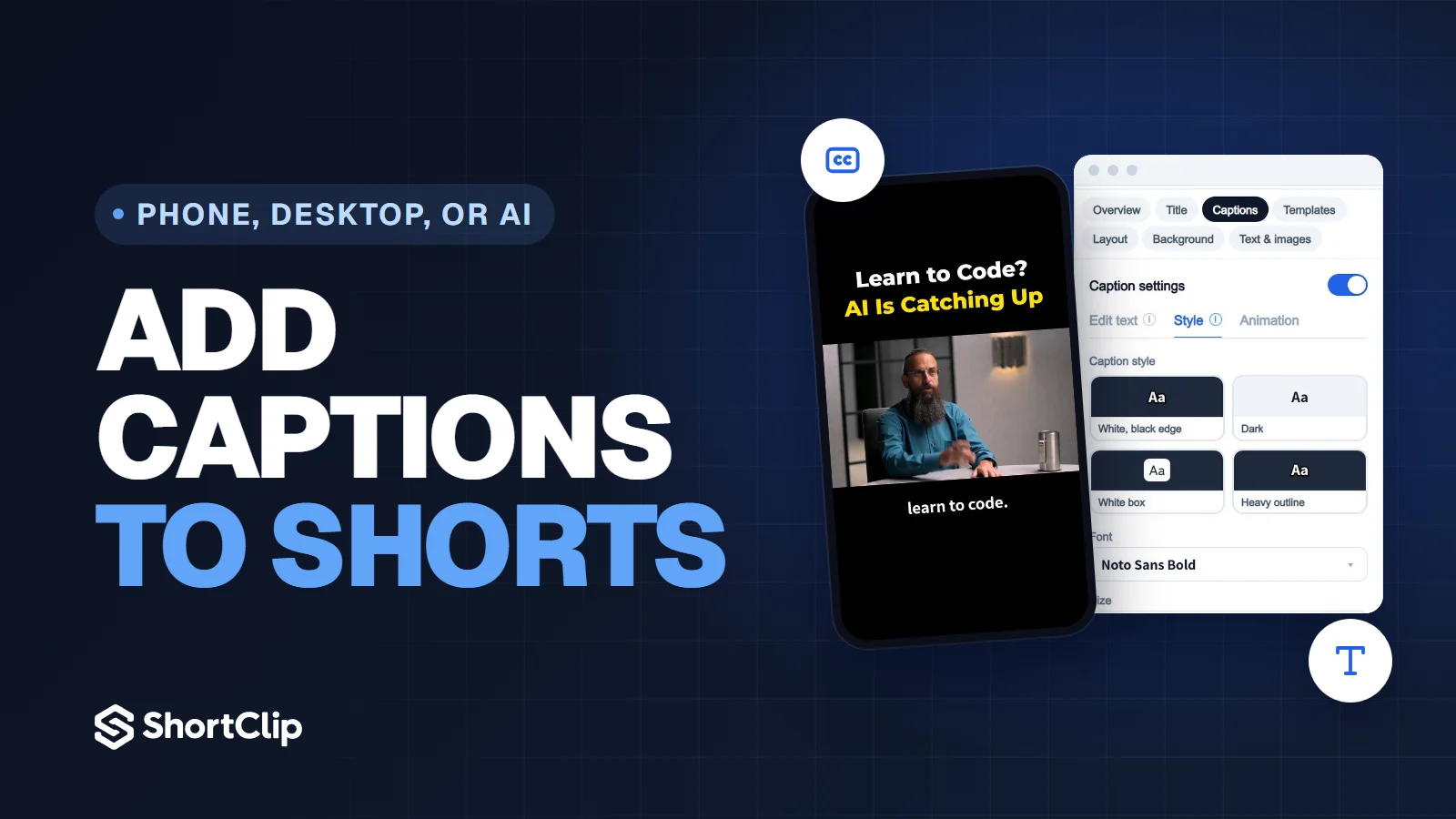
How to add captions to short videos: phone, computer, and AI
Three ways to caption short videos, and the styling rules that keep captions readable on a phone.