
7 best AI short video makers in 2026, and how to use them
Try ShortClip for free.
Upload a video and ShortClip finds the key scenes, makes them vertical, and adds captions and a title.
Make short videos for free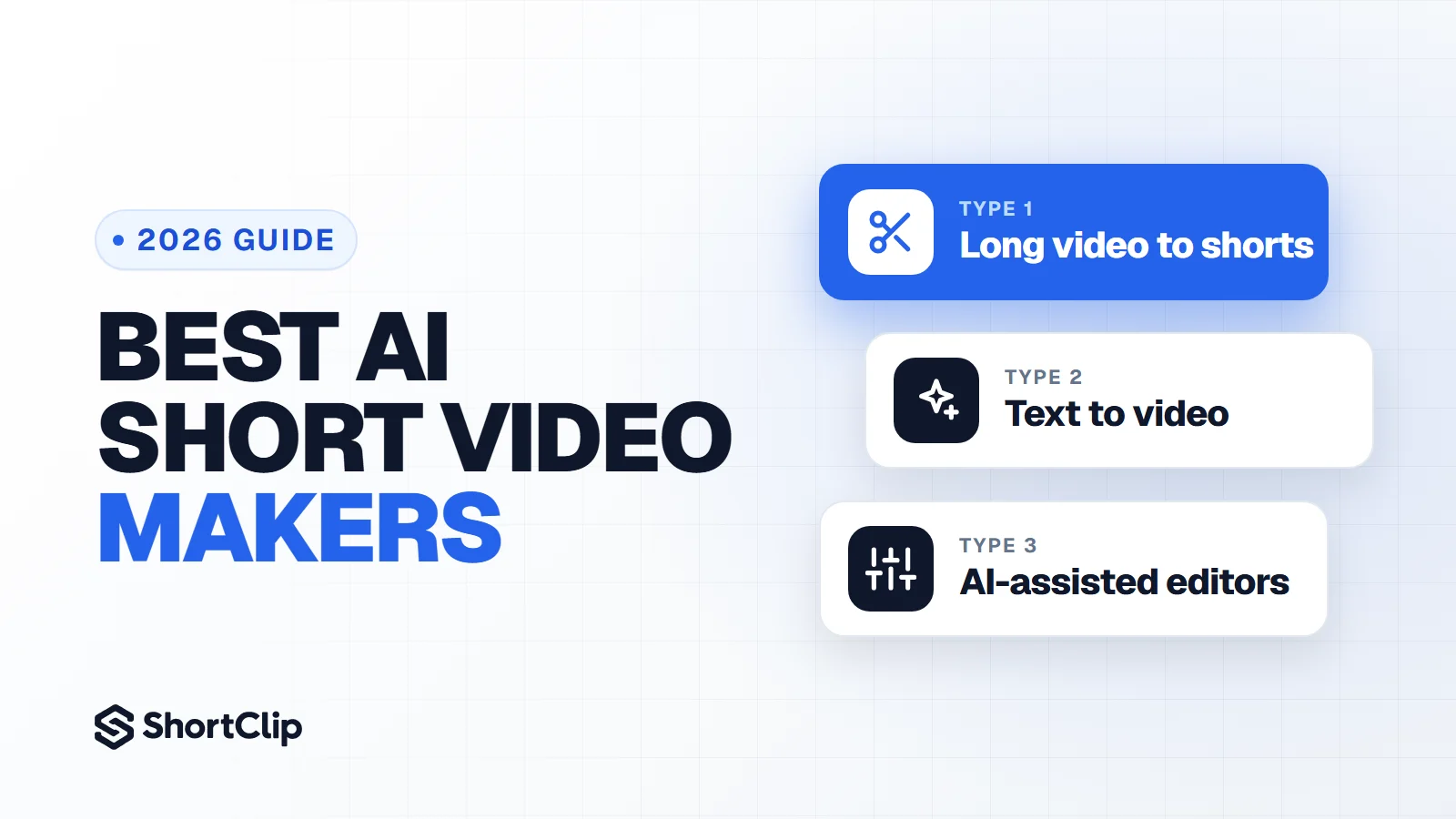
Clip makers, text-to-video, and AI editors compared, with a simple workflow for making shorts with AI.
AI short video makers range from tools that cut highlights out of a long recording to tools that build a video from a text prompt. They solve different problems, so the "best" one depends on what you start with. This guide compares seven popular tools and shows a 5-step workflow for making shorts with AI.
7 AI short video makers compared
Free tiers and entry prices below are what each vendor's official pricing page showed on November 20, 2026. Prices in US dollars; annual billing is often shown as the headline price, so check both before you sign up.
| Tool | What it does | Free tier (official) | Entry paid plan (official) | Best for |
|---|---|---|---|---|
| ShortClip | Cuts captioned shorts from long videos | 60 minutes of video per month, watermarked downloads | Pro $12/month | Interviews, talks, seminars, podcasts |
| OpusClip | Cuts and scores clips from long videos | Free plan, watermarked exports, downloads kept 3 days | Starter $15/month | Creators who post many clips |
| Descript | Edit video by editing the transcript | 60 media minutes per month, 720p, watermark | Hobbyist $16-24/month (annual vs monthly) | Podcasts and talking-head videos |
| InVideo AI | Generates a video from a text prompt | No free plan listed on the pricing page | Starter $20/month ($10/month billed annually) | Faceless explainer videos |
| CapCut | Full editor with auto captions and effects | Free basic editing | Pro, price varies by region | Editing on a phone |
| Clipchamp | Simple browser editor | Free, watermark-free exports up to 1080p | Premium via Microsoft 365 | Quick edits without installing software |
| Canva | Design templates for video | Free plan | Pro, price varies by region | On-brand visuals |
Sources: shortclips.jp/en/pricing, opus.pro/pricing, descript.com/pricing, invideo.io/pricing, capcut.com/pricing, clipchamp.com/ja/pricing, canva.com/pricing. ShortClip prices are plus applicable tax.
The 3 types of AI short video tools
1. Long video to shorts
You upload a podcast, webinar, or interview; the AI finds the best moments and returns vertical clips with captions. Fastest when you already record long-form content.
2. Text to video
You type a topic or script; the AI assembles stock footage, voiceover, and captions. Useful for faceless channels, less so when your value is a real person speaking.
3. AI-assisted editors
Traditional editors with AI features like auto captions, background removal, and silence removal. You still drive the edit, but repetitive steps get faster.
The 7 tools in detail
1. ShortClip: shorts from long videos, in any language
ShortClip turns a long video into up to 10 vertical shorts with captions and AI titles. Paste a YouTube link or upload a file (up to 6 hours), click "Make shorts", then fine-tune each clip in the editor. Captions and titles come out in the spoken language; translation into another language is available on every plan. Start with How to use ShortClip.
2. OpusClip: clips with a performance score
OpusClip cuts clips from long videos and ranks them with a score, which helps when you have many candidates and want to post the strongest first.
3. Descript: edit like a document
Descript transcribes your recording and lets you delete words to cut the video. Great for podcasters who edit their own episodes and want clips from the same project.
4. InVideo AI: videos from a prompt
InVideo AI generates a full video from a text prompt using stock media and an AI voice. It suits faceless content more than repurposing your own recordings.
5. CapCut: full editing on a phone
CapCut is a capable editor with auto captions, effects, and templates. You choose and cut the clips, so it works best for short footage you already have.
6. Clipchamp: quick edits in the browser
Clipchamp handles trimming, text, and transitions in the browser, a good fit for simple edits without installing software.
7. Canva: polished, on-brand clips
Canva offers video templates, brand kits, and design elements. Use it when the look matters as much as the footage.
How to choose an AI short video maker
- Start from your input: long recordings point to a clip maker, a script points to text-to-video, finished footage points to an editor.
- Caption quality in your language and how easy it is to fix mistakes.
- Vertical 9:16 output with layouts that work for horizontal footage.
- Free plan limits: minutes, downloads, resolution, and watermarks.
- Time saved per clip compared with editing by hand.
How to make short videos with AI in 5 steps
Choose a long video
Pick a recording you own with clear audio and a few strong moments.
Add it to ShortClip
Choose "YouTube link" or "Upload a file" on the home page.
Pick a template and range
Select a layout and, for long videos, the part to convert (up to 180 minutes at a time), then click "Convert to shorts".
Review the shorts
Check captions, titles, and start and end points; edit anything that needs it.
Download and post
Click "Download" to save each short as MP4 and post it to Shorts, TikTok, or Reels.
3 tips to get more views on AI-made shorts
1. Make the first 2 seconds count
Open with the claim, question, or result, and make sure the title says what the clip is about.
2. Keep captions easy to read
Large text, short lines, high contrast, and placement clear of platform buttons.
3. One idea per short
Trim anything that does not support the main point. A focused 30-second clip usually beats a wandering 90-second one.
Frequently asked questions
Can I make short videos with AI for free?
Can I make shorts on my phone only?
Which tool is best for beginners?
Can AI make shorts from a YouTube video?
Can AI-made shorts be monetized?
Is it okay to clip other people's YouTube videos with AI?
Summary
Pick the tool by your starting point: a clip maker like ShortClip for long recordings, text-to-video for faceless content, and an AI-assisted editor for footage you want to polish by hand. Strong hooks, readable captions, and one idea per clip matter more than which tool you choose.
See plans and pricing|Free plan: up to 60 minutes a month, no credit card required
Related guides
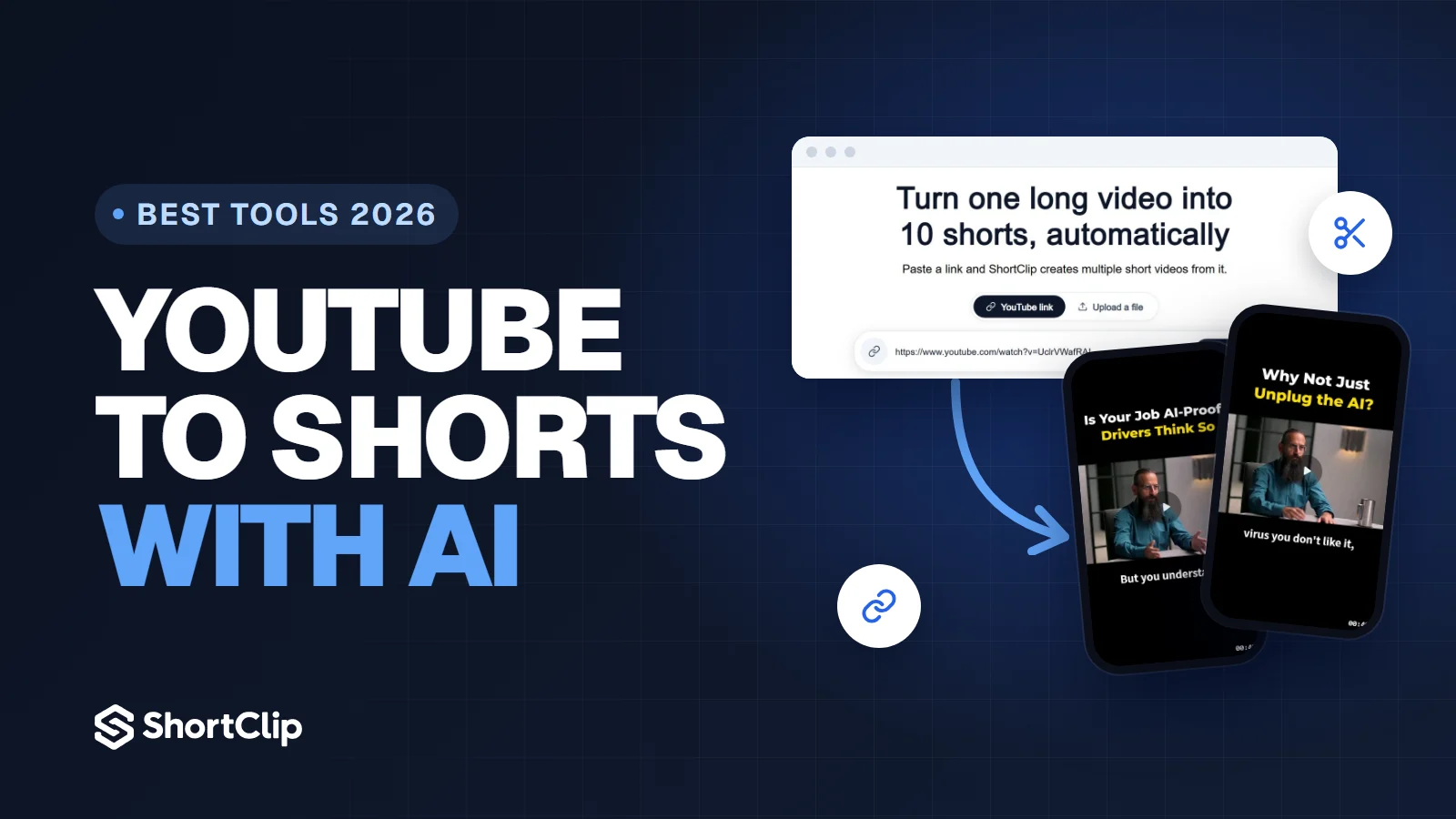
How to clip YouTube videos with AI: best tools compared (2026)
The main AI YouTube clipping tools compared, a 5-step workflow, and three rules for clips that get watched.
7 best AI clip makers in 2026: turn long videos into shorts
Seven tools for clipping long videos into shorts, how automatic and manual clipping differ, and what to check before you download.
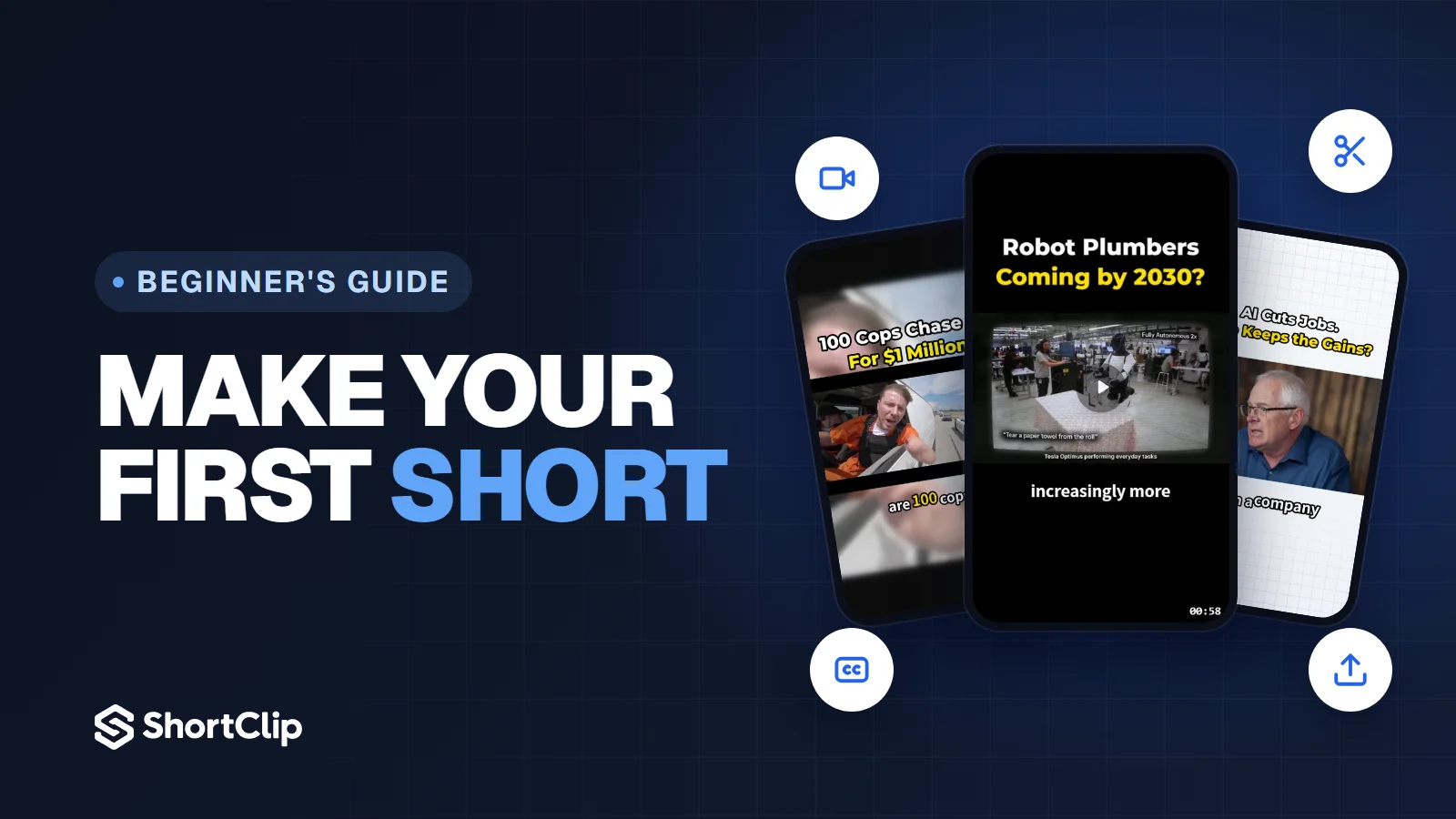
How to make short videos: a complete beginner's guide
Order matters more than gear. Plan, film, edit, caption, and post: five steps to publish your first short video today.